




Firefox mute tab: silence one page while keeping other audio
Firefox can mute one noisy tab using its speaker button or context menu. Check the tab control before changing Windows volume or replacing a working headset.
Read moreFirefox can reopen a recently closed tab or restore a previous session. Choose the recovery route for what disappeared, then check startup settings without clearing useful history.

The quickest Firefox restore closed tabs route depends on what vanished. One accidental click is different from restarting the browser and finding an empty window. Recover the missing page first, then decide whether Firefox should reopen your previous workspace every morning. Changing several history options while searching can make the situation harder to understand.
On Windows, try Ctrl + Shift + T for the last closed tab, or open History and inspect Recently Closed Tabs. For a missing workspace, look at session and closed-window recovery. These built-in steps cost R0; avoid clearing history while you are trying to recover something it may still identify.
Start with the tab shortcut when you know you just closed one page. If the result is not the page you expected, stop pressing keys blindly and inspect History. The aim is to recognise the title or website, not to reopen a large pile of unrelated pages.
When an entire window disappeared, use the closed-window or previous-session options instead. Note whether the browser stayed open in another window. That small detail helps distinguish closing one workspace from exiting the application altogether.
Before trying a recovered shopping, payment or application form, check its current state on the website. Reopening the page does not prove that an earlier submission failed. Avoid repeating a payment simply because the tab went missing.
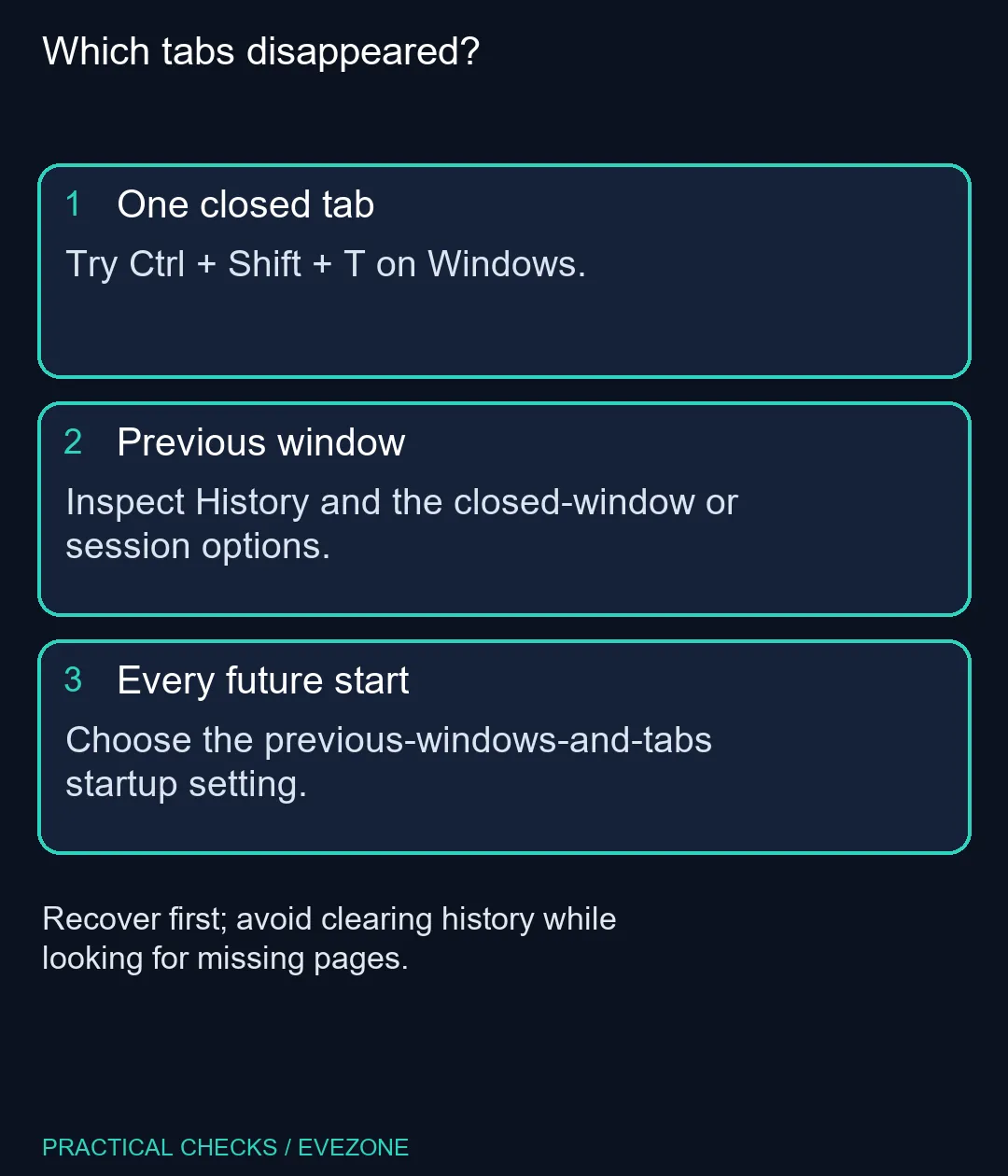
Automatic restoration is a preference for future starts. Find the setting which opens previous windows and tabs if you want that routine. It is not a guarantee that every historic or private tab can be reconstructed.
Keep personal workspaces separate on a shared household computer. A restored session may retain signed-in websites, so close sensitive pages and use the appropriate account arrangement before someone else uses the device. The convenience of returning to your work should be weighed against who shares the screen.
If you are considering all laptops on special, write down your browser setup before moving devices. Session recovery is a local browsing convenience, not a substitute for deliberately transferring the information you need.
Private sessions, history-clearing settings and the order in which windows were closed can affect what is available. Inspect those facts before treating a blank startup as a damaged installation. Do not reset Firefox as the first response to a single missing page.
For a fixed home setup using mini pcs, the same habit applies: save important addresses deliberately rather than leaving their only record in a long-running session. A short set of bookmarks or a written project list makes an unexpected restart much less disruptive.
If the same problem returns, record how you closed Firefox and which windows were open. That sequence is more useful for further troubleshooting than a general report that tabs sometimes vanish. Recover what is available, then change one relevant setting and observe the next normal restart.
Press Ctrl + Shift + T. If several tabs were closed, inspect History as well so you recover the page you actually need.
Open the Firefox menu, choose History and inspect Recently Closed Tabs. Closed windows and whole-session recovery are separate choices.
Do not rely on it for private windows. Private browsing is designed around a temporary session and has different recovery limits.
Avoid that while recovering pages. It removes useful information and does not identify which window or session you meant to recover.
Closing windows separately can affect which session is retained. Check Recently Closed Windows before assuming every missing page is lost.
No. The built-in recovery controls cost R0. A new computer is not a solution to an accidentally closed tab.
Moving a browser workspace to a new device? Compare laptop and mini-PC options at Evetech after saving the pages and account details you need to keep.
Press Ctrl + Shift + T. If several tabs were closed, inspect History as well so you recover the page you actually need.
Open the Firefox menu, choose History and inspect Recently Closed Tabs. Closed windows and whole-session recovery are separate choices.
Do not rely on it for private windows. Private browsing is designed around a temporary session and has different recovery limits.
Avoid that while recovering pages. It removes useful information and does not identify which window or session you meant to recover.
Closing windows separately can affect which session is retained. Check Recently Closed Windows before assuming every missing page is lost.
No. The built-in recovery controls cost R0. A new computer is not a solution to an accidentally closed tab.
Firefox can mute one noisy tab using its speaker button or context menu. Check the tab control before changing Windows volume or replacing a working headset.
Read more
Firefox has a startup-cache control on its Troubleshooting Information page. Use it for a focused interface test and keep it separate from clearing website data or refreshing the profile.
Read more
Firefox Primary Password protects access to locally saved logins. It is separate from a website or Mozilla account password, and forgetting it can put saved credentials at risk during reset.
Read more
Firefox can add bookmarks from an HTML file through its Library import menu. Back up the current collection first and distinguish an additive import from restoring a Firefox backup.
Read more
Firefox offline mode can stop pages loading even when the computer has a connection. Check the browser setting, compare another browser and record the exact error before changing network hardware.
Read more
Firefox private browsing separates a temporary session from normal browsing history. It does not make you anonymous online, and files or bookmarks you deliberately save can remain after the last private window closes.
Read more Firefox private browsing separates a temporary session from normal browsing history. It does not make you anonymous online, and files or bookmarks you deliberately save can remain after the last private window closes.
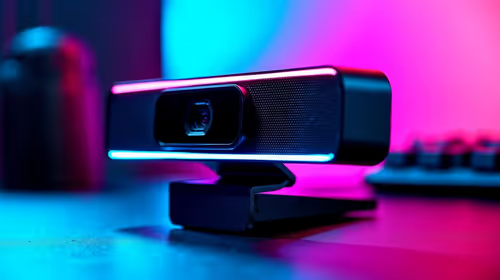
Where bryanston gamers buy a webcam that's needs careful context before choosing parts. Use this guide to compare options, trade-offs, platform fit, and upgrade timing for a South African gaming PC without relying on live stock, price, or benchmark promises.

RTX 5080 build low FPS after a GPU driver update needs a careful rollback path. Check drivers, firmware, cables, USB ports, overlays, and recent settings before replacing hardware in an SA gaming setup.

Cheapest 180Hz 1440p build for cinematic story games in SA helps SA readers plan hardware, settings, compatibility, and upgrade trade-offs. Check GPU, CPU, RAM, storage, monitor, and stability needs without risky performance claims.

Firefox can clear temporary page files without clearing cookies. Select the cached-files option carefully, then reload the affected page before changing unrelated browser settings.

Firefox PDF viewer opens documents in the browser and provides annotation and form tools. Check the PDF action, work on a saved copy and reopen the final file to confirm the information you entered survived before submitting an application or assignment.

Learn how to share WiFi password on iPhone using nearby Apple devices. Keep Wi-Fi and Bluetooth on, check contacts and the connected phone, then use Share Password; separate this process from sharing a mobile-data hotspot or changing a router password.

Firefox screenshot offers a selected region, visible-page capture and full-page capture. Choose the smallest useful area, copy or download the result, and inspect the saved image before sharing account details or assuming every part of a page was captured.
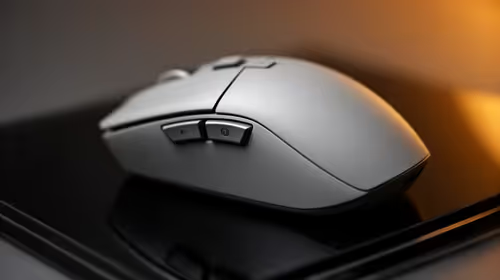
8000Hz and 1000Hz polling differ in competitive esports through input timing, CPU load, and consistency. SA players should test whether the higher rate improves aim feel without hurting frame pacing.
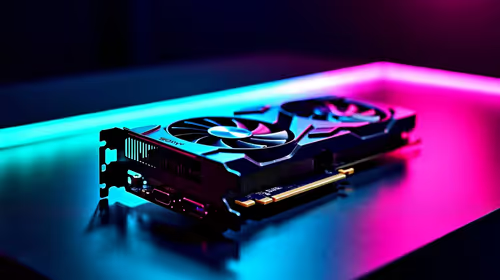
Better value alternatives to the RTX 4080 help SA esports buyers focus spend on frames, latency, and system balance. Weigh GPU tiers against your monitor, CPU, case cooling, and upgrade path before paying for unused power.

Hollow Knight R40,000 PC build planning starts with balanced parts. For SA gamers, compare CPU and GPU fit, RAM needs, SSD space, PSU headroom and cooling before buying.
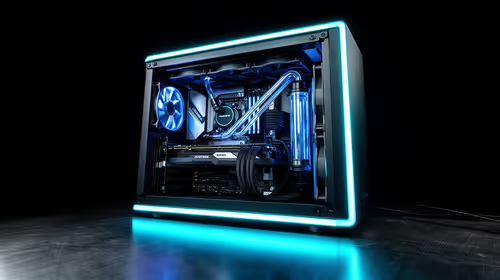
iRacing R80,000 builds should target smooth sim racing, not vanity specs. This recommended build for iRacing at R80 000 SA buyer's guide should weigh CPU strength, GPU headroom, triples or VR plans, cooling, and reliable peripherals.