




Firefox mute tab: silence one page while keeping other audio
Firefox can mute one noisy tab using its speaker button or context menu. Check the tab control before changing Windows volume or replacing a working headset.
Read moreFirefox offline mode can stop pages loading even when the computer has a connection. Check the browser setting, compare another browser and record the exact error before changing network hardware.

The Firefox work offline setting can make a healthy connection look unusable inside one browser. That is frustrating when Wi-Fi appears connected and another application still works. Before restarting equipment or changing a router configuration, check whether Firefox itself is choosing to stay offline and note the exact message on the page.
For normal online browsing, ensure Work Offline is unchecked and retry a familiar website. On Windows, press and release Alt to show the traditional menu bar if needed, then inspect File; interface layouts can also expose the control under More. This R0 check should precede network-hardware spending or broad setting changes.
Use the same known page in Firefox and another browser. A single failing website does not establish that the whole connection is down. Equally, a Wi-Fi connection indicator does not prove that every browser request succeeds.
Write down whether the problem affects every page, one domain or just a particular window. Copy the visible error wording into your own notes. Different errors can point to different causes, and a precise description makes later help much more useful.
Avoid submitting forms repeatedly while testing. Use an ordinary page without a payment or account-change action. The aim is to check whether browsing resumes, not to replay an unfinished transaction because the earlier screen failed to load.
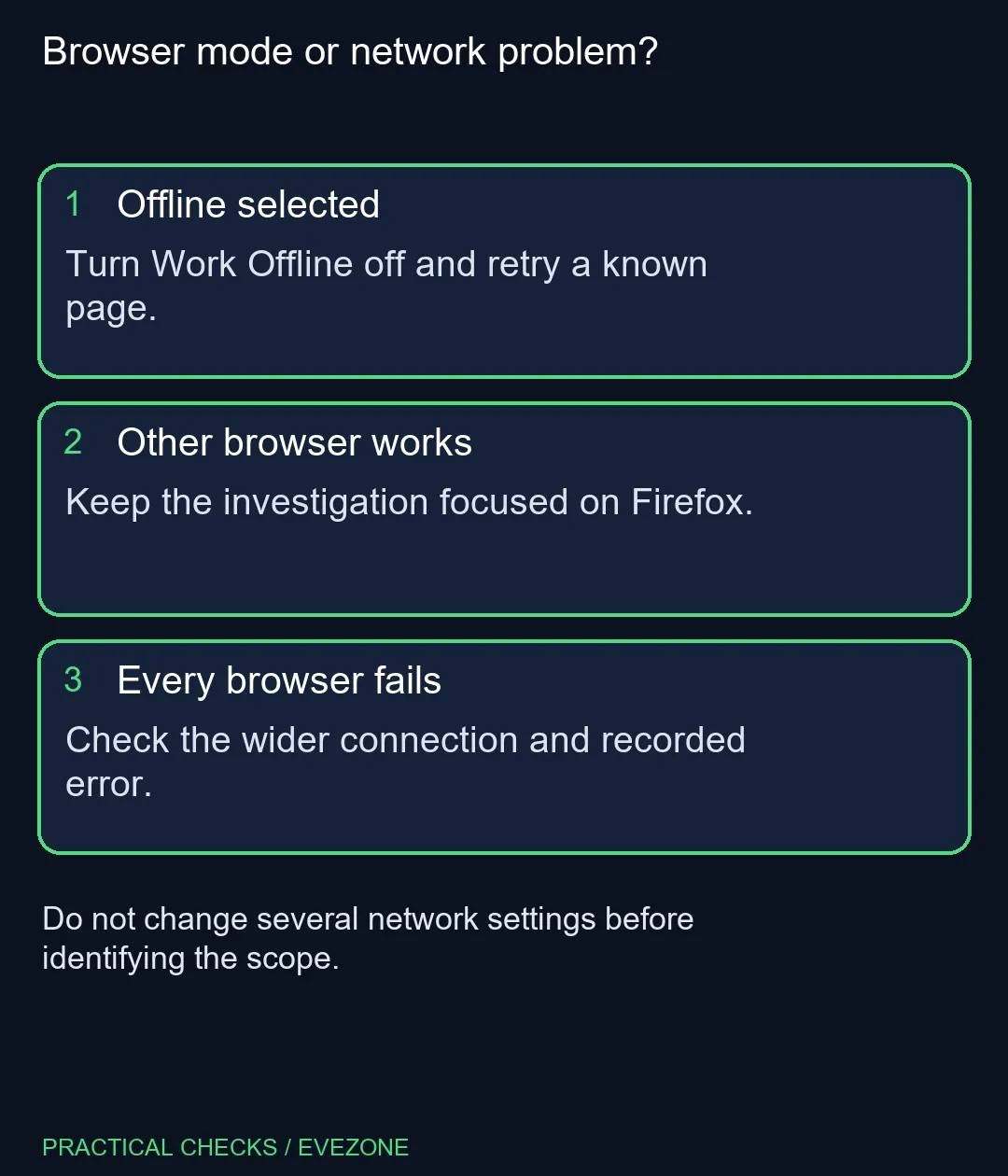
If Work Offline is selected, deselect it and retry the test page. Change that one thing first. When the page returns, you have a useful explanation without needing to alter DNS, proxy settings or the wireless network at the same time.
If the option was already off, record that result and continue with the error-specific checks. Repeatedly toggling it is not a substitute for investigating the actual symptom. A focused negative result is still progress because it rules out the obvious mode mismatch.
When browsing wireless routers, keep replacement planning separate from this software test. A Firefox-only failure does not demonstrate that your router is inadequate. Compare equipment only when the wider connection evidence supports that decision.
If other browsers work, investigate the Firefox-specific settings and any relevant changes made just before the problem began. If every browser fails, widen the check to the computer's connection and whether other devices can reach the same site.
On all laptops on special, note whether the fault happens only on one network. That distinction helps separate a local browser setting from a connection-specific issue without immediately changing the saved configuration for every place you use the device.
Keep a short record of each test and its result. Once normal access returns, stop making unrelated adjustments. Clear evidence about mode, error and scope is more valuable than a long list of network resets which leaves the original cause unknown.
Inspect the Firefox File menu; press and release Alt if the menu bar is hidden. Some current interfaces also expose the control through More.
No. For normal online use, ensure the offline option is unchecked, then retry a page you know should be available.
It does not. The icon describes a connection state, while browser mode, site errors or other settings can still prevent a page loading.
It helps identify scope. If another browser opens it, investigate Firefox-specific behaviour rather than immediately replacing the router.
Start with the mode and the exact error. Broadly disabling protection changes too much and is not necessary to inspect an offline setting.
Checking the browser mode costs R0. Consider hardware spending only after the evidence points to a connection or equipment need.
Checking whether your network needs new equipment? Explore Evetech routers after separating browser settings from a connection problem that affects other devices too.
Inspect the Firefox File menu; press and release Alt if the menu bar is hidden. Some current interfaces also expose the control through More.
No. For normal online use, ensure the offline option is unchecked, then retry a page you know should be available.
It does not. The icon describes a connection state, while browser mode, site errors or other settings can still prevent a page loading.
It helps identify scope. If another browser opens it, investigate Firefox-specific behaviour rather than immediately replacing the router.
Start with the mode and the exact error. Broadly disabling protection changes too much and is not necessary to inspect an offline setting.
Checking the browser mode costs R0. Consider hardware spending only after the evidence points to a connection or equipment need.
Firefox can mute one noisy tab using its speaker button or context menu. Check the tab control before changing Windows volume or replacing a working headset.
Read more
Firefox has a startup-cache control on its Troubleshooting Information page. Use it for a focused interface test and keep it separate from clearing website data or refreshing the profile.
Read more
Firefox Primary Password protects access to locally saved logins. It is separate from a website or Mozilla account password, and forgetting it can put saved credentials at risk during reset.
Read more
Firefox can add bookmarks from an HTML file through its Library import menu. Back up the current collection first and distinguish an additive import from restoring a Firefox backup.
Read more
Firefox can reopen a recently closed tab or restore a previous session. Choose the recovery route for what disappeared, then check startup settings without clearing useful history.
Read more
Firefox private browsing separates a temporary session from normal browsing history. It does not make you anonymous online, and files or bookmarks you deliberately save can remain after the last private window closes.
Read more Firefox private browsing separates a temporary session from normal browsing history. It does not make you anonymous online, and files or bookmarks you deliberately save can remain after the last private window closes.
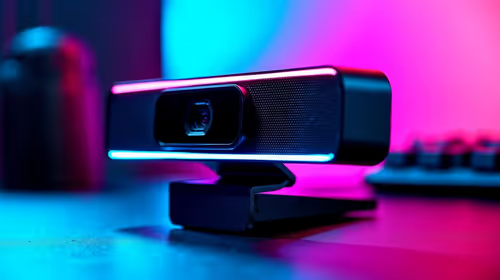
Where bryanston gamers buy a webcam that's needs careful context before choosing parts. Use this guide to compare options, trade-offs, platform fit, and upgrade timing for a South African gaming PC without relying on live stock, price, or benchmark promises.

RTX 5080 build low FPS after a GPU driver update needs a careful rollback path. Check drivers, firmware, cables, USB ports, overlays, and recent settings before replacing hardware in an SA gaming setup.

Cheapest 180Hz 1440p build for cinematic story games in SA helps SA readers plan hardware, settings, compatibility, and upgrade trade-offs. Check GPU, CPU, RAM, storage, monitor, and stability needs without risky performance claims.

Firefox can clear temporary page files without clearing cookies. Select the cached-files option carefully, then reload the affected page before changing unrelated browser settings.

Firefox PDF viewer opens documents in the browser and provides annotation and form tools. Check the PDF action, work on a saved copy and reopen the final file to confirm the information you entered survived before submitting an application or assignment.

Learn how to share WiFi password on iPhone using nearby Apple devices. Keep Wi-Fi and Bluetooth on, check contacts and the connected phone, then use Share Password; separate this process from sharing a mobile-data hotspot or changing a router password.

Firefox screenshot offers a selected region, visible-page capture and full-page capture. Choose the smallest useful area, copy or download the result, and inspect the saved image before sharing account details or assuming every part of a page was captured.
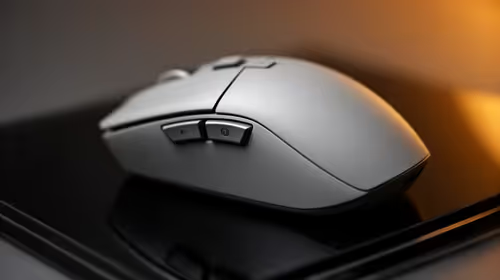
8000Hz and 1000Hz polling differ in competitive esports through input timing, CPU load, and consistency. SA players should test whether the higher rate improves aim feel without hurting frame pacing.
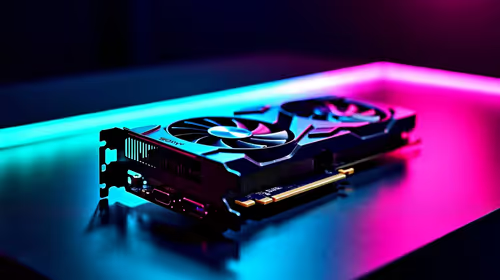
Better value alternatives to the RTX 4080 help SA esports buyers focus spend on frames, latency, and system balance. Weigh GPU tiers against your monitor, CPU, case cooling, and upgrade path before paying for unused power.
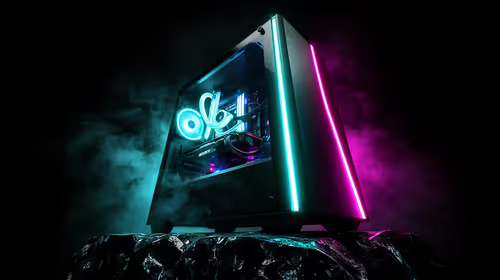
Hollow Knight R40,000 PC build planning starts with balanced parts. For SA gamers, compare CPU and GPU fit, RAM needs, SSD space, PSU headroom and cooling before buying.
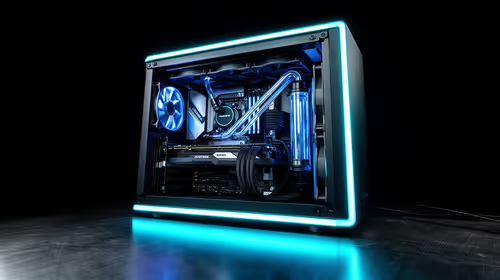
iRacing R80,000 builds should target smooth sim racing, not vanity specs. This recommended build for iRacing at R80 000 SA buyer's guide should weigh CPU strength, GPU headroom, triples or VR plans, cooling, and reliable peripherals.