A compact setup in South Africa usually shares its room with something else: a TV, a child's homework, a partner's laptop or a guest who needs the bed. The case is the part that takes up the space, so it should be chosen for the room first and the game second. Board size, card length and cooling room still decide what the box can hold, and the room decides where it can go.
Quick Answer
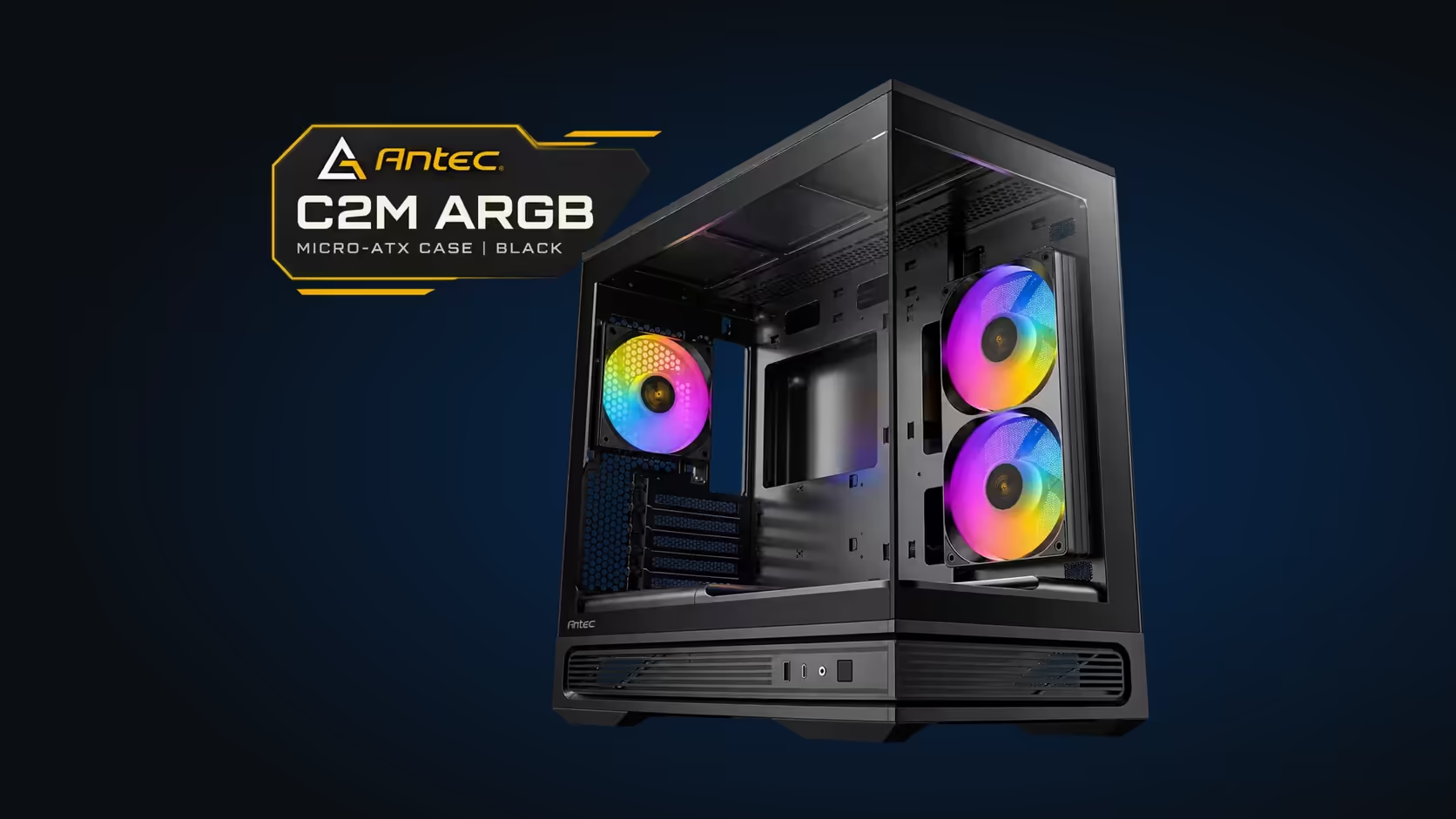
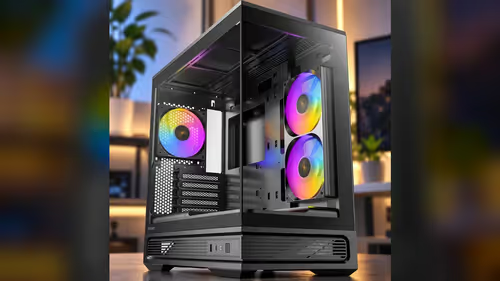
A compact case suits a shared lounge or home office in South Africa, where floor space and noise matter. Choose by board size, GPU length and cooling room, then check the layout against the room. Evetech lists the Antec C2M ARGB at R899, which covers a Micro-ATX build with 415mm of GPU clearance.
🛋️ Start With the Room
Look at where the PC will sit before you look at any spec sheet. A lounge corner has a TV, a sofa and a walkway, and the case must sit clear of all three. A home office has a desk, a chair and a window, and the case must stay out of direct sun. In a Durban lounge that doubles as a dining room, the case sits beside the TV unit, so the walkway test matters most.
Measure the space and mark the case footprint on the floor with tape. Walk around the marks in the evening, when the room is in its normal use, and note where a chair or a child could bump into the box. Give the walk 10 minutes, and repeat it on a weekend morning when the room is busier. Keep a note of the clearances you find, because a case that works on a weekday can block a walkway on a Saturday when the family is home.
📐 Board Size, Card Length and Cooling
Choose the board first. A Micro-ATX board gives more slots and memory, and a Mini-ITX board gives the smallest footprint. The C2M takes both, so the board follows the room and the needs of the build.
Then check the card. A long card needs a case with the room to hold it, and 415mm of GPU clearance in the C2M covers the common long cards with a margin for the lead. Measure your card before you order, and do not assume the case will fit it.
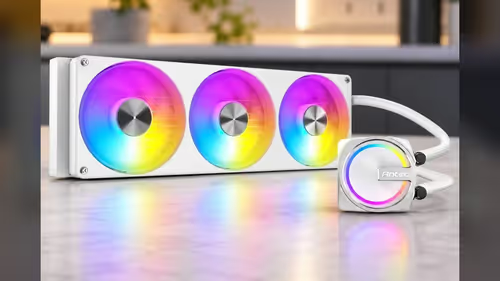
Cooling is the last check. A 360mm radiator on top suits a warm room, and two fans in the box cover a standard airflow plan. Plan the fans for the hottest hour in the room, not the average.
🔇 Noise and the Shared Space
A compact PC in a shared room has to be quiet in the evening. Set a fan curve that holds low speeds through ordinary use, and keep the high speed for a long game. A steady, low hum is easy to live with, while a fan that surges every few minutes is not.
The mesh on the top, bottom and side needs cleaning in a dusty room. A dirty mesh makes the fans spin faster for the same air, and a faster fan is a louder one. Clean the mesh every few weeks, and the box stays quiet.
For the compact cases that suit a shared room, the computer cases category lists the options, and the best-selling cases list shows the models that sell most often. The small-board cases page holds the C2M.
Frequently Asked Questions
What makes a case suitable for a shared room?
A compact footprint, a quiet fan plan and a layout that clears the walkways and the furniture around it.
Does the C2M ARGB suit a home office?
Yes, when the footprint fits the desk. It is R899 at Evetech and takes Micro-ATX and Mini-ITX boards.
How do I choose the case size?
Start with the board and the card. Then measure the room and check that the case fits the space without blocking a walkway.
How do I keep the noise down?
Hold the fans at low speeds through ordinary use, and clean the mesh every few weeks.
Choosing a case for a shared room?
Browse Evetech's compact cases, then pick the one that fits the space and the parts you plan to run.