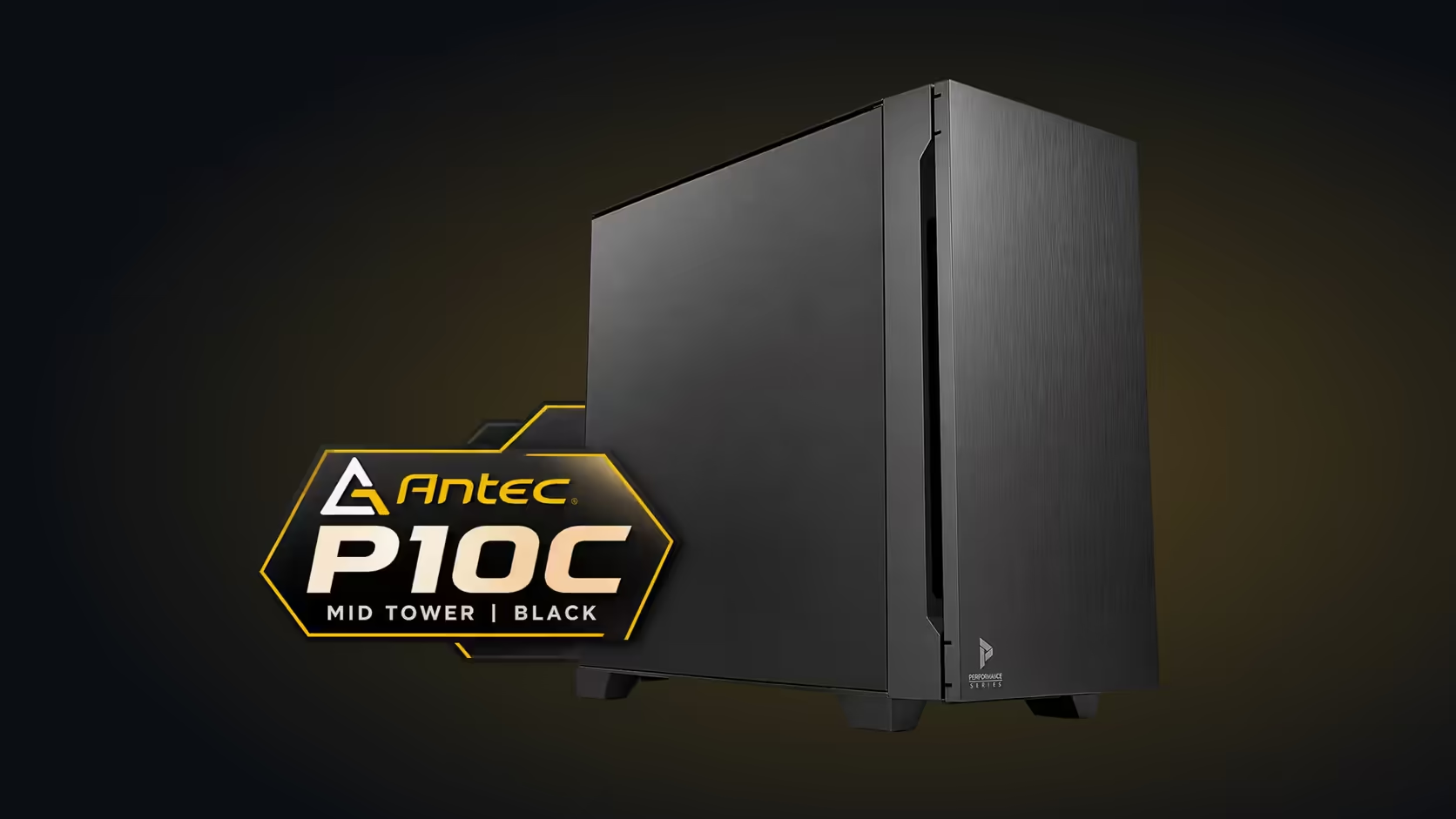
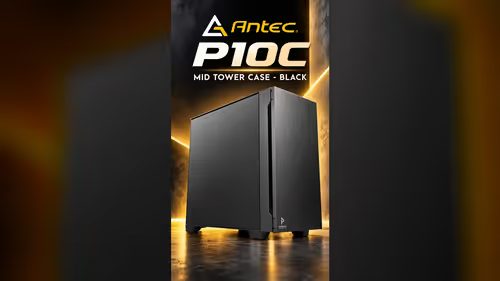
A fast front port earns its place only when you have something fast to plug into it. On the Antec P10C the Type-C port at the front runs at 10 Gbps, which is twice the speed of the USB 3.0 ports beside it, and it suits a drive or a phone that moves a lot of data.
Quick Answer
The Type-C port on the Antec P10C front panel runs at 10 Gbps, twice USB 3.0's speed. It suits fast external SSDs and backups, provided your board has a matching Gen 2 header. The case is R1,599 incl. VAT at Evetech, so the port comes with it.
💾 Where the 10 Gbps port earns its keep
Moving a 100 GB backup of photos from a desk-side SSD takes a fraction of the time a 5 Gbps link needs.
A fast external SSD is the clearest use. A drive with a Gen 2 connection can move a large folder in a fraction of the time a USB 3.0 link takes, and that saving repeats every time you back up. A video editor moving footage between machines or a builder copying game installs to a second drive will notice the difference quickly.
Backups are another good fit. A nightly or weekly copy to an external drive finishes sooner on the Type-C port, which keeps the machine free for other work. For a home user who keeps photos and documents on a desk-side drive, the port turns a long job into a short one.
🔍 Check the board before you rely on it
The port only runs fast with a USB 3.2 Gen 2 header on the motherboard to reach 10 Gbps. Look for that header in the board manual, and check the front-panel section for its name. A board that offers only USB 3.0 front headers will not give the port its full speed, however fast the drive is.
The cable matters too. Use a cable rated for the speed you want, and push the connector home at both ends. A loose or older cable can drop the link to a lower speed without any warning on screen.
🧰 Pair the port with the right drive
A fast port is wasted on a slow drive. A USB 3.0 flash drive will run at its own limit whatever port it sits in, so spend on the port only if the drive can use it. Check the drive's specification before you buy, and make sure it lists a 10 Gbps connection.
The port also suits a phone that supports fast transfers over USB-C. Keep the USB 3.0 pair for the keyboard and headset, so the fast port is free when the phone needs it. Browse USB hubs on Evetech if you need more ports for a desk full of devices.
If the fast port is the reason you are buying a case, start with the mid-tower range on Evetech and check the front panel against your board's header list before you commit.
Frequently Asked Questions
What speed does the Type-C front port run at?
10 Gbps, when the board has a USB 3.2 Gen 2 header and the cable supports it.
Is the port worth it without a fast drive?
Only if you plan to buy a fast drive later. A slow drive runs at its own limit, so the port adds nothing for it.
Does the port need a special cable?
It needs a cable that supports the speed you want, so choose one rated for 10 Gbps.
Is the port included in the price?
Yes. The case is R1,599 including VAT from Evetech, and the Type-C port is one of its front-panel features.
Need a fast front port?
Browse our USB hubs and mid-tower cases, then match the port to the drive you plan to buy.