Under R2,000 a case can feel like the place where a budget build quietly loses its corners. The honest answer is that the case is one of the cheaper parts of a build, and a good one at this price does its job without asking you to pay more for features you will not use.
Quick Answer
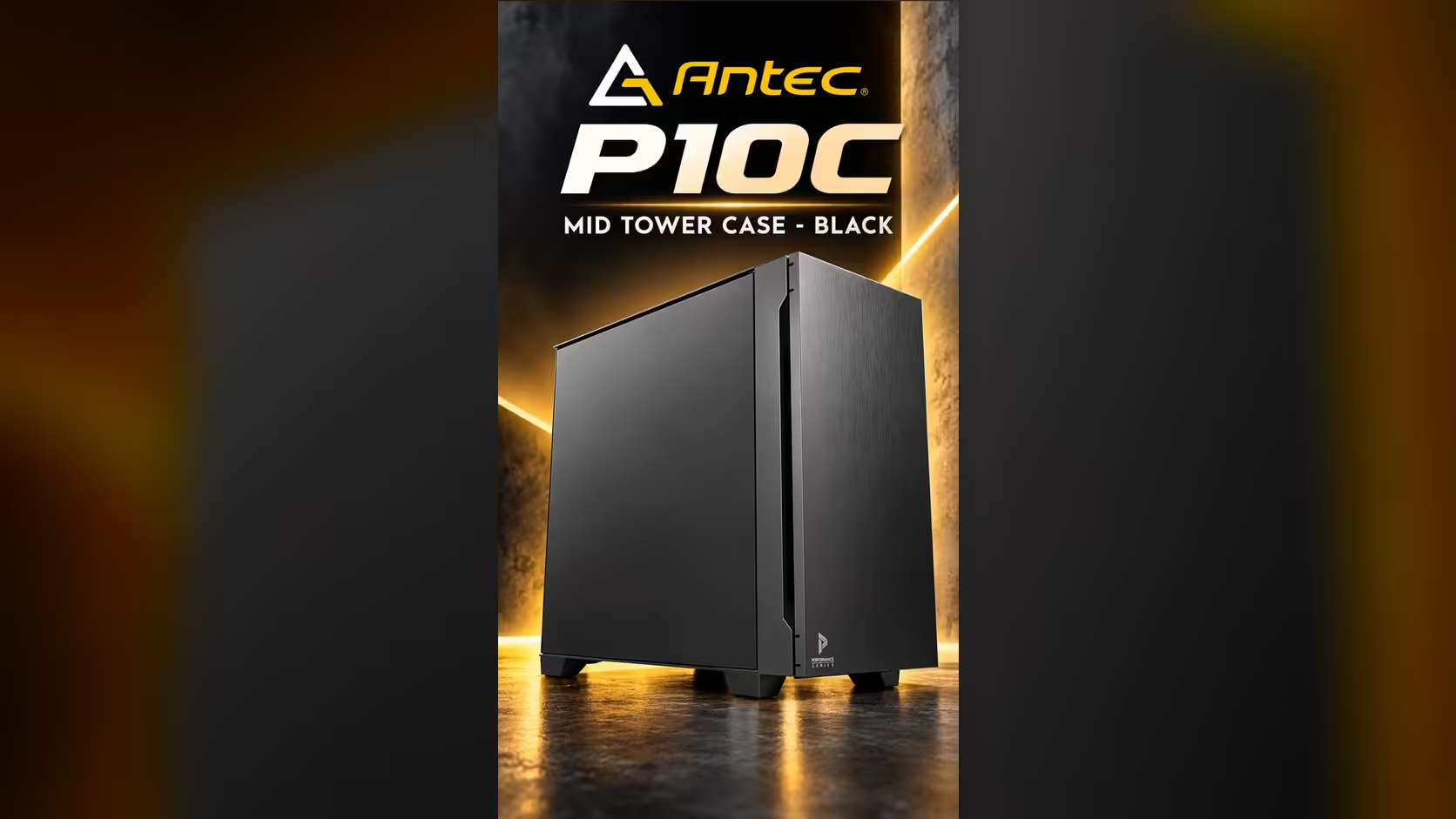
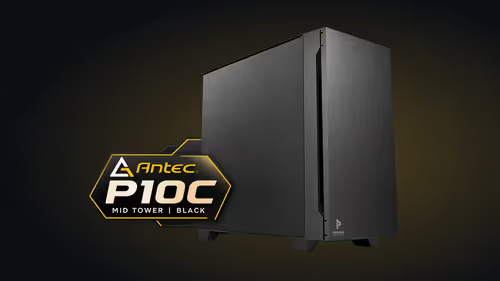
Under R2,000 you can find a solid mid-tower, as long as it takes ATX boards and comes with fans. Check the front USB speed, the board sizes it supports and the fan count before paying for extras. The Antec P10C sits well inside that band at R1,599 at Evetech, with ATX, Micro-ATX and Mini-ITX support and four fans fitted.
💸 What the money buys in this band
Under R2,000 you are paying for a frame, a front panel and a set of mounts. The things that make a case cost more are usually glass side panels, lighting, extra drive cages and premium finishes. None of those change how well the parts inside keep cool, so they are the first thing to drop when the budget is tight.
A case in this band should give you the basics: a board size that suits your build, enough room for the graphics card and cooler you plan to fit, and a front panel with the ports you use most. Anything beyond that is a choice rather than a need, and the cash is better spent on the power supply or the processor.
Look at a mix of mid-tower cases and the cases on special listing before you decide. Compare the board support and the fans on each one rather than the finish alone.
🔌 Check the front ports first
A pair of USB 3.0 ports runs at 5 Gbps, which is plenty for a headset and a keyboard.
The front ports are the part of a budget case that you touch every day. A USB 3.0 pair covers a keyboard, a mouse and a headset without trouble. A Type-C port is worth having if you plug in a fast external drive, but it only runs at full speed when the motherboard has the matching header.
Ask yourself which devices live on the front of the desk. A student with a headset and a flash drive can manage with two USB 3.0 ports. A builder who backs up to an external SSD every week gains from a Type-C port, so check that the case offers it before you commit.
🧩 Board support and fans decide the value
Four 120mm fans included in the price save buying four separate fans, which is a real saving in this price band.
Board support is the feature that stops you buying a second case. A case that suits ATX, Micro-ATX and Mini-ITX boards lets you change your mind about the board later without changing the frame. That flexibility matters more than a few millimetres of extra space.
Fans are the second value check. Four fans included in the price saves you buying them separately, and the saving grows quickly once you need matching fans for a radiator. Count the fans in the case, then count the fans you would otherwise buy, before you compare totals.
In a small Pretoria flat, the best budget case is the one that fits the desk and does not leave the front ports awkward to reach. A case that is slightly smaller but sits neatly beside the monitor often works better than a bigger one that needs a cable stretched across the room.
Frequently Asked Questions
What is a good mid-tower budget under R2,000?
Look for ATX support, at least one Type-C or fast USB front port if you need it, and fans in the price. The Antec P10C at R1,599 includes four 120mm fans and supports three board sizes.
Do I need glass or RGB lighting in a budget case?
No. Those features change the look, not the cooling. Spend the saving on the graphics card or the power supply, which affect performance far more.
How many fans should a budget case include?
Four is a useful number for most mid-tower builds. Check that the case's layout lets those fans move air through the parts, rather than counting fans alone.
Is it worth paying more than R2,000 for a case?
Only if the extra money buys a feature you will use, such as more drive bays or a larger board size. For most builds, a sensible case under R2,000 does the job.
Shopping under R2,000?
Browse our mid-tower cases and compare board support and fans before you buy.