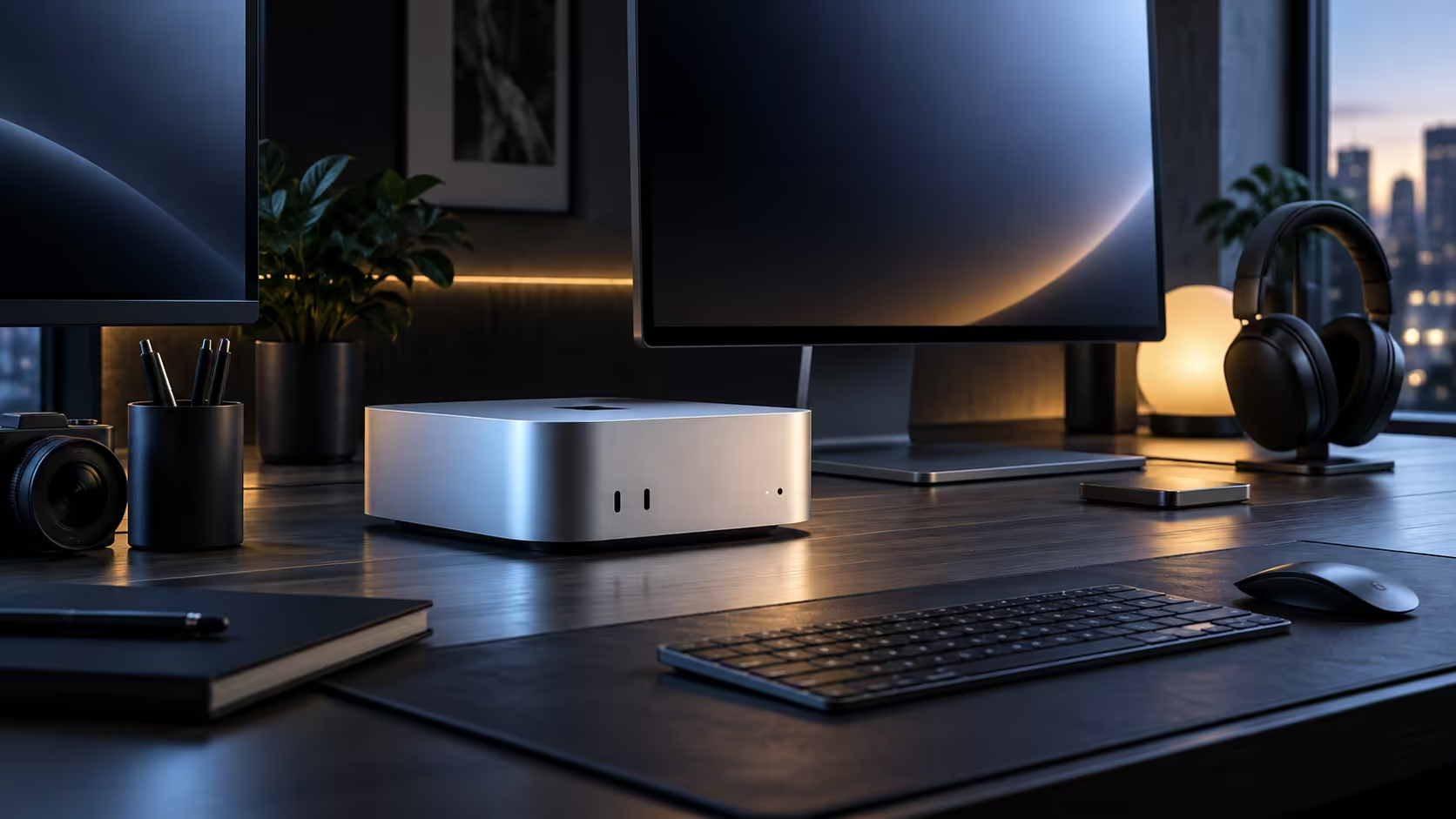
Three different symptoms point to three different fixes on a multi-monitor Mac Mini desk: a screen showing nothing at all, a screen that connects but flickers, and windows that jump to the wrong monitor after waking. Treating them as the same problem wastes time.
Quick Answer
A blank screen is almost always a charging-only cable rather than a fault with the machine or the port. A flickering connection usually means a cable pushed past its rated length or bandwidth. Scattered windows after sleep point to a monitor that powered off completely instead of sleeping. None of these three faults says anything bad about a R21,699 Mac Mini; diagnose by symptom rather than restarting everything and hoping.
⚫ Symptom one: the screen shows nothing at all
Confirm the cable actually carries video, since a charging-only USB-C lead is the single most common cause of a completely blank screen on a new connection. Try the monitor's own bundled cable before suspecting the port, and check the monitor's input source is set correctly if several devices have shared that screen before.
📺 Symptom two: the picture flickers or drops out intermittently
A cable pushed beyond its rated length, past 2 metres on a cheap lead, or beyond its bandwidth for the 3840x2160 signal you have selected, produces exactly this kind of intermittent fault rather than failing outright. Dropping to 1920x1080 as a test tells you quickly whether the cable itself is the limit before you replace anything.
🔀 Symptom three: windows land on the wrong screen after sleep
Almost always, one screen has switched itself off completely within 2 minutes of the machine sleeping, instead of merely dimming, and macOS treats that as unplugged, scattering every open window onto whatever stayed active. Going into that panel's own menu and locking it to one fixed input, rather than leaving it on auto-detect, fixes this more reliably than any setting on the Mac side ever will.
🔁 The one universal test that isolates any of the three
Move the same cable-and-monitor pair between Thunderbolt 4 and HDMI. If the symptom follows the cable and monitor rather than staying with the port, the port is innocent and the fault sits in what you just moved.
Frequently Asked Questions
My monitor worked yesterday but shows nothing today, what changed?
Nothing needs to have changed for a marginal cable to start failing intermittently; test it on a different port before assuming a setting was altered.
Does restarting the Mac fix most multi-monitor problems?
It resolves a fair share of software-side glitches, but a blank screen or a flickering connection is more often the cable than anything a restart can touch.
Should I keep a spare cable specifically for troubleshooting?
Yes, one cable you trust settles or confirms a fault across all three symptoms faster than anything else you could try.
A properly rated cable and a monitor confirmed to hold a fixed input setting solve the large majority of these three symptoms; browse monitor accessories for cables and stands built for exactly this kind of desk, and check the monitor range if the panel itself is due for a replacement. None of these three fixes are specific to one brand either; the same cable-first, setting-second troubleshooting order works on any compact desktop from the broader mini PC lineup.
Ready to fix a multi-monitor problem by its actual symptom?
Match what you are seeing to one of the three cases above before troubleshooting further.