Quick Answer
Pairing speakers for gaming in South Africa means balancing audio quality, connectivity, and practical concerns like power interruptions and desk space. A 2.0 stereo pair with USB or 3.5mm connectivity suits most setups, while a 2.1 system with a subwoofer elevates bass-heavy game audio. Match impedance and sensitivity to your sound card or motherboard output for the best result.
Why Speaker Pairing Matters for SA Gamers
Gaming audio is not just about volume. The way two speakers interact in a room determines how accurately you hear directional cues, footsteps, and environmental audio. In competitive games like Valorant or CS2, positional accuracy through a well-matched stereo pair can meaningfully improve your awareness.
Speaker pairing in South Africa involves practical constraints that differ from international contexts. Desk sizes in student res at institutions like UNISA study centres, UCT residences, or private digs vary considerably. A compact 2.0 system fits where a 5.1 surround setup simply cannot. Power consumption is also worth noting. During power-restoration periods, having a lower-wattage speaker setup means your UPS or backup power lasts longer.
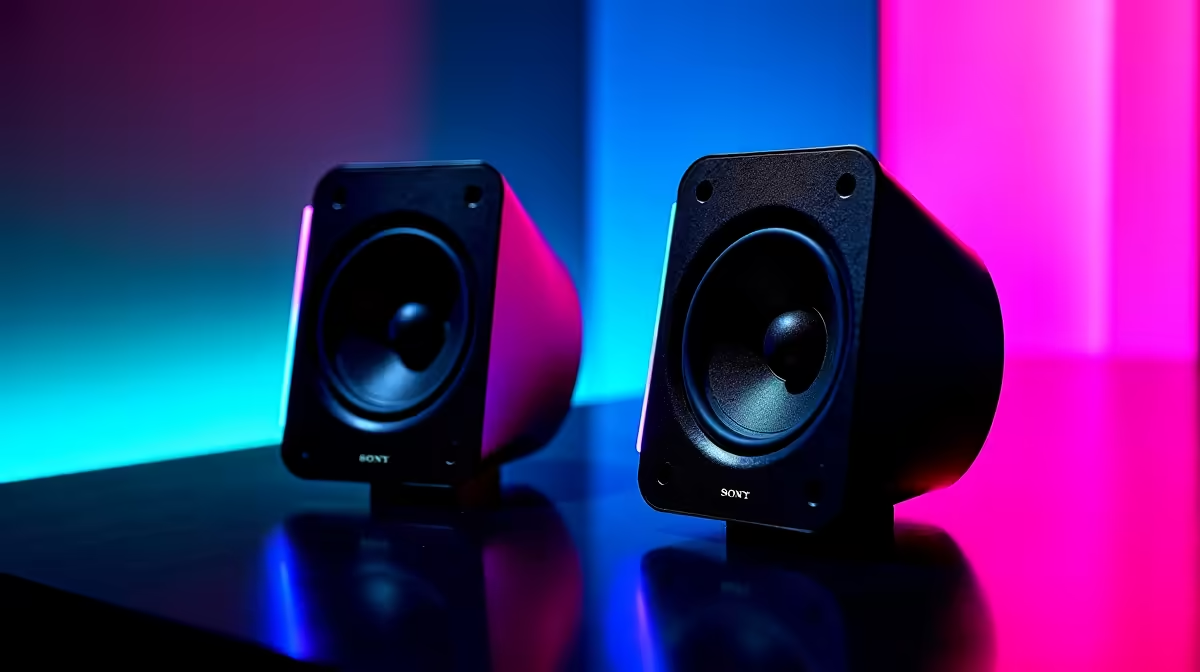
For most PC gamers, a matched stereo pair from the same product range ensures consistent driver characteristics, impedance matching, and tonal balance. Mixing unrelated speakers from different brands introduces phase and frequency imbalances that degrade the stereo image.
2.0 vs 2.1: Choosing the Right Configuration
A 2.0 setup (two satellite speakers, no subwoofer) delivers clean, balanced audio for voice-heavy games, MOBAs, and strategy titles where clarity matters more than bass. It also occupies less desk space and draws less power, relevant for South African outage schedules where efficient power use helps.
A 2.1 system adds a subwoofer for low-frequency reproduction. Open-world games, shooters with explosive environmental audio, and racing sims benefit notably from the added bass weight. The tradeoff is additional desk footprint and a cable run to the subwoofer unit. Placement matters: a subwoofer tucked under the desk or in a corner of the room typically produces cleaner bass than one mounted on the desk surface.
For gaming specifically, a 2.1 system with adjustable crossover frequency allows you to tune the hand-off point between satellites and the sub. Getting this right prevents the muddy bass-mid overlap that makes game audio feel heavy and imprecise.
Connectivity Options for South African Gaming Setups
Most gaming PC motherboards include a 3.5mm audio output and, on higher-end boards, optical or HDMI audio out. Powered desktop speakers almost always include a 3.5mm analogue input, making them universally compatible.
USB-powered speakers bypass the analogue audio chain entirely, which reduces interference from electrical noise in the PC case. This matters more in systems with cheaper onboard audio. USB speakers also tend to include their own DAC, delivering a cleaner signal chain.
Bluetooth is available on some gaming speaker systems, which adds wireless convenience but introduces latency. For competitive gaming where audio timing to gameplay matters, a wired connection remains preferable. Bluetooth audio suits casual listening and streaming, but not reflex-dependent play.
For gamers running a console alongside a PC, a speaker system with multiple inputs (3.5mm and optical, for example) allows both devices to share the same speakers without an external switch.
Room Acoustics and Placement in SA Home Setups
Speaker placement in a typical South African home gaming setup often means working around a standard rectangular room. Placing speakers at roughly ear height and angled slightly inward (toe-in) toward the listening position improves stereo imaging and high-frequency response.
Tiled floors, which are common in SA homes, cause more sound reflections than carpeted rooms. If you notice harsh or overly bright audio, a desk mat or soft surface in front of the speakers can absorb some of this reflective energy. Small acoustic foam panels behind the speakers also help in reflective rooms.
Avoid placing speakers directly against a wall, especially behind a monitor. This emphasises bass frequencies and reduces clarity. Even a few centimetres of clearance makes a difference.
FAQ
Can I pair any two speakers for gaming or do they need to match?
Matching speakers from the same product range or brand lineup ensures consistent driver characteristics, impedance, and tonal balance. Mismatched speakers produce an uneven stereo image and can stress audio amplifiers not designed for varying impedance loads.
Is a 2.1 system worth it for competitive gaming in South Africa?
For competitive gaming focused on directional awareness, a clean 2.0 stereo pair often outperforms a 2.1 system with an over-tuned subwoofer. Save the 2.1 setup for immersive single-player or cinematic game experiences where bass impact adds to the experience.
Which Everyday Reliability Factors Matter Most?
If you are using a UPS, speaker wattage affects how long your backup power lasts. Lower-wattage 2.0 systems are more UPS-friendly than high-powered 2.1 setups.
What is the best way to connect gaming speakers to a modern SA gaming PC?
A 3.5mm analogue connection from the motherboard rear panel is the most common and reliable option. For cleaner audio with less electrical interference, a USB DAC between the PC and speakers, or USB-powered speakers with a built-in DAC, improves signal quality noticeably.
Ready to Find Your Perfect Match?
Upgrade your gaming audio with a matched speaker setup, with delivery to your door anywhere in South Africa. Explore Gaming PC Deals at Evetech