A file shortcut appearing during a screen share can reveal more than you intended, even when the document itself stays closed. Windows hide recent files controls help reduce that visible trail in familiar menus. They are useful housekeeping for a shared screen, provided you understand what remains on the computer.
Quick Answer
Open Settings, Personalisation, Start and change the option referring to recently opened items or recent files and Jump Lists. The built-in preference adds R0 hardware cost. It changes displayed shortcuts rather than deleting documents, clearing browser history or guaranteeing that every application forgets what you opened.
🗃️ Find the preference for your Windows version
The wording can differ between Windows layouts, but the relevant control mentions recent items and the places they appear. Read the whole label before changing it. An option about recently installed apps solves a different problem from one about documents you have opened.
Use a harmless test document first. Open it, inspect Start and the appropriate app's taskbar context menu, then change the recent-items setting. Repeat the inspection so you know which surfaces changed on your computer. A remembered example is easier to assess than a long menu of unfamiliar filenames.
🔐 Separate a quiet menu from private data
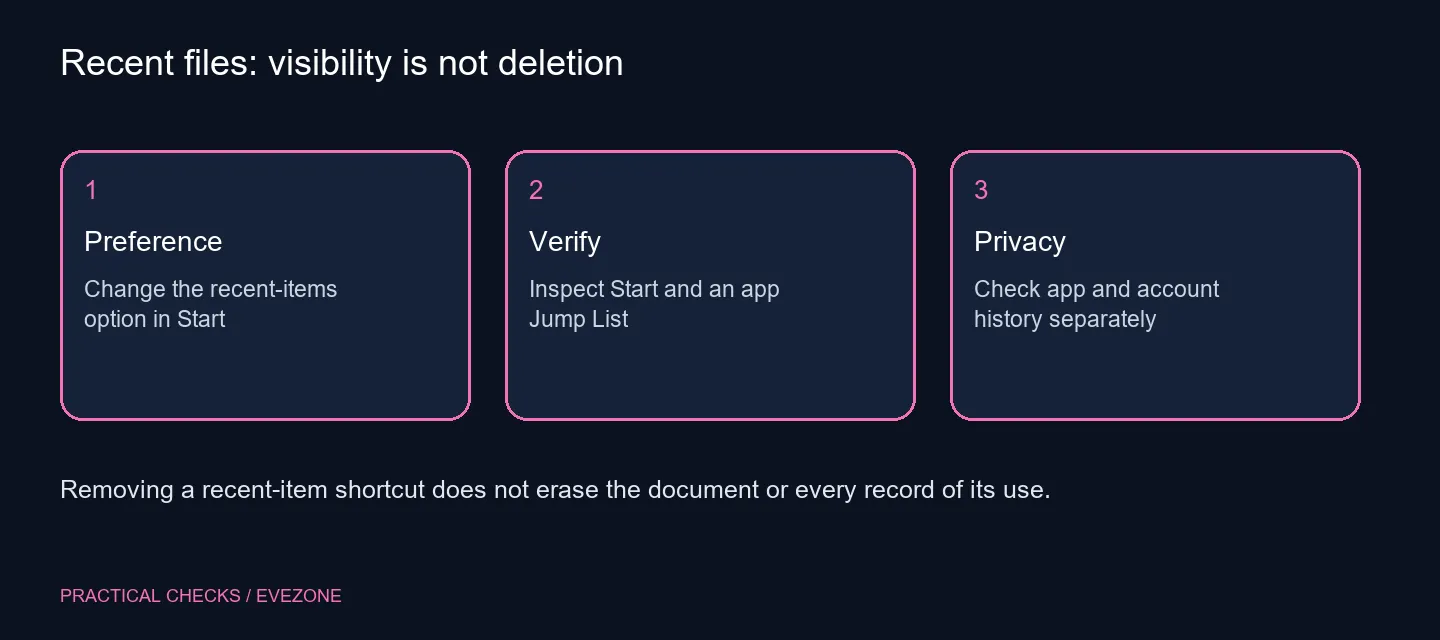
Removing an entry from a recent list does not remove the saved file. Someone with access to the same account may still find it in its folder or in the application that created it. Use appropriate accounts and permissions for sensitive work rather than relying on a cleaner Start menu.
Applications can also keep their own recent-document lists. Check those independently, and confirm browser history through the browser's normal controls if that is your concern. A Windows presentation preference is not a single switch covering every kind of activity record.
Storage from all ssds can provide room for files, but it does not decide who can see shortcuts or open documents. Keep those questions separate from a capacity upgrade.
🧭 Check managed settings before troubleshooting
An organisation can set policies governing recent and frequent lists. If the option is unavailable or returns to a managed state, ask the administrator responsible for that machine. Registry edits or third-party cleaners are a poor first response to an intentional policy.
If you are selecting a personal machine from all laptops on special, plan separate sign-in accounts when several people use it. That is a clearer everyday boundary than hiding a few menu entries. Once the preference is set, check it before presenting or sharing the screen. The goal is predictable visible menus, with documents preserved where you expect them.
Frequently Asked Questions
Where do I change recent-item visibility?
Open Settings, Personalisation, Start and find the preference mentioning recent files or recently opened items and Jump Lists.
Does turning it off delete my documents?
No. It controls recent-item presentation. Your saved files remain in their storage locations.
What is a Jump List?
It is the app-related list shown from places such as a taskbar app's context menu, often including recent or pinned items.
Does this clear browser history?
No. A browser maintains its own history controls. Treat those separately from the Windows recent-items preference.
Why might the control be unavailable?
A managed computer can have organisation policies. Ask its administrator rather than trying to override those controls.
Do I need paid privacy software?
The built-in display preference needs R0 additional hardware spending. It does not provide a promise to remove all activity records.
Keep shared screens a little quieter?
Choose the recent-items view deliberately and use proper account access for the files that need privacy.