Tired of that dreaded "Disk Space Low" warning? With games like Call of Duty and Baldur's Gate 3 demanding over 150GB each, your old 500GB drive just doesn't cut it anymore. What if you could quadruple your space without breaking the bank? Finding a high-performance 2TB SSD under R2500 is no longer a dream… it's the smartest upgrade you can make for your PC in 2025. Let's dive in.
Why a 2TB SSD Under R2500 is the New Sweet Spot
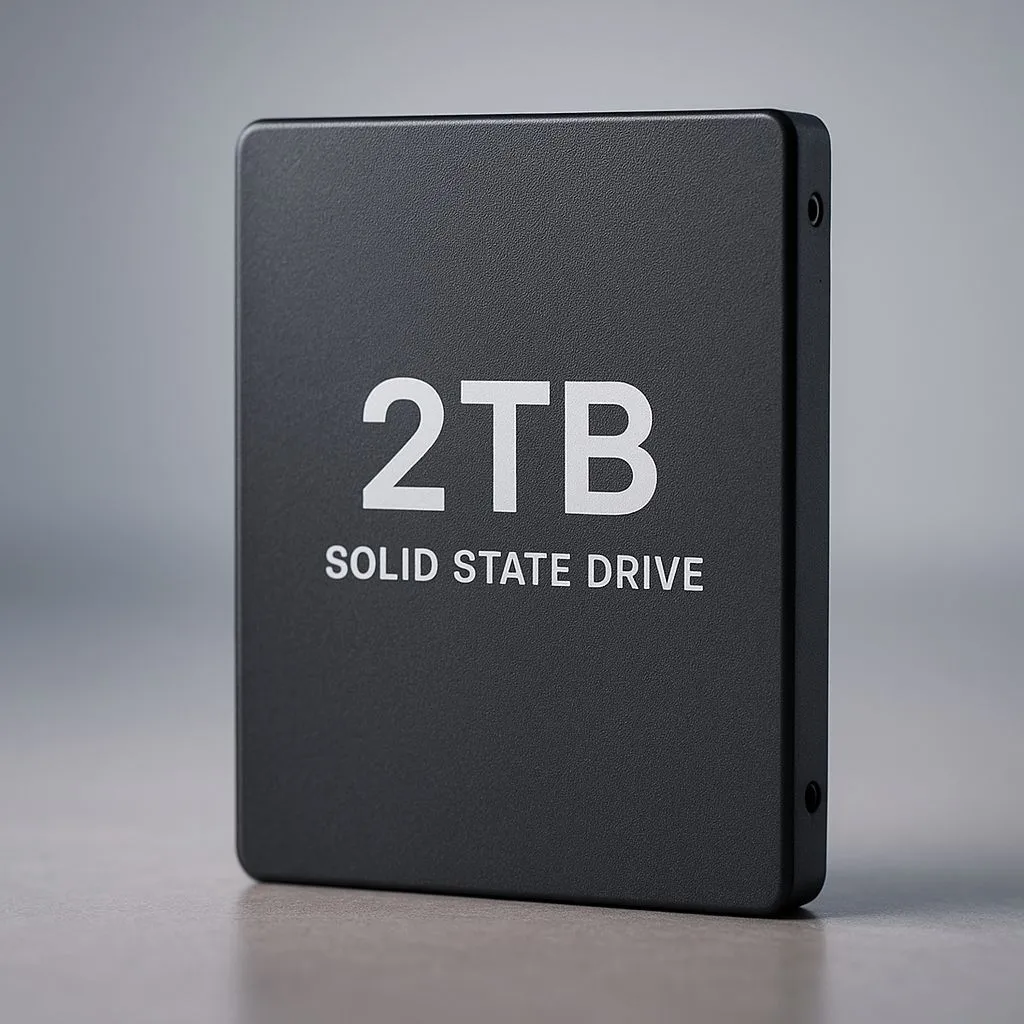
For years, 1TB was the go-to size for a primary drive. But times have changed. The price of flash storage has dropped significantly, placing massive capacity within reach of most South African gamers. A 2TB SSD under R2500 offers the perfect balance of price, performance, and future-proofing.
This capacity allows you to install your operating system, all your essential apps, and still have enough room for a hefty library of games. Say goodbye to uninstalling one favourite to make space for another. It’s about convenience and keeping you in the game, not in the settings menu. You can browse a wide variety of solid-state drives to see just how accessible this upgrade has become.
Understanding Your Options: NVMe vs. SATA
When you're hunting for the best 2TB SSD for under R2500, you'll mainly encounter two types: SATA and NVMe. What's the difference?
- SATA SSDs: These use the older, blockier cable connection and are capped at speeds around 550MB/s. They are a fantastic, affordable upgrade from a mechanical hard drive, but they are the slower of the two SSD types.
- NVMe SSDs: These slot directly into your motherboard's M.2 port, looking like a stick of RAM. They offer blistering speeds, with entry-level Gen3 models hitting 3,500MB/s and Gen4 models pushing 7,000MB/s or more. 🚀
For a new build or a primary drive upgrade, an NVMe drive is the clear winner. The speed difference in loading games and booting Windows is noticeable. Luckily, the R2500 price point now includes many excellent NVMe SSDs, making lightning-fast storage more affordable than ever.
Easy Upgrade Pro Tip 🔧
Moving your Windows installation to a new SSD can feel daunting. But free tools like Macrium Reflect or Clonezilla make it simple. These apps can 'clone' your entire old drive to the new one, bit for bit. Just install the new SSD, run the software, and you can boot from your new, faster drive in no time… no reinstallation needed!
What to Look For in a Budget 2TB Drive
Not all SSDs are created equal, even at the same price. Besides the NVMe vs. SATA choice, consider these factors:
Key Specs to Check
- Read/Write Speeds: Measured in megabytes per second (MB/s). Higher is better. For NVMe, aim for at least 3000MB/s.
- DRAM Cache: A drive with a DRAM cache can handle small, random file operations much faster, making the whole system feel snappier. While some budget drives are "DRAM-less," many excellent options under R2500 now include it.
- Warranty: A 3- or 5-year warranty gives you peace of mind. It's a good indicator of the manufacturer's confidence in their product.
Don't forget about external options, either. If you need a fast drive for your console or for moving large files between machines, a portable external SSD offers incredible performance in a pocket-sized package. ✨
Ultimately, the goal is to find a drive that meets your specific needs. Whether you're a competitive gamer needing the fastest load times or a content creator who just needs massive, reliable space, there are fantastic SSDs available as PC components that won't empty your wallet.
Ready to Banish Loading Screens?
A fast, spacious SSD is one of the most impactful upgrades you can make. Stop waiting and start playing. Explore our massive range of SSD deals and find the perfect drive to supercharge your rig today.