


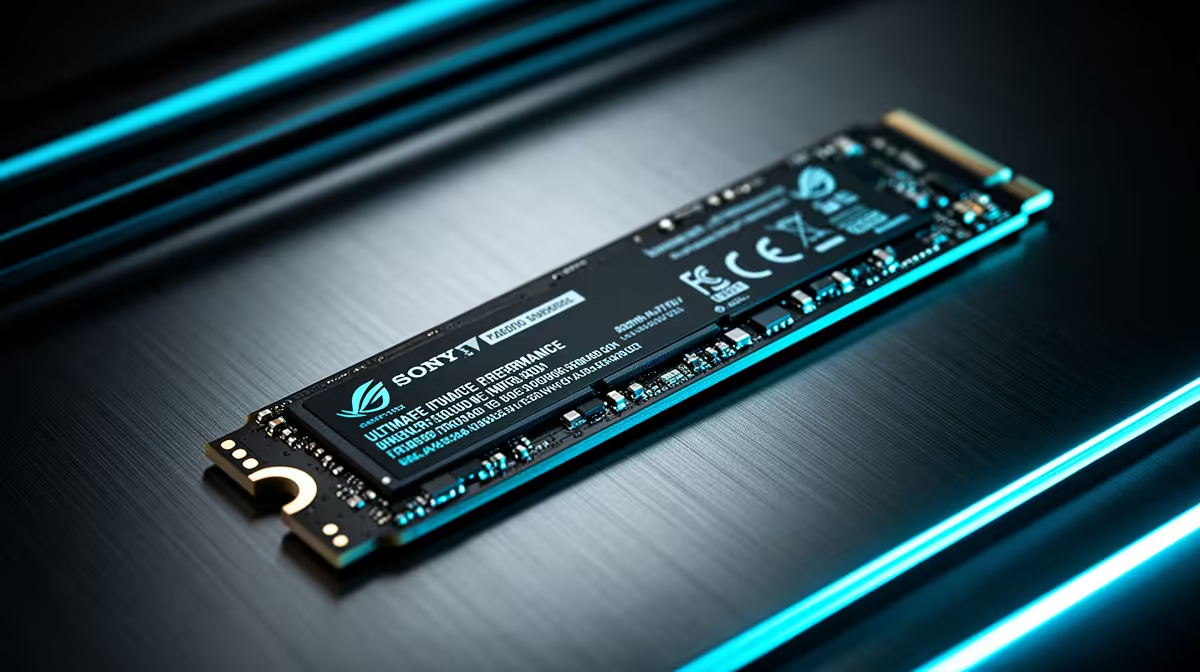
Tired of staring at loading screens while your mates are already dropping into the action? That agonizing wait is a relic of the past. For South African gamers, the single most impactful PC upgrade isn't a new GPU… it's an NVMe SSD. These tiny storage sticks deliver mind-blowing speed, and right now, incredible NVMe SSD deals are making this power more affordable than ever. Let's get your rig up to speed. 🚀
Why NVMe SSD Deals Are Worth Your Attention
So, what’s all the fuss about? Think of it like this: a traditional Hard Disk Drive (HDD) is like searching for a book in a massive library by hand. A standard SATA SSD is like having a librarian who knows the right aisle. An NVMe SSD, however, is like teleporting directly to the exact page you need. ⚡
This technology plugs directly into your motherboard's M.2 slot, bypassing older, slower data cables. The result?
- Blazing Boot Times: Your PC goes from off to desktop in seconds.
- Instant Application Loading: Launching heavy software like Adobe Premiere or Discord is nearly instantaneous.
- Eliminated Game Load Screens: Spend more time playing and less time waiting in games like Helldivers 2 or Cyberpunk 2077.
Exploring the latest NVMe SSDs reveals just how accessible this next-level performance has become.
Finding the Perfect SSD Deal for Your Rig
Not all solid-state drives are created equal, but finding the right one is simple. The best NVMe SSD deals often come down to balancing three things: capacity, speed, and your budget.
For most gamers, a 1TB NVMe is the sweet spot, offering enough space for your operating system, key applications, and a healthy rotation of your favourite games. If you're on a tighter budget, even a 500GB model as your boot drive will dramatically improve your PC's responsiveness. Keep an eye on Evetech's best SSD deals to find a drive that perfectly matches your needs and wallet.
Check Your Motherboard First!
Before you buy, quickly check your motherboard's specifications online. Look for "M.2 slots" and confirm if they support "PCIe Gen3" or "PCIe Gen4". A Gen4 drive is faster, but a Gen3 drive will still work in a Gen4 slot (and vice-versa), so you can't go wrong!
Beyond NVMe: Smart Storage Solutions
While an NVMe is king for your operating system and current favourite games, you don't need top-tier speed for everything. Your massive library of older games or media files can live happily on a more budget-friendly drive.
This is where traditional reliable 2.5-inch SSDs come in. They are still significantly faster than any old-school HDD and offer fantastic value in larger capacities (2TB or even 4TB). A hybrid approach—a speedy NVMe for essentials and a chunky SATA SSD for bulk storage—is a pro-level strategy for managing your data without breaking the bank. ✨
By keeping an eye on the entire range of SSDs, you can build a storage setup that's both lightning-fast and cost-effective. x
Ready for the Speed Upgrade? Stop letting slow storage hold your PC back. Grab one of our incredible NVMe SSD deals and experience the performance you deserve. Shop the latest NVMe SSDs at Evetech for a rig that leaves lag in the dust.









