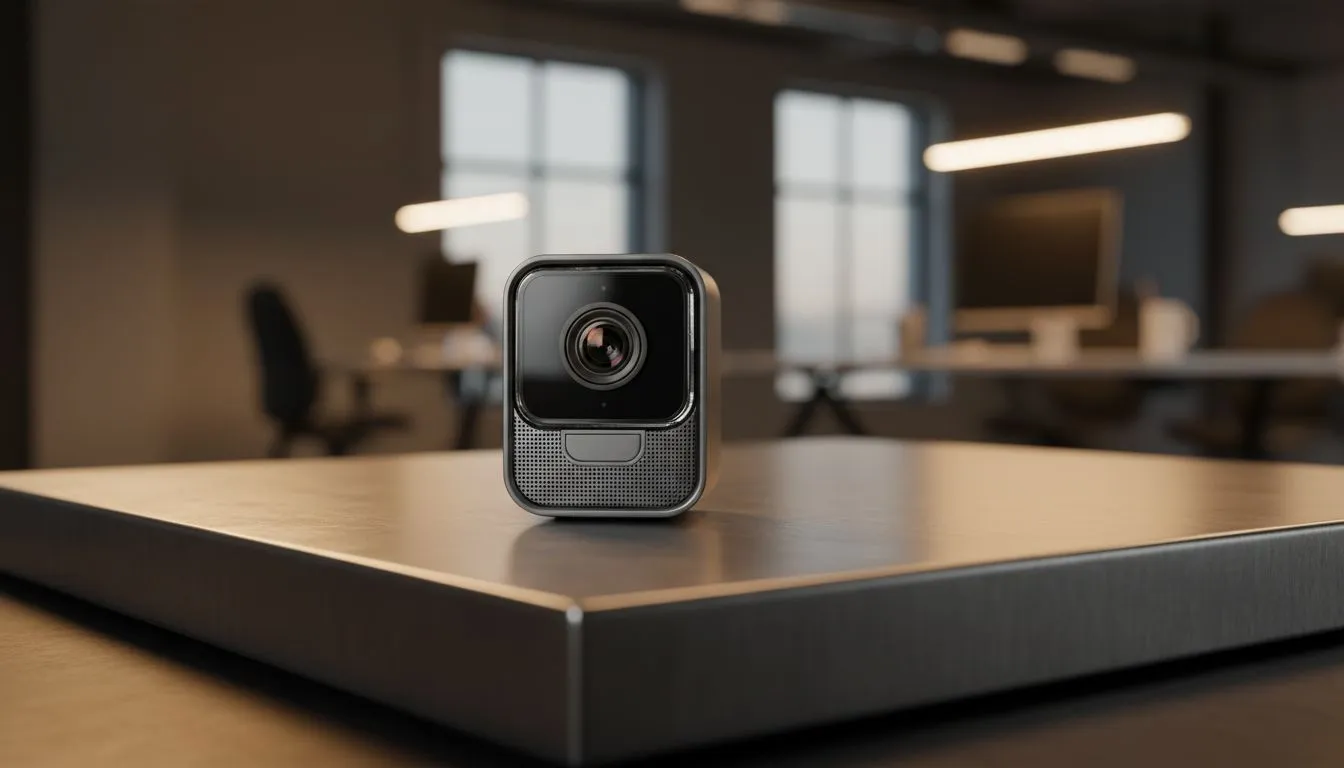
1080p 30fps Video Calls: Do Higher Frame Rates Matter?
Ever wondered why your video looks choppy while your colleague’s looks like a Netflix special? It usually comes down to two numbers: resolution and frame rate. In South Africa, where bandwidth can be as unpredictable as the weather, understanding 1080p 30fps video calls is crucial. Is it enough for your daily grind, or should you push for 60fps? Let’s dive into what actually matters for your setup. ⚡
Understanding the 1080p 30fps Standard
When we talk about 1080p, we are referring to the resolution... the number of pixels on the screen. 30fps stands for thirty frames per second. For most office meetings and remote learning, this is the industry standard. It provides a clear image without demanding too much from your internet connection. If you are looking to upgrade your home office, you can browse a massive range of webcams to find a model that fits your desk layout.
Most platforms like Zoom and Microsoft Teams actually cap your upload to save data. This makes a stable 30fps stream often look better than a stuttering 60fps one. If you are on a tight budget, there are many affordable webcams under R1000 that deliver crisp 1080p quality for everyday use.
Lighting is King ⚡
Even the most expensive webcam will look poor in a dark room. Position yourself facing a window or use a dedicated ring light. Good lighting helps the sensor maintain a steady frame rate and reduces the "grainy" digital noise often seen in evening calls.
When Does 60fps Actually Matter?
Higher frame rates provide much smoother motion. If you are a streamer or someone who moves their hands a lot while presenting, 60fps feels more natural. It reduces motion blur significantly. For those who need that extra bit of fluidity, exploring mid-range webcams under R2000 is a great place to start. These often feature better sensors that handle movement with more grace.
However, for a standard 1080p 30fps video call, the focus should be on colour accuracy and light handling rather than just raw speed. Most professional content creators prefer a sharp 30fps image over a blurry 60fps one. 🔧
Bandwidth and Local Connectivity
In South Africa, upload speed is the biggest bottleneck. A 1080p 60fps stream requires nearly double the data of a 30fps stream. If your fibre line is busy or you are on a mobile connection, 30fps is the safer bet to avoid dropped frames. For the ultimate professional setup that can handle various lighting conditions, premium webcams under R3000 offer the best balance of software customisation and hardware reliability. 🚀
Ultimately, 1080p 30fps is the sweet spot for 90% of users. It offers high definition without the technical headaches of higher frame rates.
Ready to Upgrade Your Video Quality?
Finding the right balance between resolution and price is key to a professional online presence. Explore our full range of webcam deals and ensure you look your best in every meeting.