Quick Answer
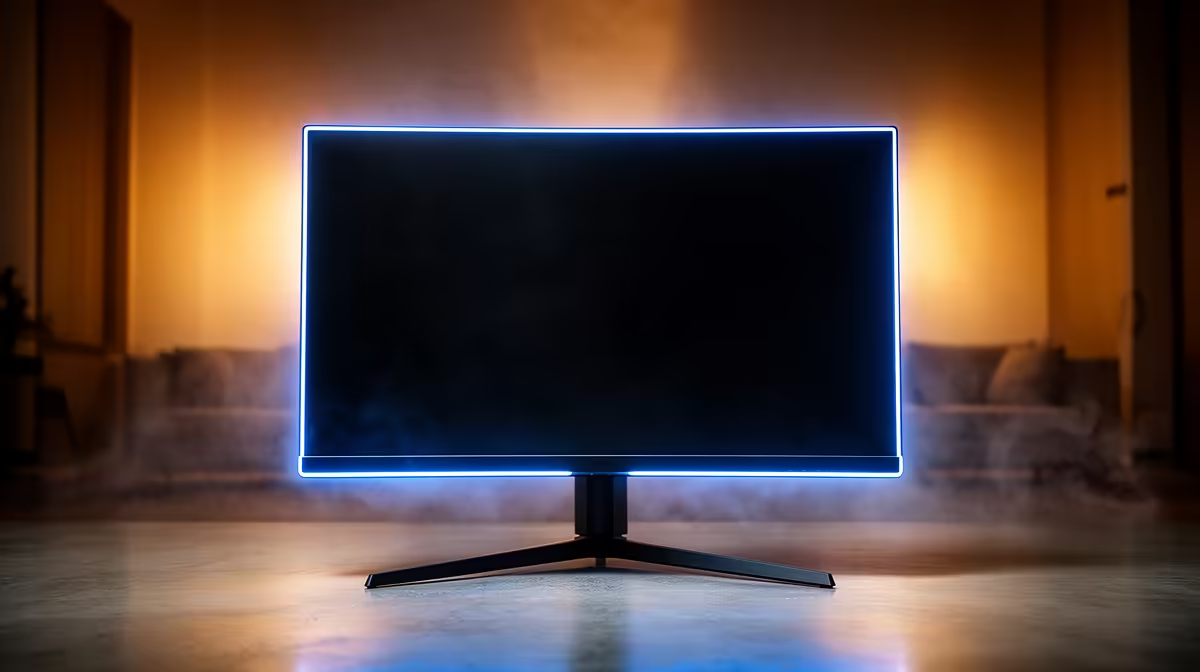
For Roodepoort buyers, the best 1440p monitor target is 27 inches, 144Hz-180Hz, Adaptive Sync, and DisplayPort support. Expect broad SA pricing around R4,000-R8,000 for strong IPS or VA gaming monitors, with OLED and 240Hz panels costing more.
Panel And Refresh Rate
A 27-inch 2560x1440 monitor is the safest size for most desks because text stays sharp and the GPU target is realistic. Compare LG UltraGear, Samsung Odyssey, MSI MAG, AOC Q27, and Gigabyte M27Q-style models by panel type, stand adjustment, warranty, and ports. IPS is strong for colour and general use, VA is good for contrast, and OLED is premium but needs more care around static desktop elements.
Match The Screen To The PC
For 1440p 144Hz, pair the monitor with RTX 4060 Ti, RTX 4070, RX 7700 XT, RX 7800 XT, or stronger depending on the games. Esports titles can reach 165fps more easily than cinematic AAA games, where 60-100fps is a more realistic target at high settings. Check that the included cable supports the refresh rate; DisplayPort is often the simplest route for gaming PCs.
Roodepoort Delivery And Desk Checks
For delivery and pickup, measure the desk before ordering and decide whether home courier or collection near Sandton is faster for your week. A 27-inch monitor needs enough space for keyboard, mouse pad, and speakers or headset stand. Check VESA mounting if you plan to use a monitor arm, especially in smaller flats or shared study spaces.
FAQ
Is 1440p better than 1080p for gaming?
Yes for most midrange and high-end PCs because it gives sharper detail without the GPU load of 4K. The sweet spot is 27 inches with 144Hz or faster refresh.
Should I buy IPS, VA, or OLED?
IPS is the safest all-rounder, VA gives stronger contrast, and OLED is the premium choice for motion and black levels. For work plus gaming, IPS often has the fewest compromises.
What GPU do I need for 1440p 165Hz?
Use RTX 4070 or RX 7800 XT class hardware as a strong target for many games. Lighter esports titles can run well on less, while AAA games need stronger GPUs or tuned settings.
Pro Tip
Before checkout, confirm the monitor has DisplayPort or HDMI support for the advertised refresh rate, then measure your desk depth against the stand footprint.