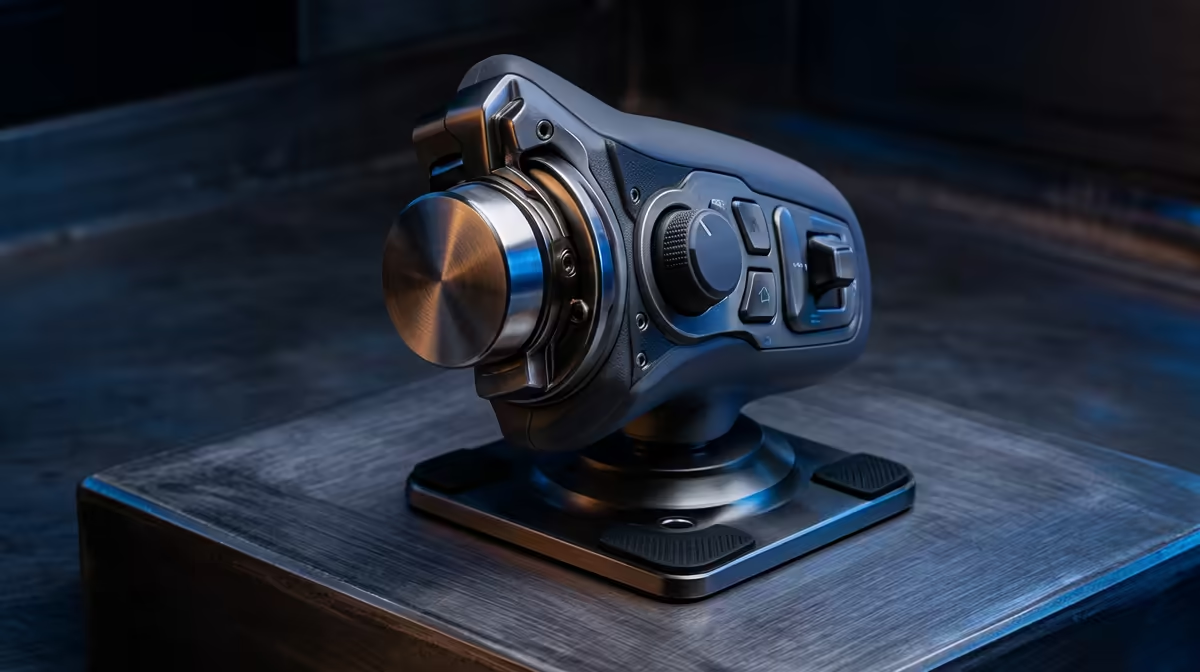
180-degree yoke rotation: What it means for flight sims
Ever wondered why your landings in Microsoft Flight Simulator feel a bit twitchy? It might not be your skill... it might be your hardware. In South Africa, where flight sim communities are soaring, understanding 180-degree yoke rotation is the first step toward true immersion. Whether you are navigating the coastal winds of Gqeberha or cruising over the Karoo, the way you turn matters.
The physics of 180-degree yoke rotation
Most budget controllers offer limited travel. Real aircraft yokes typically rotate 90 degrees to the left and 90 degrees to the right. This creates a full 180-degree yoke rotation arc. When your sim hardware matches this, your muscle memory begins to reflect real-world flight dynamics. It is the difference between playing a game and piloting a craft.
Calibration is Key ⚡
Always calibrate your yoke in Windows before launching your sim. Go to "Set up USB game controllers" and ensure the axes are centered. This ensures your 180-degree yoke rotation translates perfectly to the virtual cockpit without any deadzones.
Why precision matters for South African pilots
When you are coming in for a landing at Lanseria, every millimetre of movement counts. A yoke with full rotation allows for linear input. This means the aircraft responds predictably to your touch. If you are looking to upgrade, exploring the latest flight simulator gear is a great place to start. You will find that higher-end units offer smoother bearings and better tension.
Comparing flight yokes to other peripherals
Some users try to use racing wheels for flying. While we love sim racing setups, the mechanics are fundamentally different. A racing wheel centres differently and lacks the "push-pull" pitch axis. A dedicated yoke provides the correct ergonomic layout for long hauls from Johannesburg to London. It ensures your hands are in the right position for hours of comfortable flight.
Essential simulation gear and accessories
A great yoke is only half the battle. You also need to consider how it mounts to your desk. High-quality simulation gear and accessories like mounting clamps or dedicated stands prevent unwanted movement. There is nothing worse than your yoke sliding mid-turn. Investing in a solid base ensures that your 180-degree movements are stable and precise. In the world of simulation... stability is just as important as the tech inside the box. 🔧
Ready to Take to the Skies?
Achieving total immersion requires the right tools for the job. From high-fidelity yokes to professional rudder pedals, we have the hardware to ground your experience in reality. Browse our latest flight simulator gear and start your journey toward your private pilot license today.