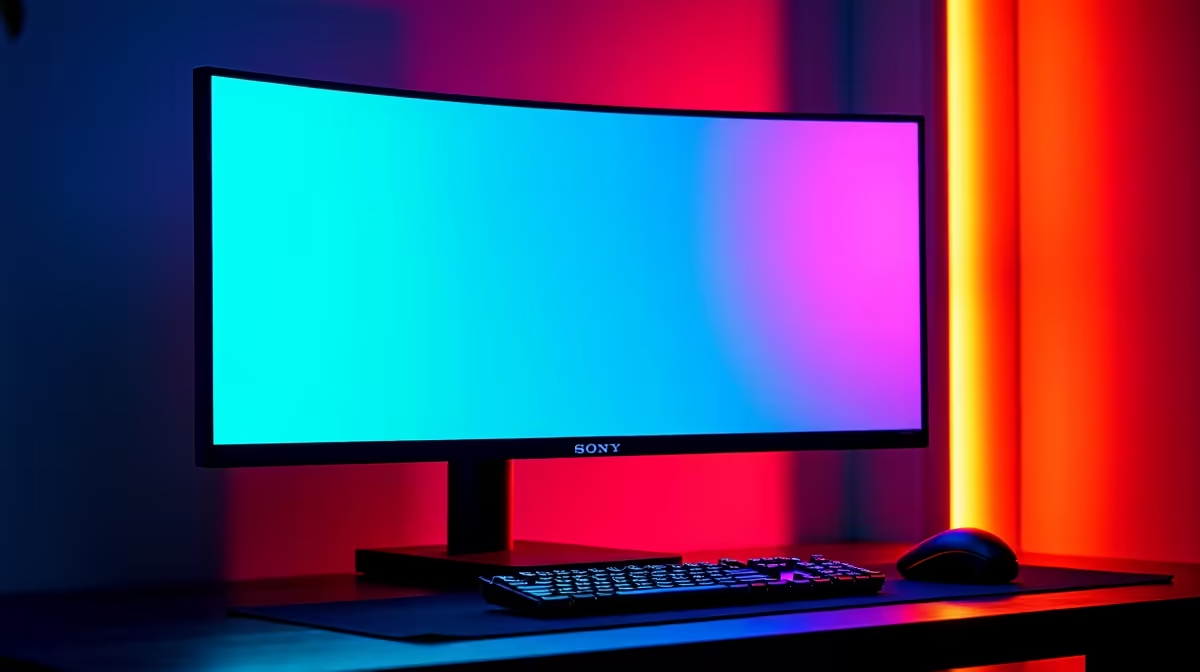
In the heat of a clutch moment in Warzone or Valorant, the line between victory and the Gulag is razor-thin. You swear you had the drop on them, but your screen told a different story… a blurry, ghosting mess that cost you the round. What if the problem isn't your reflexes, but your refresh rate? A 1ms MPRT monitor boosts reaction time by delivering the crystal-clear frames you need to see and react first.
Understanding How a 1ms MPRT Monitor Boosts Your Reaction Time
So, what’s all the fuss about "1ms MPRT"? You’ve probably seen GtG (Grey-to-Grey) response times advertised, which measure how fast a pixel can change colour. MPRT, or Moving Picture Response Time, is different. It measures how long a pixel is visible on screen. A lower MPRT means less motion blur, giving you a sharper image during fast-paced action. ⚡
Think of it this way: a high MPRT is like taking a photo of a speeding car with a slow shutter speed—you get a blurry streak. A 1ms MPRT is like using a super-fast shutter speed, freezing the car in perfect clarity. That clarity is how a 1ms MPRT monitor boosts reaction time in gaming; your brain processes a cleaner image, allowing you to react nanoseconds faster. This small advantage is often all you need to land the winning shot.
The On-Screen Difference: From Ghosting to Glory
Let's put this into a real-world scenario. You're holding an angle on Dust II. An opponent peeks from behind a corner. On a slower monitor, their movement might create a slight "ghosting" effect or blur, making their exact position harder to pinpoint instantly. With a top-tier 1ms MPRT display from our range of gaming monitors, that same opponent appears as a sharp, distinct target. No blur, no guesswork.
This benefit isn't just for pro-level FPS players. Whether you're drifting through Kyalami in Assetto Corsa or weaving through asteroids in Star Citizen, the reduction in motion blur makes the experience smoother and more immersive. Many gamers find that pairing this speed with the wraparound view of curved monitors creates the ultimate competitive setup. While stunning visuals on 5K and 4K monitors are great for cinematic games, for pure competitive speed, response time is king.
🔧 Activate Your Monitor's Full Potential
Most 1ms MPRT monitors require you to enable a specific mode in the on-screen display (OSD) settings. Look for names like "ULMB" (Ultra Low Motion Blur), "Overdrive," or "Trace Free." Enabling this often inserts a black frame between lit frames to eliminate blur, which might slightly reduce brightness. Tweak it to find your perfect balance of speed and visuals!
Is a 1ms MPRT Monitor the Right Upgrade for You?
Honestly, it depends on what you play. If you're deep into competitive shooters, racing sims, or fighting games, the answer is a resounding yes. The edge you gain is tangible. For gamers who primarily play slower-paced strategy games or cinematic RPGs, the difference might be less noticeable, but the overall smoothness is still a fantastic quality-of-life improvement.
Ultimately, a fast monitor is one of the most impactful upgrades you can make to your rig. It's a direct link between your PC's power and your eyes. Before you decide, it’s worth browsing the wide world of PC monitors to see what fits your budget and playstyle. From ultra-portable screens for LANs to massive ultrawides, there's a perfect fit for every setup. And don't forget the right monitor accessories to complete your battle station. ✨
Ready to See the Difference?
Stop letting motion blur dictate your K/D ratio. Explore our incredible range of high-performance monitors and find the perfect upgrade with one of our best PC monitor deals for performance that leaves lag in the dust.