Quick Answer
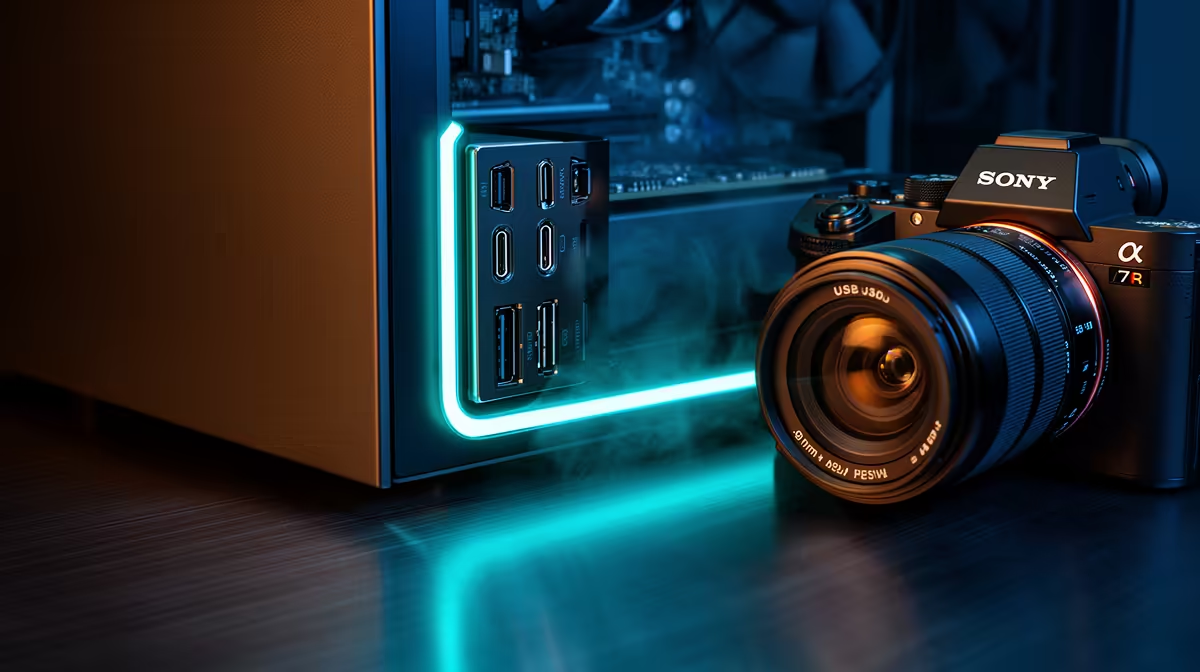
20Gbps USB-C front I/O (USB 3.2 Gen 2x2) delivers real-world transfer speeds of around 1.8 GB/s to an external NVMe enclosure, making it a practical addition to any mid-to-high-end build. It requires a motherboard with a USB 3.2 Gen 2x2 internal header, which is standard on Z790, X670E, and newer AM5 boards.
What 20Gbps USB-C Actually Delivers in Practice 💻
USB 3.2 Gen 2x2 doubles the bandwidth of the more common Gen 2 (10Gbps) standard by bonding two 10Gbps lanes. The practical result: copying a 100GB video project from an internal NVMe to an external Samsung T9 or WD Black SN850 enclosure takes roughly 55 seconds at 20Gbps versus over 100 seconds at 10Gbps. For content creators, photographers, and video editors in South Africa who move large RAW files or Premiere Pro project folders regularly, this halved transfer time compounds over a work week. For a pure gamer who only plugs in a mouse and headset, 10Gbps is more than adequate.
Checking Motherboard Header Compatibility 🔧
The front-panel 20Gbps USB-C port on a case connects to an internal USB 3.2 Gen 2x2 Type-C header on the motherboard. This header is a single 40-pin connector. It is not the same as a standard 19-pin USB 3.0 header or a 10Gbps Type-C header. Before buying a case with a 20Gbps front port, verify your motherboard specifications confirm a USB 3.2 Gen 2x2 internal header. Most Z790 and X670E boards from ASUS, MSI, and Gigabyte include it. Budget B-series boards often omit it. If your board lacks the header, the USB-C port on the case front will either be non-functional or operate only at USB 2.0 speeds via an adapter.
Is 20Gbps Front I/O Worth the Premium in a ZAR Build? 💰
Cases with 20Gbps USB-C front I/O typically command a R300 to R800 premium over otherwise identical models with 10Gbps ports. For a R20,000 to R35,000 build, that premium is negligible if you regularly use external storage. The broader value is future-proofing: USB 4.0 and Thunderbolt 4 peripherals are increasingly common in South Africa, and a 20Gbps front port provides a meaningful upgrade path even if you do not use the full bandwidth today.
Cable Length and Header Position ⚡
The internal USB 3.2 Gen 2x2 cable is stiff and only about 600mm long on most cases. If your motherboard header sits at the bottom-right of the board and your case routes cables from the front-left, confirm the cable reaches without stress. Some cases include a cable extension in the accessory bag.
FAQ
Can I use a 20Gbps USB-C front port for video output?
No. The USB 3.2 Gen 2x2 standard carries data only, not DisplayPort or Thunderbolt video signals. For video output from the front panel, you need a Thunderbolt 4 or USB4 port, which requires a different (and more expensive) motherboard header.
What happens if I plug a USB-A device into a USB-C front port?
You need a USB-C to USB-A adapter. The port itself delivers full data speeds to any compatible device; the connector shape is the only limitation. Most premium cases that include 20Gbps USB-C also include one or two standard USB-A 10Gbps ports on the same front panel.
Do South African PC builders typically use the front USB-C port?
Usage is growing, particularly among content creators and students at universities like UCT and Wits who move project files between their desktop and a portable SSD. For pure gaming use, the port often goes unused, but its presence on the case does not hurt resale value.
Speccing a modern PC with fast front I/O?
Evetech stocks a range of PC cases featuring 20Gbps USB-C front panels alongside motherboards with the matching internal headers, all available locally.