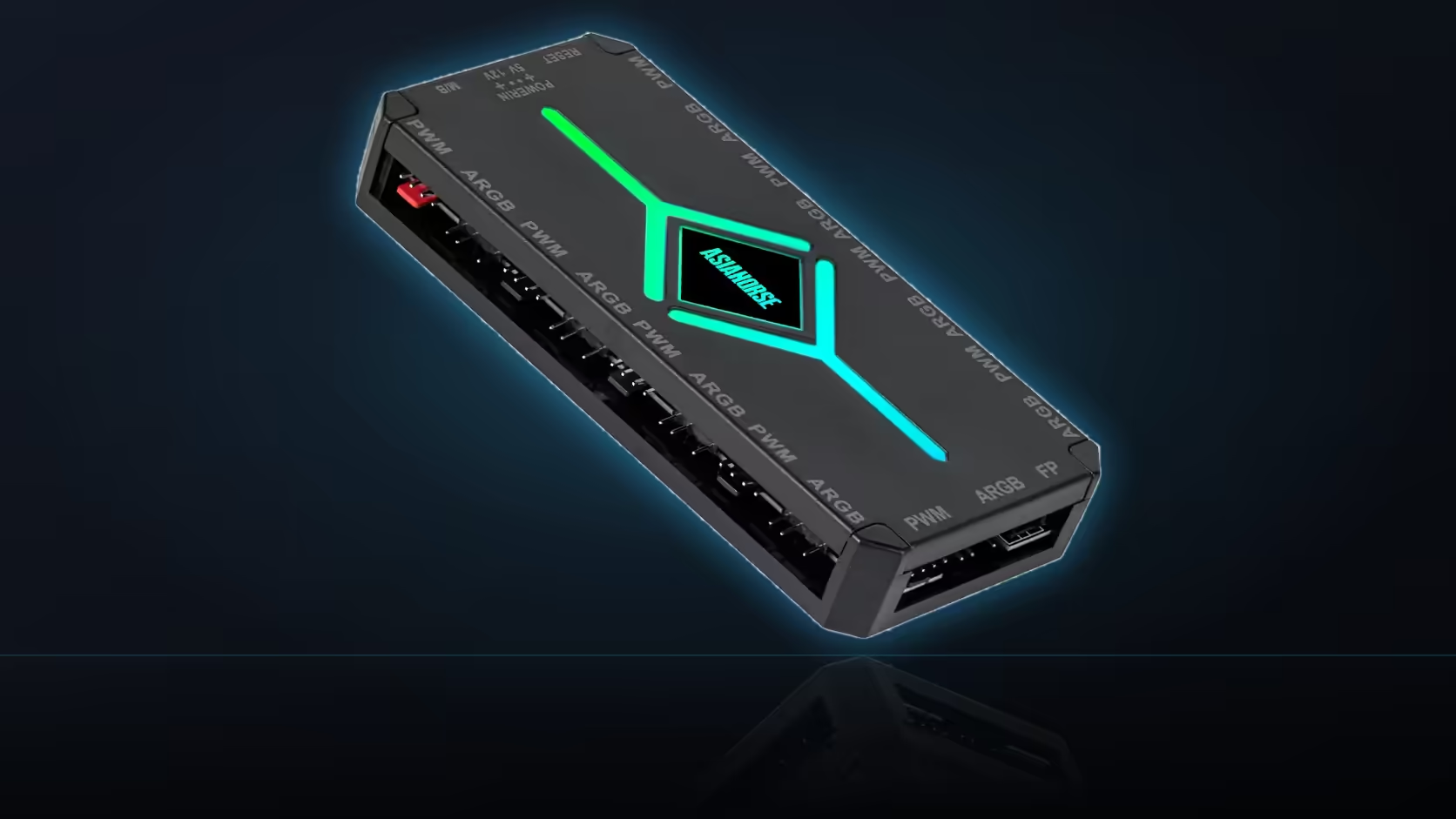
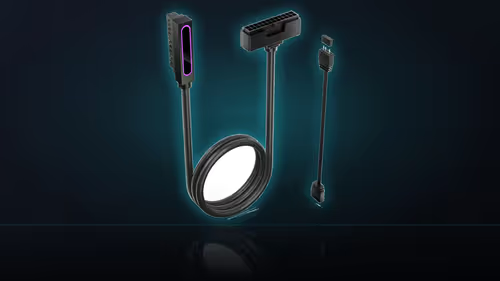
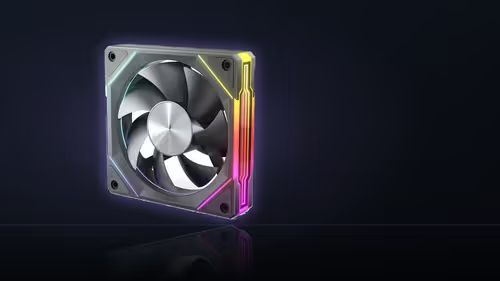
Every cable reaching the ASH-S1 has to travel from wherever its device sits to wherever the hub sits, and the distance between those two points is entirely a function of where the hub was mounted - which makes the placement decision less about finding a tidy corner and more about deciding, upfront, how much cable a build is going to need to route across its interior.
Quick Answer
A central mounting position shortens the average cable run to every connected device, cutting down on both the total length of cable a build needs and the amount of it crossing visibly through the case interior. An out-of-the-way position, chosen mainly to keep the hub hidden, usually means longer leads reaching further across the case instead. Central generally wins, provided both banks of ports stay reachable and the SATA power lead can still get there without excessive length.
📏 The basic geometry of the decision
Every device connected to the ASH-S1 - each fan, each lighting accessory - has a cable running from its own position in the case to whichever port on the hub it occupies. The total length of cable a build needs, summed across every connection, is directly related to how far each device sits from the hub. Mount the hub roughly in the middle of the case, and the average distance to any given device is minimised, since nothing is especially far away. Mount it in a corner instead, and devices on the opposite side of the case now have to route a considerably longer cable to reach it, while devices near the hub barely change.
This is straightforward geometry rather than anything specific to this particular hub, but it matters more here than it would for a single fan or a simple splitter precisely because of how many connections converge on one point - up to eighteen across both banks. A placement decision that adds even a modest amount of extra length to each of those runs compounds into a meaningfully larger total of cable that has to be managed, hidden, or simply lived with inside the case.
🙈 Why a corner position gets chosen anyway
The appeal of tucking the hub into an out-of-the-way spot is usually aesthetic - keeping it out of view through a windowed panel, or out of the way of other components that are meant to be the visual focus of the build. That is a legitimate goal, and cases with tempered-glass side panels have made hiding unglamorous hardware a genuine design consideration rather than an afterthought. The trade-off is that a hidden position is very often also a peripheral one, which is exactly the geometry that produces longer cable runs.
It is worth being honest about what that trade actually costs: longer cables crossing the case interior, more of them needing to be bundled and routed carefully to avoid looking messy even when they are technically hidden, and a build that is objectively harder to keep tidy behind the scenes even if the visible side looks clean. For some builds that trade is worth making - if the hub itself is genuinely unattractive against the rest of the build's aesthetic, hiding it might matter more than the cable-routing cost. For most builds, though, the aesthetic gain from hiding one small unit is modest, while the cable-routing cost of doing so is real and compounds with every additional device connected.
🔌 Constraints the SATA lead adds to the decision
Central placement is not unconstrained, however - the hub still needs to reach a free SATA connector on the power supply's cabling, and that connector's position is fixed by wherever the supply itself sits, usually in a bottom or rear corner of the case rather than centrally. A truly central hub position might put real distance between the hub and the nearest available SATA connector, which works against the goal of minimising cable length even while it minimises the fan and lighting cable runs. The genuinely optimal position, in practice, balances all of these pulls rather than optimising purely for proximity to fans, purely for proximity to the power supply, or purely for being out of sight.
🔧 Why access should still outrank tidiness
Whatever position is chosen on cable-length grounds, it is worth weighing against the access considerations that matter for a hub carrying up to eighteen live connections - a central position that is also difficult to reach once the build is finished defeats much of the purpose of shortening the cable runs in the first place, since a fault or an addition later still requires working on the unit directly. A position that balances central placement with genuine reachability, rather than either central-but-buried or accessible-but-peripheral, tends to be the more durable choice over the life of the build.
The magnetic mount helps here in a way screws would not: since repositioning costs nothing, it is entirely reasonable to mount the hub provisionally during the build, route cables to it, and adjust the position once or twice before settling on a final spot, rather than committing to a single location from the first attempt. Cable weight is worth a final thought too - a hub with connections converging from every direction experiences pull from multiple angles at once, which is more demanding on a magnetic hold than cables all running in roughly one direction, so slack at each connection remains worth building in regardless of where the final position ends up. Evetech's case fan range is a good place to check case dimensions and interior layout before settling on where the hub will realistically sit, and the NZXT fan controller is worth comparing for a build where a smaller unit and shorter cable runs generally might simplify this whole question.
Frequently Asked Questions
What does a central mounting position actually achieve?
Shorter runs from every connected device, which means less cable to hide and fewer long leads crossing the interior.
Why might a corner position be chosen instead?
To keep the hub out of sight, though that usually means longer cables and more of them routed across the case.
Does the SATA power lead limit how central the hub can be?
It does, since the hub has to sit within reach of a free connector on the supply's SATA lead.
Should access ever be sacrificed for a tidier position?
Rarely. Eighteen possible connections make access worth protecting, and a hidden hub is hard to work on later.
Is repositioning the hub after an initial mount easy to do?
The magnetic mount means moving it costs nothing, so a position can be tried and changed during the build.
Does the direction cables pull from matter for the magnetic hold?
Leads converging from all directions can pull a magnetically held hub, so slack at each connection matters wherever it sits.
Where do most builds practically end up mounting it?
Behind the tray at roughly the middle of the case, which balances lead length, access and staying out of view.
Planning where a fully wired hub should actually sit?
Check Evetech's case fan range for interior layouts that make central, accessible mounting straightforward.