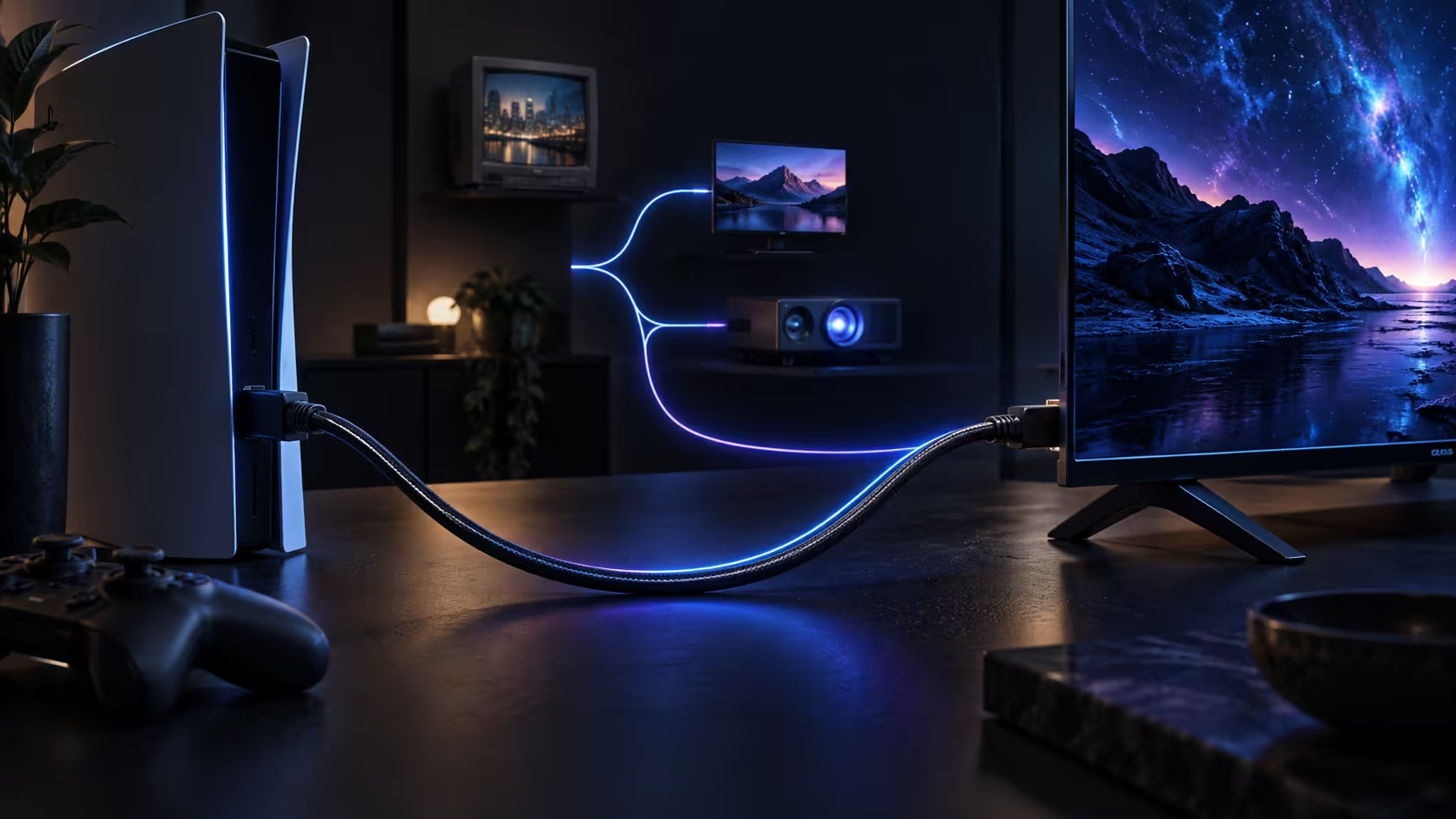
A South African household's HDMI gear rarely arrives all at once, which means most homes are running a genuine mix of generations: a television bought some years back, a console upgraded more recently, and perhaps a projector or a work laptop that predates both. A backward-compatible HDMI 2.1 cable is the one purchase that quietly covers all of it.
Quick Answer
One 48Gbps lead covers the lounge, the desk and an older projector at the same time. Every HDMI generation shares the identical connector, so a cable bought now serves an older television and a work laptop today, then steps up on its own the moment a faster screen arrives. Evetech prices a 1.8m Anker at R299.
🏠 Buying gear in stages is the norm here, not the exception
Replacing a television, a console and a laptop all in one purchase is unusual for most households, so it is far more common to have devices from three or four different HDMI generations sharing the same lounge or home office at any given time. A cable's backward compatibility is what makes this manageable: since the connector has never changed shape across any generation, a single 48Gbps-rated lead moves between an older television and a brand-new console without needing a different cable for each.
📽️ A home projector is often the oldest device in the house
A projector used for a home cinema setup or the occasional presentation often lags several HDMI generations behind everything else, sometimes running on HDMI 1.4 for years after the television and console in the same house have both moved on. Plugging a modern 48Gbps cable into that projector causes no issue at all: the two ends simply settle on whatever mode the projector itself understands, and nothing about the connection is compromised by the mismatch in generations.
🎮 A console usually arrives newer than everything around it
Where a new console lands into an existing lounge setup, it typically becomes the newest HDMI generation in the house by a fair margin, sitting alongside a television that may be several years old and a soundbar older still. A backward-compatible cable is what lets that console plug straight into the existing television without forcing an immediate upgrade of everything else at once, buying time to replace the older gear on its own schedule rather than all in one expensive weekend.
💻 A docking station ties an older laptop into a newer chain
Hybrid work has made a docking station a common fixture on South African desks, letting one laptop connect to a monitor, peripherals and power through a single cable. The HDMI output on many docking stations and older work laptops sits behind an earlier HDMI generation than a home gaming setup, and a backward-compatible cable handles that just as easily as it handles a lounge television, without needing a separate cable kept specifically for the office side of the desk.
🧳 Moving house or upgrading gear in stages
South African households relocating between rentals every 1 to 2 years, or simply reshuffling a lounge and a home office as circumstances change, tend to disconnect and reconnect the same handful of devices repeatedly over that time. A backward-compatible cable makes that process painless, since it does not need matching to whichever specific device ends up in whichever specific room next; it simply works wherever it is plugged in, on whatever generation of hardware happens to be there.
🔌 A cable that outlives the device it was bought for
A cable tucked behind a unit and forgotten about tends to sit there quietly for years without anyone thinking to replace it, so a single 48Gbps lead bought today is quite likely to outlast whichever device it is first plugged into. When a television, projector or docking station eventually gets replaced with something newer, the existing cable simply moves across with it, or stays behind to serve whatever replaces the older gear in that same spot. This is part of why buying to the current standard once, rather than matching a separate cable to each device's own specific generation, tends to work out cheaper across a household over several years of use.
🛒 One buying rule that covers every scenario above
Buy to the current 48Gbps standard once, regardless of which specific device the cable is going to serve first. It costs little more than a basic cable at typical lengths, and it removes the need to think about generation matching ever again, since the current top tier already covers everything below it automatically. The 1.8m Anker at R299 fits a console, a projector or a docking station equally well, and Evetech's comprehensive cable range stocks longer options too, in case any one of those three devices needs a run past the standard length.
Frequently Asked Questions
Can one HDMI cable really serve a television, a projector and a laptop dock equally well?
Yes, provided it is rated for the current 48Gbps standard. The connector and handshake process work identically regardless of which generation the device on the other end belongs to.
Does a docking station need a special HDMI cable different from a television's?
No. The same 48Gbps-rated cable works on a docking station's HDMI output exactly as it does on a television or console input.
Will an older home projector ever need a cable upgrade of its own?
Only if the projector itself is eventually replaced with a model built for a newer HDMI generation. The cable cannot add capability the projector's own hardware does not already have.
Is it worth buying several cables matched to each device's generation instead of one universal one?
Generally not. A single 48Gbps-rated cable covers every generation below it, so buying multiple generation-specific cables adds cost and confusion without any real benefit.
Should I replace a docking station's HDMI cable if my laptop is due an upgrade soon?
It is a reasonable precaution, since a cable already rated for the current standard means the docking station setup is ready the day a newer laptop arrives, without a second purchase to sort out afterward.
Can a backward-compatible cable be moved between a rental and a new home without issue?
Yes. Nothing about the cable itself depends on a specific address or installation, so it packs up and reconnects exactly the same way in a new place as it did in the last one.
Ready to buy one cable that covers your whole household?
Pick the current 48Gbps standard, and let it move between whichever device needs it next.