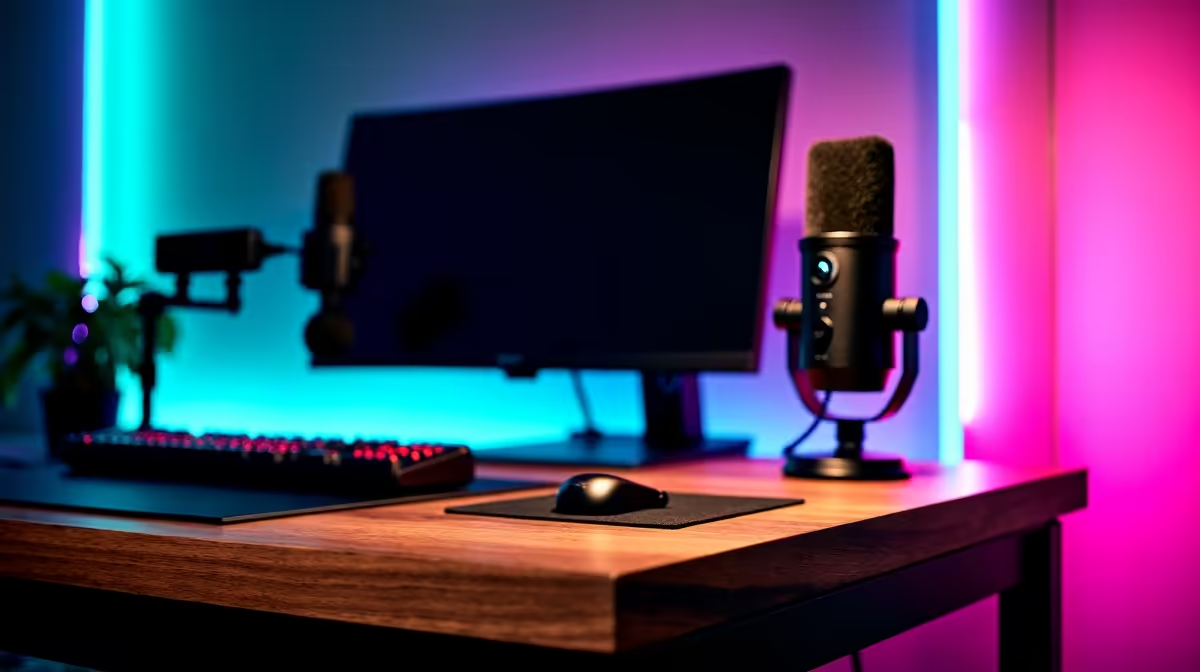
Dreaming of a stream that looks less like a grainy webcam feed and more like a professional broadcast? You're not alone. For many South African gamers, levelling up from a hobby to a high-quality stream feels daunting. But building an advanced streaming setup in South Africa is more achievable than you think. Let's get you broadcast-ready. 🚀
Nailing the Core: Your Streaming PC
Your PC is the engine of your entire streaming operation. A weak machine will stutter, drop frames, and turn your slick broadcast into a slideshow. For a truly professional advanced streaming setup, you need a rig that can game and encode high-quality video simultaneously without breaking a sweat.
The big debate is often CPU (x264 encoding) vs. GPU (NVENC/AMF encoding). Modern NVIDIA GPUs have dedicated NVENC chips that handle the streaming load with a minimal performance hit on your game. This makes them ideal for a single-PC setup. If you're looking for that kind of efficiency, exploring powerful Intel-based systems paired with an NVIDIA RTX card is a fantastic starting point.
Alternatively, a beastly multi-core CPU, like those found in the latest AMD Ryzen gaming PCs, can produce incredible quality using x264 encoding. Whichever path you choose, don't skimp on RAM—16GB is the minimum, but 32GB is the sweet spot for multitasking smoothly.
Pro-Level Audio & Visuals
This is where you separate yourself from the crowd. Flawless audio and crisp video are the hallmarks of a serious streamer.
Crystal-Clear Audio is Non-Negotiable
Your audience might forgive a few dropped frames, but they won't tolerate crackly, muffled audio. Ditch the headset mic and invest in a dedicated USB microphone like a Rode NT-USB+ or a Blue Yeti. These capture rich, clear vocals and make you sound professional. For the ultimate upgrade, an XLR microphone setup offers unparalleled quality, but requires an audio interface.
From Webcam to Cinema-Quality Video ✨
A good 1080p webcam is a great start, but an advanced streaming setup often uses a DSLR or mirrorless camera connected via a capture card like an Elgato Cam Link 4K. The difference is night and day. You get that beautiful, blurry background (bokeh) and incredible low-light performance that makes your facecam pop.
Investing in these peripherals can be costly, which is why opting for one of our pre-built PC deals can be a smart move. It frees up your budget and time, letting you focus on the gear that your audience sees and hears directly.
Optimising for the Mzansi Grind 🔧
Streaming in South Africa comes with its own unique set of challenges. A truly advanced setup is one that's prepared for them.
Firstly, your internet. You need a stable, wired fibre connection. Pay close attention to your upload speed, as this determines the quality of the video you can send to platforms like Twitch and YouTube. A minimum of 5-6 Mbps upload is recommended for a stable 1080p stream.
Nothing ends a stream faster than a power cut. A reliable Uninterruptible Power Supply (UPS) is essential. It gives you enough time to gracefully end your stream and say goodbye to your viewers, rather than just disappearing.
Building a top-tier setup doesn't have to cost a fortune from the get-go. You can start with a solid foundation by looking at gaming PCs under R20,000 and upgrade your peripherals over time.
Stream-Saver Tip for SA Internet ⚡
In OBS Studio, go to Settings > Advanced > Network. Enable 'Dynamically change bitrate to manage congestion'. This automatically lowers your stream quality if your connection drops, preventing a total disconnect. It's a lifesaver for keeping your stream online during network hiccups.
Ready to Build Your Pro Setup?
Building an advanced streaming setup in South Africa is a journey, but it starts with a powerful core. The right PC ensures a smooth, high-quality broadcast that will keep your viewers coming back. Explore our massive range of pre-built PC deals and find the perfect machine to launch your streaming career.