Quick Answer
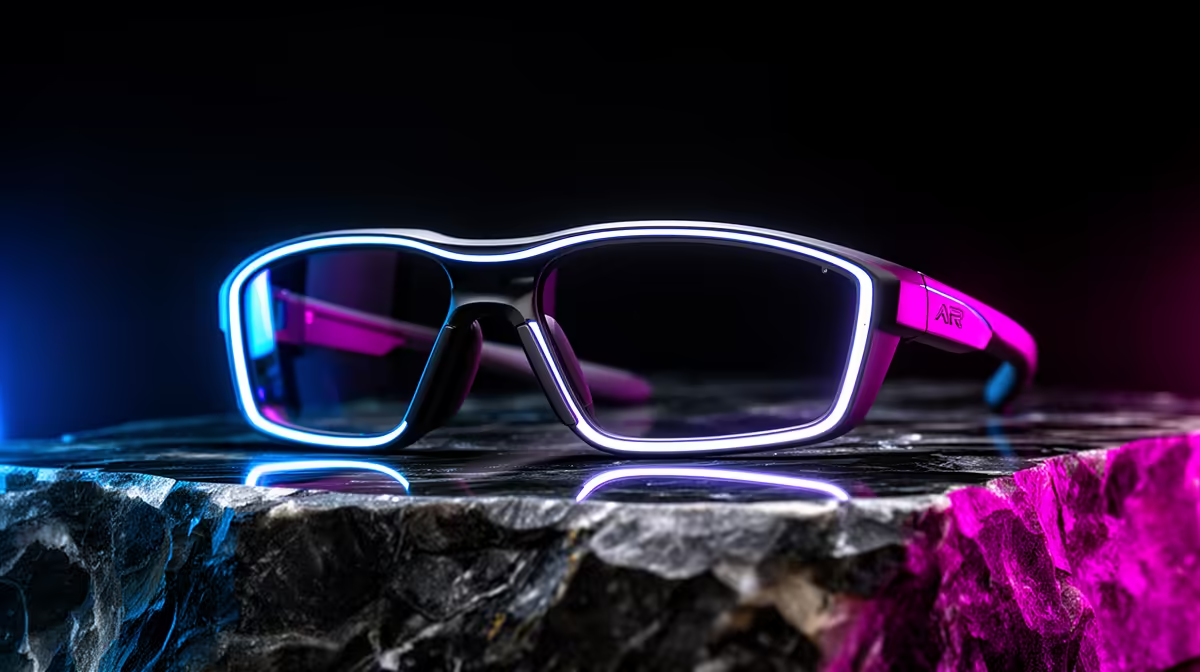
An AR-glasses checklist for protecting an expensive setup focuses on a replaceable cable, the right connector for your device, sturdy build and a hard case - plus accepting that glasses are a display, not protection for your PC. Expect R6,000 to R9,000 at Evetech for a durable pair. The "protection" here is buying robust glasses that last, not anything that shields your gaming rig.
What The Checklist Should Cover
For a setup you have invested in, treat AR glasses as a premium accessory worth protecting and choosing well. Check four things: a detachable, replaceable USB-C cable so a worn cable does not kill the unit; the correct connector or adapter for your phone, handheld or PC; a sturdy hinge and frame; and a hard carry case to prevent travel damage.
Resolution and field of view matter for the experience - 1080p per eye is the practical baseline - but durability is what protects your spend on the glasses themselves.
AR Glasses Do Not Protect Your PC
Be clear on terms: AR glasses are a personal display. They do not provide power protection, surge defence or any safeguard for your expensive PC. If protecting the rig is the goal, that job belongs to a surge-protected strip or line-interactive UPS, not eyewear.
The glasses simply show whatever your device renders - they add no fps and guard no hardware. Buy them as a durable private big-screen, and protect the PC separately.
Spend Bands
A durable pair with a replaceable cable and 1080p-per-eye panels runs R6,000 to R9,000. A hard case adds R200 to R500. Surge protection for the actual PC starts around R300 for a strip.
FAQ
Do AR glasses protect my expensive PC?
No. They are a display, not a power or surge device. Protect the PC with a surge-protected strip or line-interactive UPS; the glasses guard nothing about your rig.
What makes AR glasses durable?
A detachable, replaceable USB-C cable, a sturdy hinge and frame, quality 1080p-per-eye panels and a hard carry case. These survive travel and daily use far better than cheap fixed-cable units.
What connector do AR glasses need?
USB-C with DisplayPort Alt Mode on your source device, or the matching adapter. Confirm your phone, handheld or PC supports it before buying, or factor in the adapter cost.
Pick AR glasses with a replaceable cable and a hard case, confirm your device's USB-C video support, and protect the actual PC with a separate surge strip or UPS.