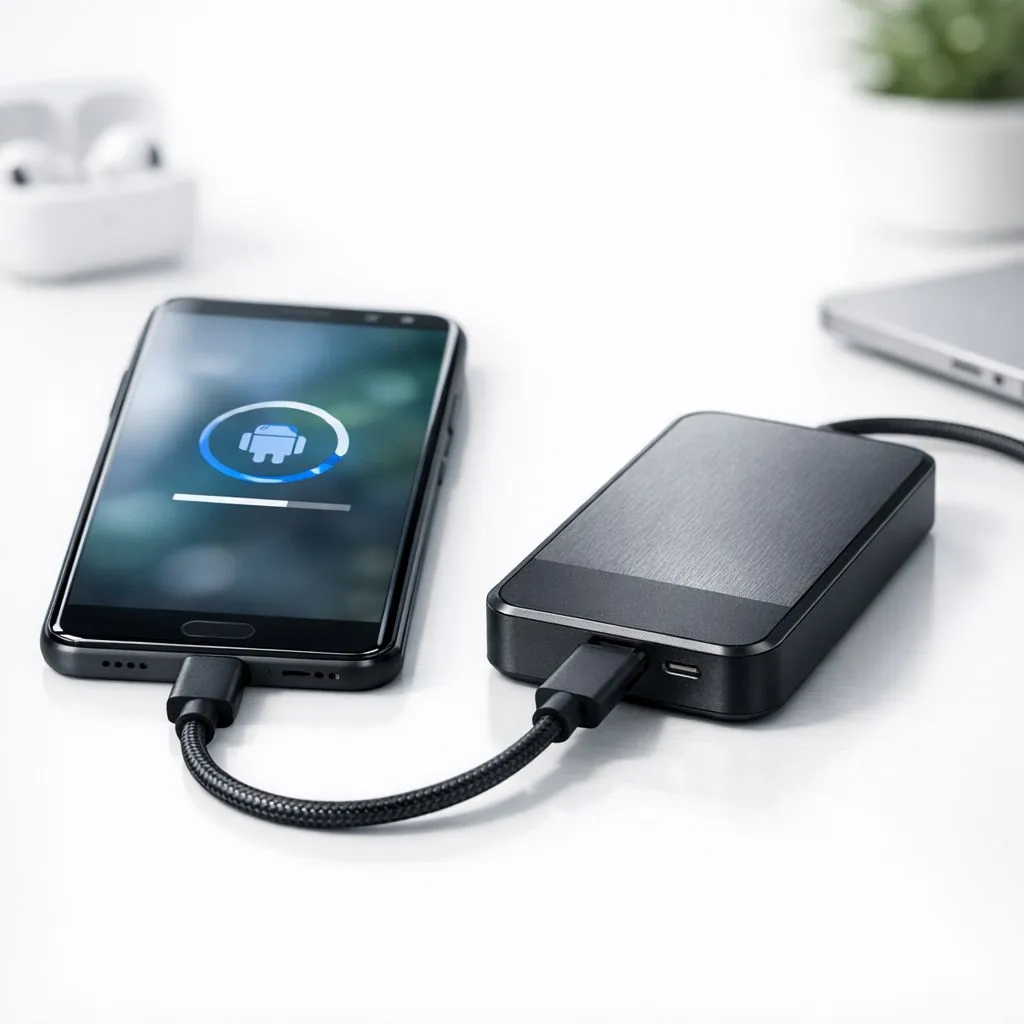
Why Physical Backups are Essential for South Africans
Ever lost your photos or game saves because of a load-shedding surge or a dropped phone? In South Africa, our devices take a beating. Cloud storage is okay, but data costs are high and speeds can be flaky. That’s why learning how to backup Android to external drive is the smartest move for any local tech enthusiast looking for peace of mind.
While Google Drive is convenient, it doesn't beat the speed of a physical connection. When you choose to buy solid state drives for your local backups, you eliminate monthly subscription fees in ZAR. You also ensure your data is accessible even when the towers are down during Stage 6.
Choosing the Right Hardware for the Job ⚡
Not all storage is created equal. If you are moving large 4K videos or heavy gaming files, you need something that won't throttle. We often recommend ADATA’s high-performance range for their local reliability. Alternatively, Western Digital’s dependable options offer fantastic thermal management for our warmer climate.
File System Pro Tip ⚡
Before you start your backup, ensure your external drive is formatted to exFAT. Most Android phones cannot write to NTFS drives without third-party apps. exFAT allows you to store files larger than 4GB, which is perfect for long video recordings or large game data folders.
How to Backup Android to External Drive: Step-by-Step
The process is simpler than most people think. Most modern Android devices support "USB On-The-Go" (OTG). This allows your phone to act as a host and talk directly to your storage.
- Connect your hardware: Use a USB-C to USB-C cable or an OTG adapter.
- Mount the drive: Your phone should notify you that a USB drive is connected.
- Use a File Manager: Open your preferred "Files" app.
- Copy and Paste: Select your DCIM, Documents, or WhatsApp folders and move them to the external storage.
To make this process seamless, you should buy external SSD options that offer high read/write speeds. If you travel often or commute via taxi, look for a durable external form factor that can withstand a few bumps in your bag. 🔧
Future-Proofing Your Mobile Storage ✨
As mobile processors get faster, the bottleneck usually becomes the storage interface. If you are a power user who also uses their drive for a PC or laptop, investing in the latest Gen 5 (NVME) technology ensures you are ready for the next decade of hardware.
Backing up your Android device locally isn't just about security... it's about taking ownership of your digital life without relying on a stable internet connection. 🚀
Ready to Secure Your Digital Life?
Don't wait for a hardware failure or a lost phone to value your data. From lightning-fast NVMe drives to rugged portable storage, we have the tech to keep your memories safe. Explore our massive range of SSD specials and find the perfect backup partner today.