Quick Answer
The best cable management and display-oriented cases combine a large cable routing channel behind the motherboard tray (minimum 25mm deep), rubber-grommeted cutouts at every major routing point, a full PSU shroud, and wide tempered glass panels that frame the components. Paired with Velcro tie points and a base shroud that hides drive cabling, these features create the visual separation between tidy wiring and premium hardware that makes a build genuinely display-worthy.
Cable Management Architecture That Actually Works 🔧
The difference between a case that promises clean cables and one that delivers it comes down to engineering, not marketing. Look for a rear cavity depth of 25mm to 30mm behind the motherboard tray: this accommodates bundles of modular PSU cables without forcing the side panel to bow. Rubber-lined grommets at every cutout prevent sharp steel edges from cutting cable insulation over time and give a finished look to each routing exit. PSU shrouds that extend fully across the base of the case hide all lower cable connections, including SATA power, PCIe power bundles, and fan extensions. Velcro straps anchored at three to five points across the cable routing path allow cables to be grouped and secured without zip ties that must be cut on every upgrade.
Display Features That Elevate the Build Visually ✨
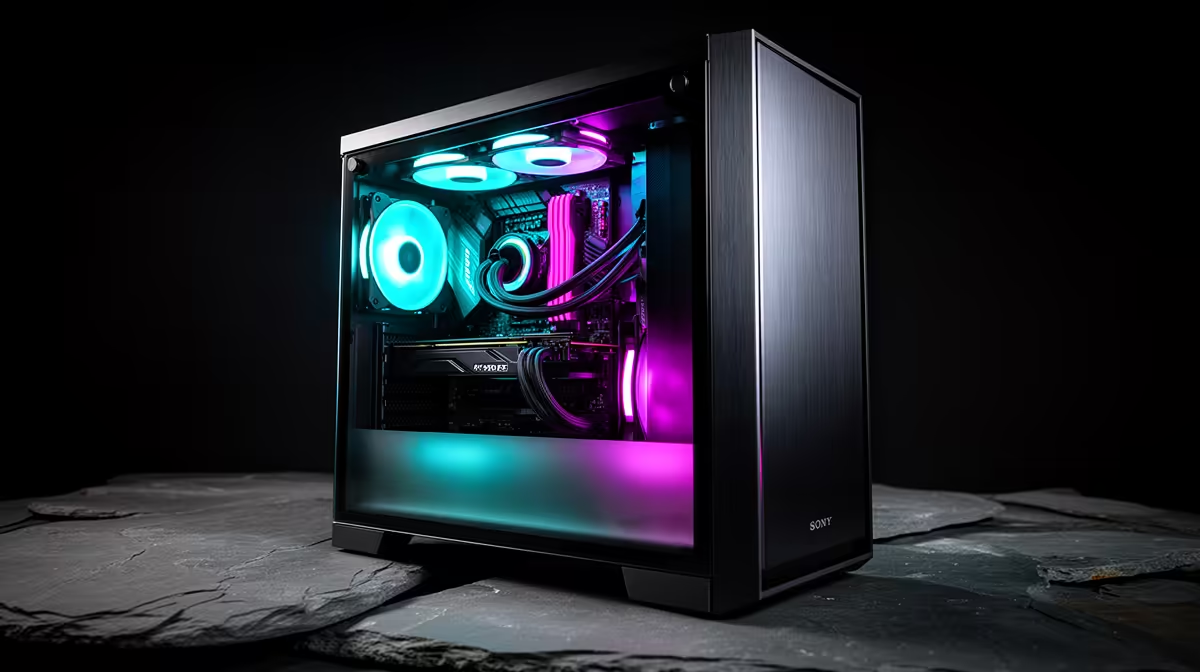
Once the cables are hidden, the hardware does the talking. Cases with a three-sided panorama glass view (front, side, and top glass panels) expose every component simultaneously. A mirrored display stage at the case base reflects GPU lighting and PSU fan glow upward, creating depth in the visual that flat glass-only cases cannot replicate. ARGB fan mounts positioned at front intake, top exhaust, and rear exhaust allow you to spec matched RGB fans that form a cohesive lighting strip visible from three angles. For SA builders investing R45,000 or more in a showcase build with a Ryzen 9 9950X and RTX 5090, the case's visual design is as much a product decision as the GPU choice.
Structural Details That Matter for Long Builds 💡
Display-focused builders often spend hours at a time on initial assembly, so ergonomic construction details matter. Hinged or magnetic tempered glass panels that open on a hinge rather than unscrewing are far more convenient when you need to reseat a component or clean fans. Tool-less PCIe slot covers allow GPU removal without a screwdriver during the build phase. Removable dust filters on intake vents, especially below the PSU and on front mesh panels, reduce maintenance frequency to once every four to six weeks rather than weekly wipe-downs, which protects the look of the internal components over time. SA dust conditions in Gauteng or Limpopo can be significant, so filtered intakes are practically useful, not just a feature checklist item.
Use White Cables for Maximum Visual Impact ⚡
If you are using a modular PSU, swap the default black cables for white or custom-sleeved cable extensions in a matching colour. A set of white cable extensions for 24-pin ATX, 8-pin EPS, and PCIe runs around R300 to R600 locally and transforms the interior appearance, especially against a dark tempered glass background.
FAQ
How deep should the cable routing channel be behind the motherboard tray?
A minimum of 25mm depth is needed for a single-GPU build with a modular PSU. If you are running dual-chamber designs or extra drive cabling, 30mm provides more comfortable routing.
Does cable management affect airflow?
Yes. Bunched cables across the GPU airflow path or across front intake mesh restrict airflow and can raise GPU temps by 3 to 5 degrees Celsius.
What glass finish looks best for a showcase build?
Tinted tempered glass reduces glare and adds depth to RGB lighting, making colours appear more saturated. Clear glass shows brighter but harsher reflections.
Building a showcase system that looks as good as it performs?
Evetech stocks a wide selection of ATX gaming cases built for clean cable routing and display-worthy glass panels.