Quick Answer
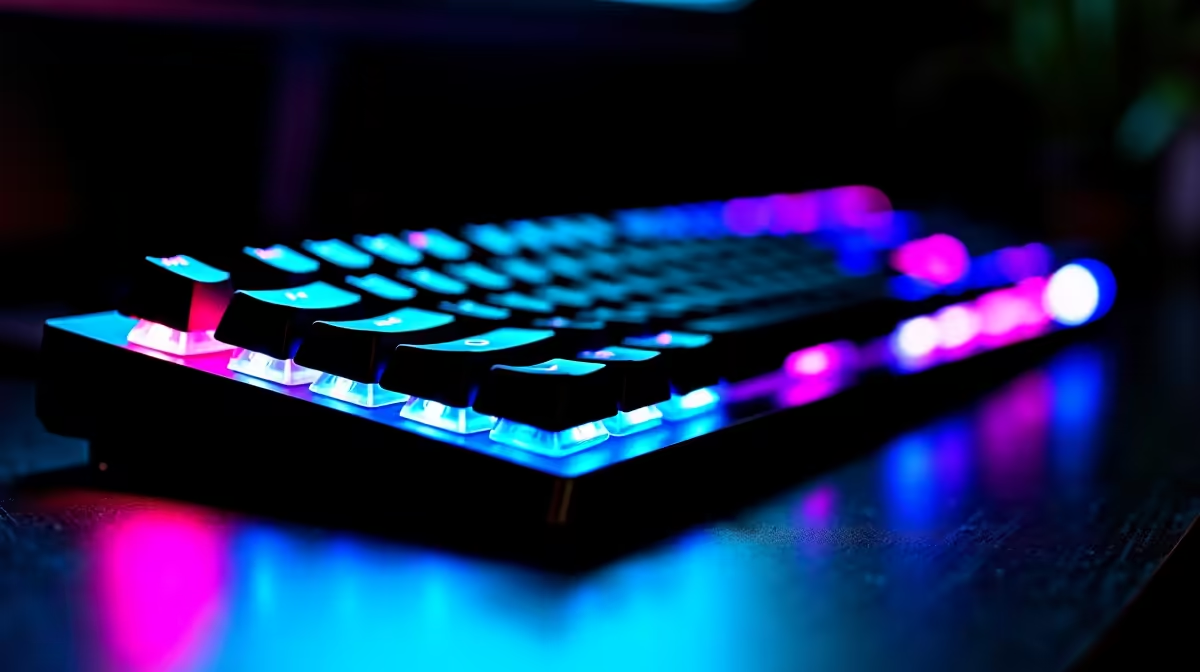
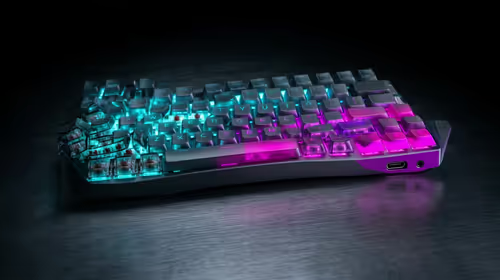
For competitive Rocket League on keyboard, SA players favour fast Hall-effect or linear-switch boards in a compact layout. The Wooting 60HE (near R3,200), Razer Huntsman Mini (near R2,500) and SteelSeries Apex Pro Mini (near R3,500) suit the rapid boost, jump and air-roll inputs the game demands.
Switches, Layout and Bindings
Rocket League keyboard play needs crisp, repeatable inputs for aerials, so Hall-effect rapid-trigger switches that reset instantly give an edge over standard mechanical keys. A 60% or TKL layout keeps the hands compact for the few keys used. Many players bind air-roll left and right to comfortable keys near the home row, and keep boost on a held key. Polling at 8000Hz on the Wooting and Apex Pro lowers latency on a 240Hz monitor, though 1000Hz already feels responsive.
Pricing, Layouts and Pairing
SA pricing: a Redragon 60% near R800 for budget, the Razer Huntsman Mini near R2,500 with fast optical switches, and the Wooting 60HE near R3,200 or Apex Pro Mini near R3,500 with Hall-effect rapid trigger. Pair any with a 144Hz-plus monitor and an RTX 4060-class GPU that pushes Rocket League well past 144fps, so the responsive switches show their benefit during fast aerial chains.
FAQ
What keyboard switches suit competitive Rocket League?
Hall-effect rapid-trigger or fast linear switches. They reset instantly, helping chain boost, jump and air-roll inputs cleanly during aerials.
What layout do Rocket League keyboard players use?
A compact 60% or TKL board, since the game uses few keys. The smaller footprint keeps hands close and frees space for mouse movement.
How should I bind air-roll in Rocket League?
Bind air-roll left and right to comfortable keys near the home row, and keep boost on a key you can hold, so aerial control feels natural and fast.
Pick a compact Hall-effect board at Evetech, bind air-roll to home-row keys, and pair it with a 144Hz-plus monitor for responsive Rocket League aerials.