Quick Answer
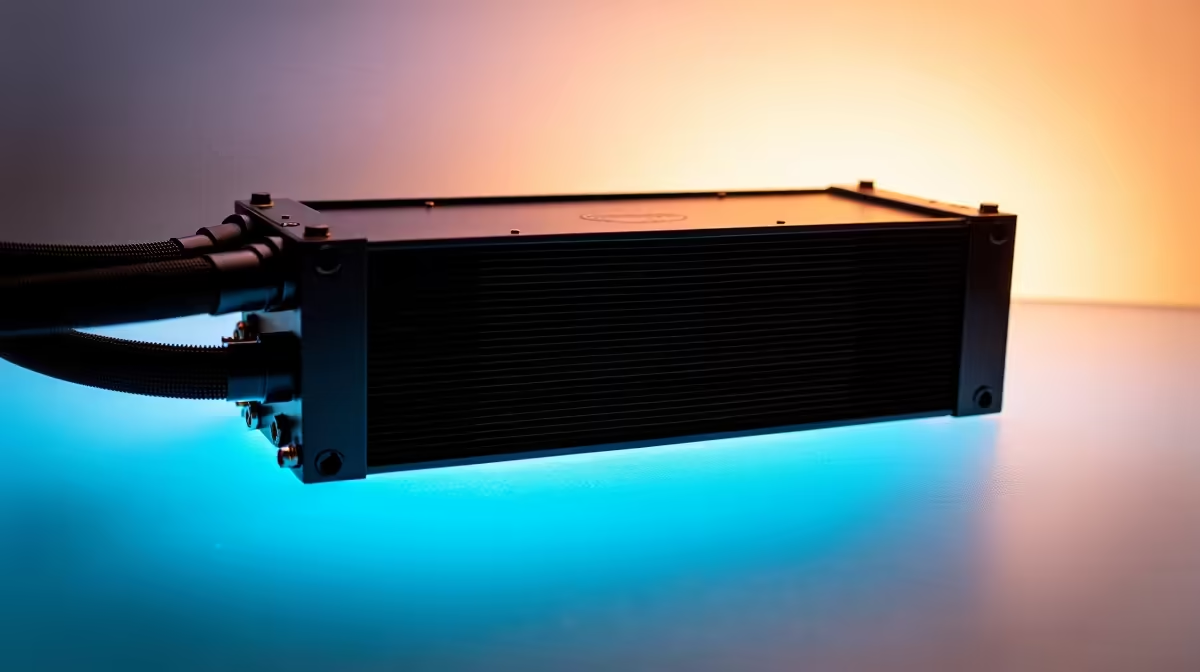
For SA professional creators working from home, the best cooling configuration is a six-fan setup in a mid-tower or full-tower: three high-airflow LCP intake fans at the front, two static-pressure fans on a 240mm AIO radiator at the top, and one low-noise exhaust at the rear. This delivers consistent CPU and GPU thermals for sustained render and encode workloads without the noise that disrupts calls, recordings, or concentration.
Noise Matters More in a WFH Environment 🖥️
A professional creator's PC sits within a metre of a microphone, often in a home office with minimal acoustic treatment. Standard gaming fan setups run at 2,000 RPM or higher under load, generating 35 to 40 dBA that bleeds into Google Meet calls and into voice-over recordings. For SA creators producing YouTube content, podcast audio, or client video presentations, fan noise in the background is both unprofessional and technically damaging to audio quality.
The solution is a high-flow, low-noise configuration: larger fans moving the same air volume at lower RPM. A 120mm fan at 800 RPM delivering 30 CFM is near-inaudible at under 15 dBA. Six such fans with a premium AIO keep a workstation running a Core Ultra 9 285K below 85 degrees Celsius under Premiere Pro and DaVinci Resolve renders.
Recommended Hardware for SA Creator Builds 🔧
For a WFH creative workstation in the R40,000 to R80,000 range, target premium LCP fans with FDB bearings rated below 22 dBA at maximum RPM. Noctua NF-A12x25 fans are the benchmark at around R550 to R650 each locally, currently stocked at Evetech. Paired with a 280mm or 360mm AIO, the configuration keeps an RTX 5080 below 80 degrees Celsius during sustained rendering while maintaining a case noise floor under 25 dBA. Choose a case with rubber-mounted fan positions and acoustic foam panels to further reduce desk-transmitted vibration.
Setting Up Fan Curves for Creator Workloads 💰
Creative workloads have distinct thermal signatures: long sustained loads during exports, short bursts during preview playback, extended idle during writing or browsing. Set your fan curve with a gentle ramp starting at 50 degrees Celsius and reaching maximum only above 85 degrees Celsius. This keeps fans near-silent during idle and writing sessions, with a smooth ramp during exports that never exceeds 30 dBA in a well-configured build. Use your BIOS fan curve editor or the open-source Fan Control tool to implement this.
Decouple Your Mic from Your Desk for Fan Noise Reduction ⚡
Even a near-silent PC produces low-frequency vibration through the desk surface that a condenser microphone picks up as a low hum. Use a boom arm or shock mount to decouple your microphone from the desk entirely. Combined with a properly tuned quiet fan configuration, this eliminates fan noise from recordings without soundproofing your entire room.
FAQ
Should SA creators prioritise CPU or GPU cooling in their workstation configuration?
For video editing and 3D rendering, GPU cooling is equally important to CPU in 2026, as DaVinci Resolve and Blender rely heavily on GPU compute. A balanced six-fan configuration with AIO CPU cooling and strong case airflow across the GPU is the right approach.
Is a 240mm AIO sufficient for a high-end creator workstation, or do I need 360mm?
For processors up to the Ryzen 9 9950X, a 240mm AIO is adequate for sustained render loads. For Threadripper or Intel HEDT chips with 24 or more cores, a 360mm AIO is recommended to avoid thermal throttling during extended multi-hour exports.
How often should a WFH SA creator clean their cooling system?
In a home office environment, clean intake filters every six to eight weeks and blow out GPU and CPU heatsink fins every six months. SA winter dust levels in Gauteng make quarterly filter checks advisable.
Building a quiet, powerful WFH creative workstation for SA?
Explore premium case fans, AIO coolers, and creator-ready components at Evetech.