Quick Answer
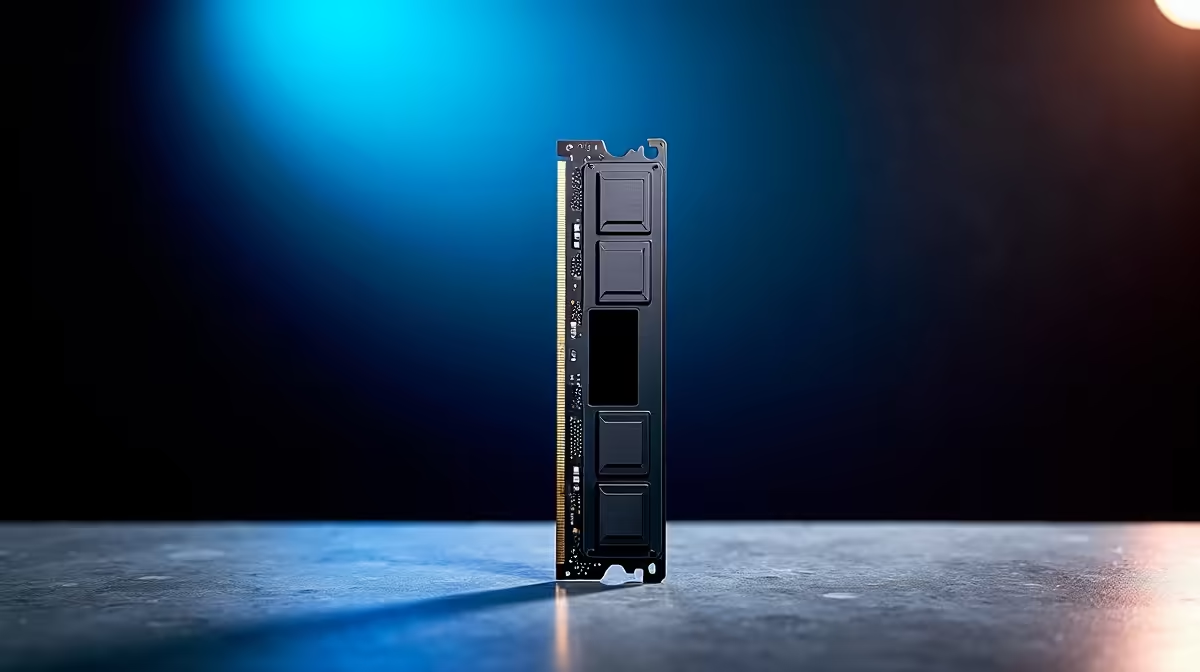
The best DDR5 kit for most SA gaming and work PCs is 32 GB as 2 x 16 GB, with DDR5-6000 CL30 or CL36 as the sweet spot for AM5 and modern Intel builds. Common shortlist names include G.Skill Trident Z5 Neo, Corsair Vengeance DDR5, Kingston Fury Beast, and Crucial Pro, with broad pricing around R1,800 to R3,500 for 32 GB kits. For Pretoria East, buy around fit, support, and delivery practicality rather than chasing the loudest spec.
Local Fit Checks
Capacity comes first. 16 GB still runs many games, but 32 GB is the safer choice for Chrome tabs, Teams, game launchers, and 1440p play. On Ryzen 7000 and 9000 platforms, DDR5-6000 with EXPO is a strong target. Intel systems can use XMP kits well, but always check the motherboard QVL and BIOS maturity.
Specs Worth Checking
A Ryzen 7 7800X3D plus 32 GB DDR5-6000 is a proven gaming base for RTX 4070 Super class systems targeting 120-180 fps in esports at 1440p. Content workers who keep Photoshop, Excel, and a browser open should still start at 32 GB. Move to 64 GB only for video editing, heavy virtual machines, or large creative projects.
Final Fit Test
For Pretoria East buyers, matching the memory profile to the motherboard is more important than chasing the highest MHz number. A stable 6000 MT/s kit beats a 7200 MT/s kit that needs manual tuning. Keep the kit as two sticks rather than four if you want the least setup drama. The common mistake is buying from a headline feature without checking the physical fit, warranty path, and the daily routine around the product. Keep the shortlist to two or three realistic options, then compare the spec that changes your actual use: cooling noise, desk space, frame rate, connection stability, or typing comfort.
FAQ
Is 32 GB DDR5 enough for gaming?
Yes. 32 GB is the practical current sweet spot for gaming, streaming, and remote work on one PC. It gives more headroom than 16 GB without pushing into workstation pricing.
Should I choose EXPO or XMP?
Choose EXPO for AMD AM5 boards when possible and XMP for Intel boards. Some kits support both, but the motherboard support list should guide the final choice.
Does faster DDR5 improve FPS?
It can, but only within limits. Moving from slow DDR5 to a good 6000 MT/s kit can help minimum fps, while extreme speeds often bring small gains for much higher cost.
Buyer Check
Buy a matched 2 x 16 GB kit and enable the memory profile in BIOS only after confirming the system boots cleanly at default settings.