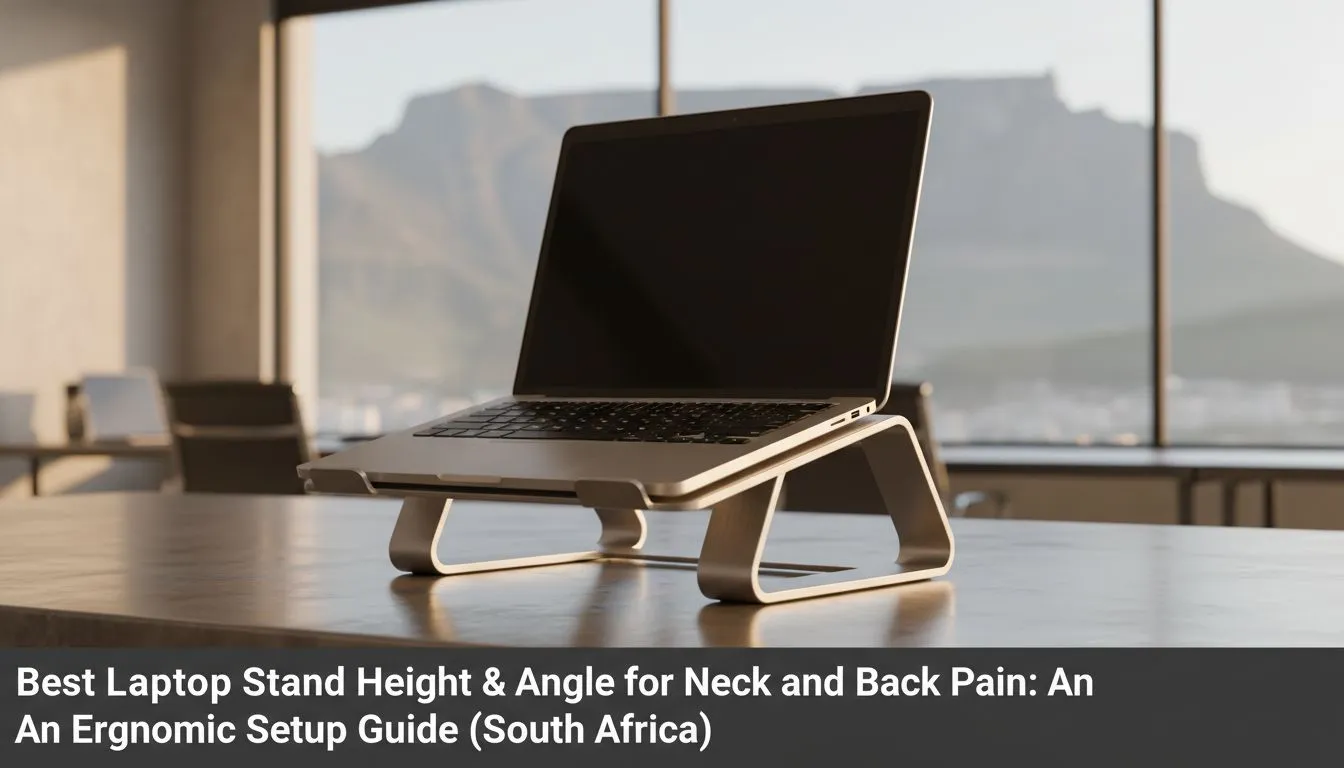
Ever felt that sharp sting in your shoulders after a long session of Elden Ring? You are not alone. Most South African gamers overlook their desk ergonomics until the pain becomes unbearable. Finding the best laptop stand height and angle for neck and back pain is vital. It is not just about comfort. It is about protecting your health while you climb the ranks.
Why Ergonomics Matter for South African Gamers
Hunching over a desk for hours causes tech neck. This strain affects your focus and your aim. To fix this, you need a setup that promotes a neutral spine. You can find versatile laptop cooling pads that offer both thermal management and height adjustment. A stable base is the first step toward a pain-free experience. 🔧
Finding the Ideal Height for Your Screen
Your eyes should naturally hit the top third of your laptop screen. If you are looking down, your neck muscles work too hard. Many Promate laptop stands offer multiple levels of elevation. This allows you to sit upright. It keeps your shoulders relaxed and your spine aligned. Proper elevation reduces the weight your neck must support during long hours. ⚡
Ergonomic Pro Tip ⚡
When using a laptop stand, always pair it with an external mouse and keyboard. This prevents you from reaching up at an awkward angle to type. It keeps your elbows at a 90-degree angle, which is much better for your long-term joint health.
Choosing the Right Angle to Reduce Strain
The angle of your keyboard and screen matters just as much as the height. A slight tilt of 15 to 30 degrees is often the sweet spot. This reduces glare and keeps the screen at a comfortable viewing distance. Brands like Orico cooling solutions provide stable, angled platforms. These designs stop your device from sliding while keeping you comfortable. 🚀
Investing in Quality Hardware for Longevity
Good posture should not cost a fortune... but it is worth every cent. In South Africa, you can find high-quality premium laptop stands starting from R764 that offer robust build quality. A sturdy stand ensures your expensive laptop stays secure. It also helps with airflow, which keeps your frame rates high. Your body and your hardware will thank you for the extra care. ✨
Ready to Find Your Perfect Match?
Neck pain can ruin your productivity and your gaming performance. Investing in the right ergonomic setup is the best way to stay in the game for longer. Explore our massive range of laptop cooling pads and stands and find the perfect support for your setup today.