



PCIe 5.0 vs PCIe 4.0 for Video Editing in 4K in SA
PCIe 5.0 and PCIe 4.0 differ most in lane support, compatibility, and upgrade value for video editing in 4k. SA buyers should match the choice to their actual hardware and games.
Read moreDiscover the top mini PCs designed for digital signage. 🔍 Boost your business visibility with reliable, high-performance devices. 📈 Perfect for small spaces!
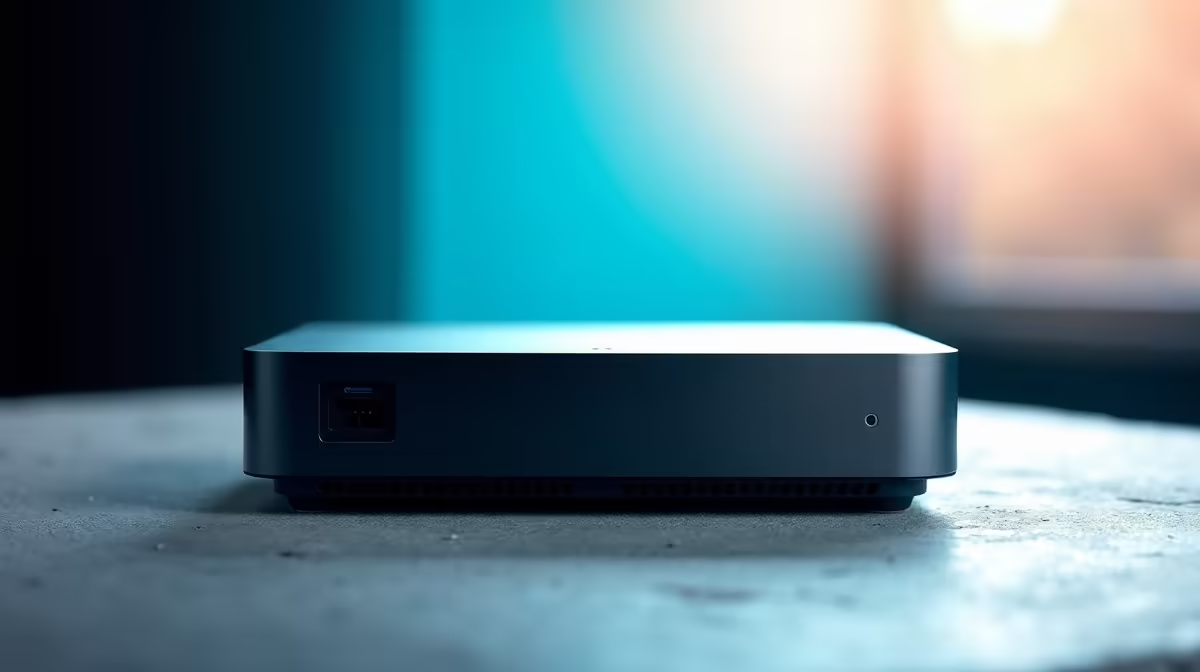
Tired of bulky, power-hungry towers running your shop's displays? In South Africa, businesses are switching to a smarter solution. The best mini PCs for digital signage pack a serious punch in a tiny box, saving you space, electricity, and headaches. But which one is right for your restaurant menu, corporate lobby, or retail promotion? Let's break down how to choose the perfect powerhouse for your pixels. 🖥️
The biggest advantage of using a mini PC for your digital signage solution is efficiency. These compact units consume significantly less power than traditional desktops... a welcome relief for any business keeping an eye on the electricity bill. They are small enough to mount directly behind a screen using a VESA bracket, creating a clean, professional installation with no cable mess.
Despite their size, modern mini PCs are more than capable of handling demanding tasks like smooth 4K video playback and dynamic content across multiple displays. They offer the full power of a Windows or Linux OS in a package that just works.
Choosing the right model means looking beyond the small chassis. Not all mini PCs are created equal, and for a 24/7 commercial environment, certain features are non-negotiable.
You don't need a high-end gaming processor, but a capable CPU is essential for snappy performance. Look for models with at least a modern Intel Core i3 or AMD Ryzen 3 processor. The integrated graphics on these chips (like Intel UHD or AMD Radeon Graphics) are typically powerful enough to drive crisp 4K content without stuttering.
Your mini PC needs the right ports. Dual video outputs, such as two HDMI ports or a combination of HDMI and DisplayPort, are crucial for running multiple screens from a single device. A reliable network connection is also vital for updating content remotely, so look for built-in Wi-Fi 6 and a Gigabit Ethernet port. When you explore a wide range of mini PCs, always check the port selection first.
Check the PC's BIOS settings for an "AC Power On" or "Restore on AC Power Loss" feature. This automatically reboots the PC after a power cut or an unexpected outage, ensuring your displays aren't left blank for hours.
Digital signage players often run 24/7, so robust thermal design is key to prevent overheating and ensure a long lifespan. Fanless designs are silent and have fewer moving parts to fail, while models with quiet, efficient fans can handle more demanding workloads. Brands that focus on quality components are always a good bet. For instance, many businesses are turning to powerful and reliable Minisforum mini PCs for their excellent balance of performance and durability. ✨
Upgrade Your Visuals Today Find the perfect compact PC to bring your digital displays to life. Explore our full range of Mini PCs and get a solution that’s powerful, efficient, and ready for business.
Mini PCs offer compact design, efficient performance, and reliable connectivity for seamless signage solutions.
Look for mini PCs with HDMI 2.1 ports and powerful GPUs to support 4K+ digital signage quality.
Yes! Mini PCs balance affordability with robust performance, perfect for budget-conscious digital signage deployments.
Many models are built for 24/7 reliability, ideal for thriving digital signage environments.
Prioritize models with multiple USB ports, wireless capabilities, and support for the latest display technologies.
Their compact size allows seamless integration in tight spaces while maintaining high-performance output for signage needs.
PCIe 5.0 and PCIe 4.0 differ most in lane support, compatibility, and upgrade value for video editing in 4k. SA buyers should match the choice to their actual hardware and games.
Read more
ATX 3.1 and ATX 3.0 differ most in connector handling and GPU power design. For SA gamers, the choice comes down to your graphics card, PSU quality, cable clearance, and whether a newer 12V-2x6-ready unit makes sense for the build.
Read more
80+ Platinum or 80+ Titanium for cinematic should be shortlisted around the job it must do. South African buyers should compare fit, performance, compatibility, and upgrade room, warranty path, and upgrade room before treating any pick as best.
Read more
AM5 and AM4 can both work for competitive esports, but the real-world difference is platform headroom. SA players should compare CPU choices, memory speed, latency goals, monitor refresh, and future upgrade plans.
Read more
LGA 1851 and LGA 1700 differ most in CPU support, compatibility, and upgrade value for couch co-op gaming. SA buyers should match the choice to their actual hardware and games.
Read more
DLSS 4 and DLSS 3 differ most in game support, compatibility, and upgrade value for streaming on twitch and youtube. SA buyers should match the choice to their actual hardware and games.
Read more
RTX 5090 on a 1200W PSU has usable headroom when the supply is strong and the build is measured. For SA gamers, OC potential depends on CPU draw, cooling, cabling, stability targets, and how much safety margin you keep.

How to fix low FPS on gaming laptop starts with power mode, drivers, heat, and game settings. Use this South Africa-focused checklist to confirm charger use, GPU selection, RAM pressure, and cooling before changing parts or tweaking every setting.

Real world difference between b850 b650 mmo live service games sits in stability, networking, storage, and upgrade room. SA players should compare LAN quality, USB layout, RAM support, and SSD slots for always-updated games.

Dead Pixel on Wi-Fi 7 Router is likely a display-path or source-title issue, so check the screen, cable, driver state, and related system symptoms before blaming the device itself.

Put the headphones in pairing mode, open Bluetooth and devices in Windows 11, then add the headset. If it fails, remove the old pairing and check charge, range and drivers.

Microsoft says upcoming Windows 11 work will target memory use on 8GB PCs and improve boot and sign-in responsiveness. There is no public release date or measured uplift yet.

Windows 11 does not show CPU temperature in its standard Settings pages. Use your CPU maker's supported utility or a trusted monitor, then read idle and loaded temperatures in context.

The Colorful MEOW X16 Pro pairs a Ryzen 7 8745HX with a 115W RTX 5060 Laptop GPU. It is a China-only launch for now, so local RTX 5060 pricing is the practical benchmark.

Industry reports point to another roughly 10 percent Intel processor increase from 5 October, but Intel has not published a consumer price list confirming the scope. South African buyers should treat it as a risk signal, not a guaranteed Rand change.

Tests reported audio capture and local-network scanning on a specific LG television with its screen off. LG says supported standby modes can keep voice and connected-device features active, so owners should review model-specific settings.

Thermalright's AXP120-X77 is a 77 mm top-down cooler with six heatpipes and a slim 120 mm fan. Local availability is not confirmed, so compact-PC builders should verify case height, memory clearance and socket support before comparing it with stocked coolers.

One-sided sound can come from balance settings, a dirty or loose connector, Bluetooth pairing data, firmware, the source device or a failed cable or driver. A short swap test isolates the cause before you reset software or replace the headset.