Quick Answer
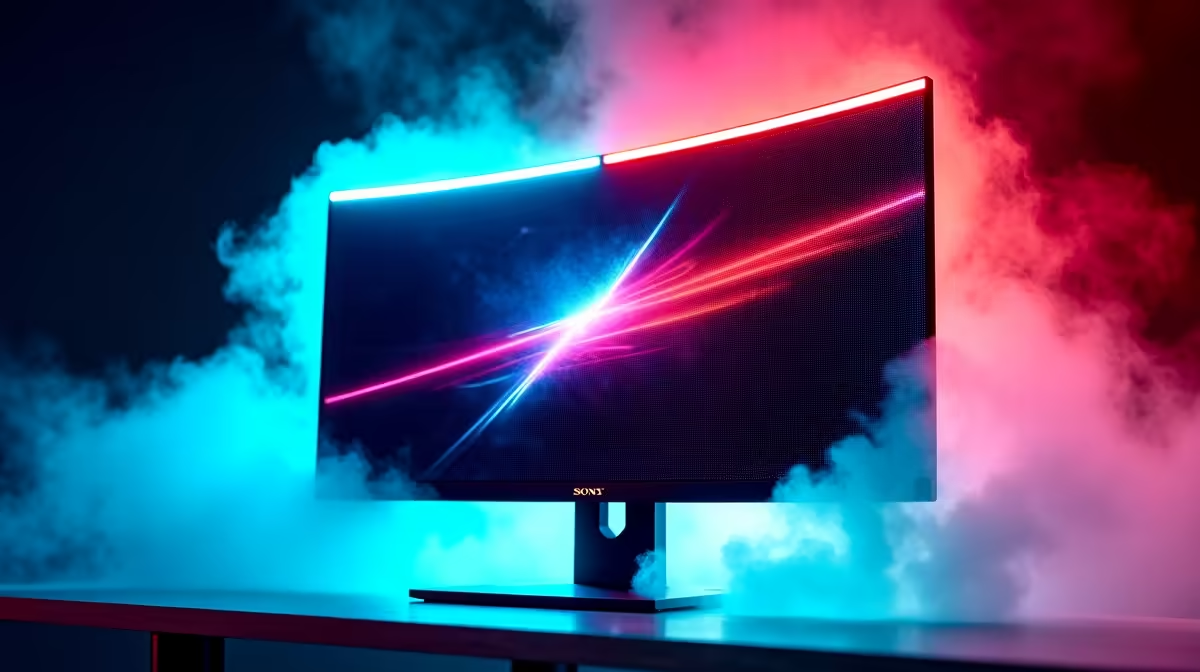
The LG 27GR95QE-B (27", QHD 240 Hz OLED, ~R12,500) is the best OLED gaming monitor for Bedfordview buyers who want sharp competitive performance. For a larger panel, the MSI MAG 341CQP QD-OLED (34", WQHD 165 Hz, ~R14,500) delivers cinematic ultrawide visuals with 0.03 ms response time and near-perfect black levels.
Why OLED Makes a Difference for Gaming in Bedfordview
OLED panels deliver per-pixel light control — true 0-nit blacks that IPS and VA panels cannot match. In a darkened Bedfordview study or gaming setup, the contrast improvement over a typical IPS monitor (contrast ratio ~1,000:1) versus OLED (technically infinite) is immediately visible. The 240 Hz refresh rate on the LG 27GR95QE-B means each frame renders in 4.17 ms — pairing it with an RTX 4070 or RX 7800 XT running games at 180–240 fps extracts full value from the panel.
Named OLED Monitor SKUs and ZAR Pricing
- LG 27GR95QE-B — 27", QHD 2560×1440, 240 Hz, 0.03 ms, HDMI 2.1, ~R12,500 — best for competitive FPS
- LG 45GR95QE-B — 45" ultrawide OLED, 800R curve, 240 Hz, ~R24,000 — flagship for sim racing and RPGs
- MSI MAG 341CQP QD-OLED — 34", WQHD 3440×1440, 165 Hz, 0.03 ms, ~R14,500 — wide content creation and gaming
- Alienware AW3423DWF — 34", QD-OLED, 165 Hz, ~R15,500 — premium ultrawide with factory calibration
GPU Pairing for Bedfordview Buyers
An OLED monitor at 240 Hz earns its value when the GPU can consistently push 200+ fps. For 1440p competitive titles, an RTX 4070 or RX 7800 XT (R11,000–R13,000) drives CS2 and Valorant above 240 fps at high settings. For the 34" ultrawide at 165 Hz in AAA single-player games, an RTX 4070 Ti or RX 7900 XT (R16,000–R20,000) is the pairing to target.
FAQ
Is OLED burn-in a real risk for Bedfordview gamers using the monitor 8+ hours daily?
Modern QD-OLED panels include pixel-refresh algorithms that run when the monitor is idle. LG and MSI both implement pixel shifters and screensavers that reduce static-element burn-in risk. For typical gaming use (varied content, full screen), burn-in is unlikely within 3–5 years of normal use. Static desktop taskbars or always-on HUD elements carry slightly more risk.
What resolution should I choose for a 27" OLED gaming monitor in Bedfordview?
QHD (2560×1440) is the optimal resolution for a 27" OLED gaming monitor — it provides sufficient pixel density (108 PPI) for sharp text and game detail without the GPU demand of 4K. At 240 Hz QHD, an RTX 4070 achieves 180–240 fps in most esports titles, fully utilising the panel's refresh rate.
Does an OLED monitor need a different calibration or display setting than IPS?
Yes — OLED panels typically need a lower brightness setting (150–200 nits) than IPS for comfortable viewing in a dimly lit room, since OLED self-emits per pixel. Enable the sRGB or DCI-P3 colour profile in Windows display settings and disable "HDR" in SDR desktop mode to avoid washed-out whites.
"pixel cleaner" or "pixel refresh" in your LG or MSI OLED monitor's OSD menu — running this 2–3 times per month takes 5–10 minutes and significantly extends the lifespan of static-content pixels.