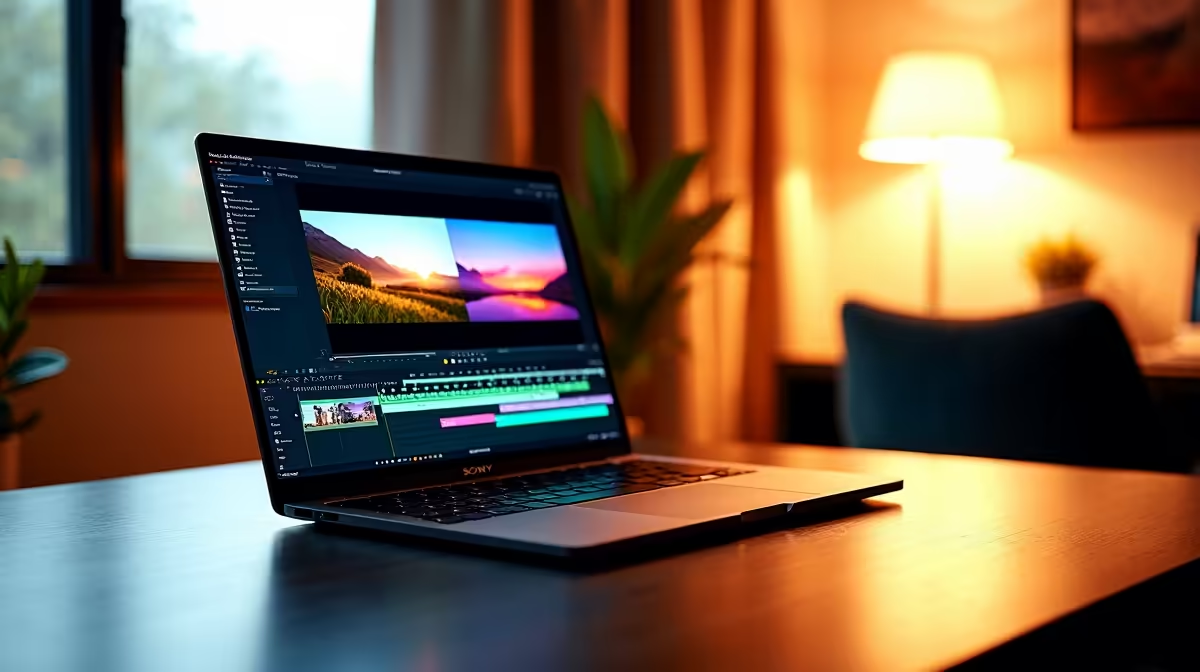
So, you've just dropped into a hot zone, wiped a squad, and secured the win... lekker! 🚀 Now you want to share that epic clip, but your laptop groans just thinking about opening an editor. Finding the best video editing software for laptops in South Africa can feel tougher than a final circle. You need something powerful enough for slick edits but optimised enough not to turn your machine into a space heater. Let's dive in.
Choosing Your Weapon: Free vs. Paid Editing Software
Before you download the first program you see, you need to decide on your budget. Are you just starting out, or are you looking to produce professional-grade content? The great news is that there are fantastic options on both sides, and your choice of video editing software for your laptop often comes down to features and workflow.
- Free Software: Perfect for beginners, casual creators, or those on a tight budget. These tools often have surprisingly powerful features but may lack the polished user experience or advanced effects of their paid counterparts.
- Paid Software: Typically offered as a one-time purchase or a monthly subscription. These are the industry standards, packed with professional tools, extensive effects libraries, and dedicated support.
Our Top Picks for South African Creators ✨
The "best" software is subjective... it depends on your skill level, your laptop's power, and what you want to create. Here are three top contenders that represent the best video editing software for laptops in South Africa, each excelling in its own way.
DaVinci Resolve: The Free Powerhouse
Don't let the zero-rand price tag fool you. DaVinci Resolve's free version is a beast, offering professional-grade editing, visual effects (Fusion), and world-class colour correction tools that other companies charge a fortune for. It's the go-to for many creators who want cinematic quality without the cost.
The catch? It can be demanding. To handle its powerful colour grading and effects, you'll need a laptop with a solid dedicated graphics card. A machine from our collection of the best gaming laptop deals is the perfect companion for Resolve, giving you the GPU power to edit and render smoothly.
Adobe Premiere Pro: The Industry Standard
If you've watched any major YouTuber or streamer, chances are they use Adobe Premiere Pro. As part of the Adobe Creative Cloud, it integrates seamlessly with other essential apps like Photoshop and After Effects. Its timeline is intuitive, its feature set is massive, and it's known for stability.
Premiere Pro is highly optimised to use modern hardware, especially Intel CPUs with Quick Sync technology, which dramatically speeds up encoding and decoding common video formats. For a buttery-smooth Premiere Pro experience, check out our range of Intel laptops on special.
Performance Pro Tip ⚡
If your playback is choppy in high-resolution footage (like 4K), create proxies! These are low-resolution copies of your files that you edit with. Your laptop can handle them easily. When you're ready to export, the software automatically switches back to the original high-quality files for a perfect final render. Most professional editing software supports this workflow.
Wondershare Filmora: The User-Friendly Champion
Feeling intimidated by complex timelines and a million buttons? Filmora is for you. It's designed to be incredibly easy to learn, with a clean interface, drag-and-drop effects, and pre-made templates that help you create stylish videos in minutes. It's the ideal choice for new YouTubers, social media content, or anyone who values speed and simplicity.
While it's less resource-intensive than Resolve or Premiere Pro, it still loves a multi-core CPU for fast rendering. A laptop powered by a modern AMD Ryzen processor will chew through your exports, and you can find some excellent options among our AMD laptops on special.
Don't Let Your Hardware Be the Bottleneck 🔧
Here’s the hard truth: even the absolute best video editing software for laptops will perform poorly on an old, underpowered machine. Waiting ages for videos to render or dealing with constant crashes is a creativity killer. To ensure a smooth workflow, your laptop should ideally have:
- CPU: A modern Intel Core i5/AMD Ryzen 5 or better.
- RAM: 16GB is the new minimum; 32GB is recommended for 4K editing.
- GPU: A dedicated graphics card (NVIDIA GeForce RTX or AMD Radeon RX) is crucial for effects and fast rendering.
- Storage: A fast NVMe SSD to ensure your app and footage load instantly.
Investing in the right hardware is just as important as choosing the right software. Having a machine that can keep up with your ideas is essential, and our lineup of powerful laptop specials is curated to give you the best performance for your money.
Ready to Find Your Perfect Match?
The best software needs the best hardware to shine. For maximum power, choice, and value in South Africa, a high-performance Windows laptop is hard to beat. Explore our massive range of laptop specials and find the perfect machine to bring your creative vision to life.