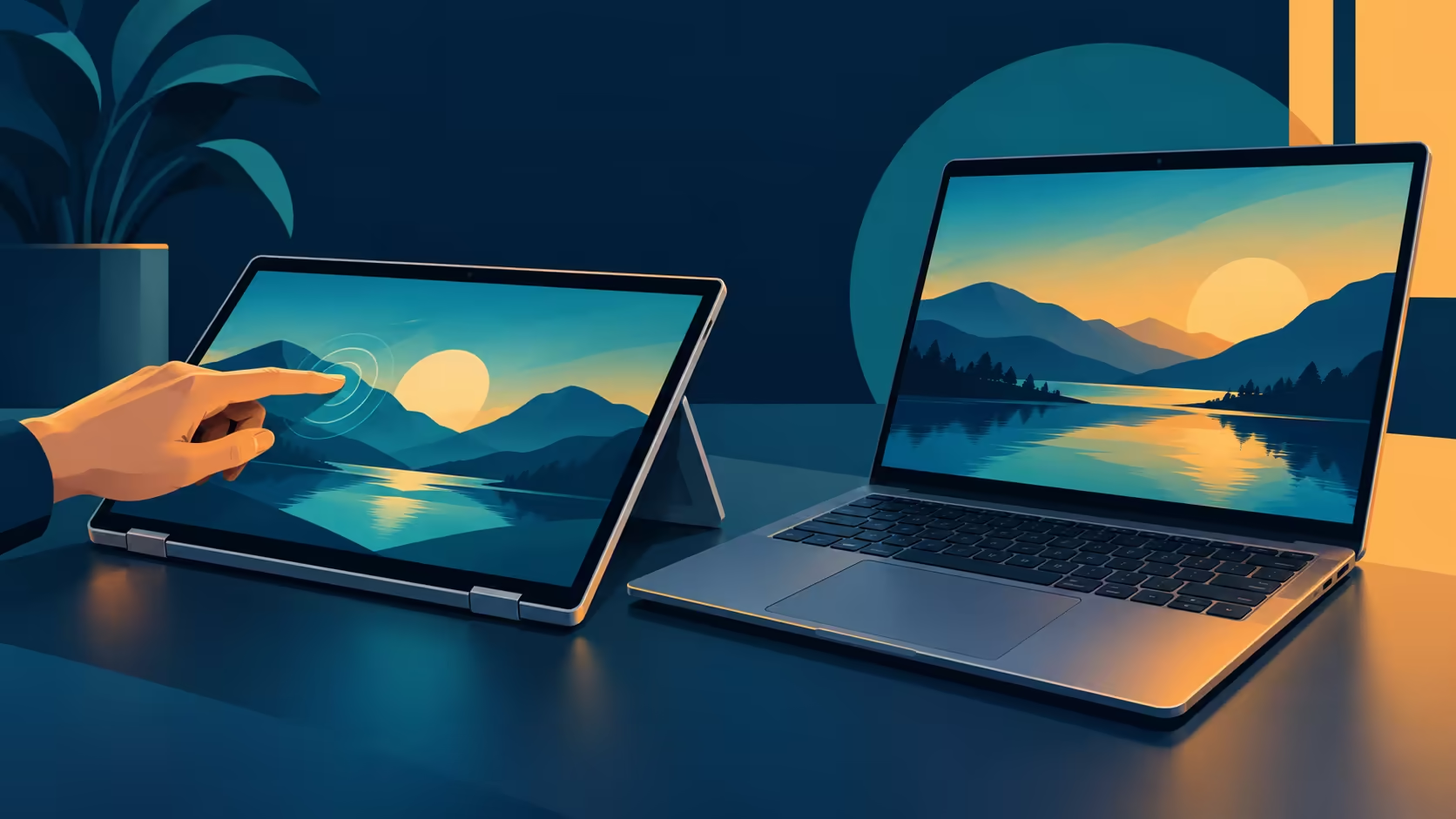
A touchscreen is only one part of a laptop's design. A convertible touch laptop can offer a different way to position the screen, while the newly announced MacBook Pro adds touch to its own notebook form. Your software, working position and deadline decide which distinction matters.
Quick Answer
The HP OmniBook Ultra Flip is a Windows 2-in-1, while Apple's new PROLED MacBook Pro combines touch with macOS. As at 29 October 2026, Evetech's R47,999 OmniBook listing specified 16GB memory, 4TB storage and a 14-inch screen. That price belongs to the HP laptop.
🔄 Start with the working position
HP identifies its 14-fh0000 OmniBook Ultra Flip series as a 2-in-1. The South African listing for the 14-fh0002ni identifies a touchscreen. That combination is relevant to someone who wants to move between laptop use and other screen positions, rather than simply reaching forward to tap a conventional laptop display.
Apple's MacBook Pro with PROLED XDR Display has touch built into its panel and retains a keyboard and trackpad. Apple also says a redesigned hinge is intended to provide more stability while the screen is touched. During a video call, Apple says its advanced video stabilisation smooths the camera feed in real time when a person uses touch on the display. Comfort depends on the working position and the person using it.
Ask where the computer will sit when the screen is used. A desk with a keyboard directly in front of you creates a different working position from a couch, a counter or a small meeting table. If presentation viewing is central, a convertible form may matter. If you mostly type and occasionally tap the screen, the distinction may be less important.
Try to identify the exact action behind the preference. Is it marking up a document, moving between slides, choosing a tool or navigating a browser? A real action gives you something useful to check in the software. Simply seeing the word "touch" in both specifications does not prove that both workflows will feel the same.
🧩 Check the software before the shape
The HP series uses Windows 11 according to HP's published series specifications. Apple supplies macOS on its new machine and says many existing Mac apps can accept touch because the system translates touches into clicks. It also describes tools developers can use for more specific touch interactions.
These statements do not make the operating systems or their app catalogues interchangeable. If an application is required for a course, project or business process, check the publisher's supported operating systems and version requirements. A file might open in more than one app while an essential feature or workflow still differs.
An editor who depends on Final Cut Pro should evaluate that Mac application on its own terms. Apple describes marking ranges, dropping clips and pinching to zoom in that app on the new model. Someone whose essential application requires Windows has a different first check: whether the specific programme and accessories work on the chosen Windows configuration.
Also separate the computer's input method from the software's gesture support. An app can understand a click without offering an elaborate touch interface. Conversely, a touch-friendly app may have controls that make a particular task easier. Verify the exact app; do not count an assumed future update as a feature you can use today.
💰 Compare local configurations honestly
The R47,999 catalogue entry identifies an OmniBook Ultra Flip with 16GB memory and 4TB storage. HP's series documentation lists available factory storage configurations that can differ from a local configuration, so use the exact Evetech listing for this local machine. Do not present the 4TB figure as a standard feature of every model in the series.
The same capture priced an earlier 14-inch M5 Pro configuration, with 1TB storage, at R50,999. It is a separate design and a local spending reference. Its price is not evidence of what the newly announced PROLED version will cost in South Africa.
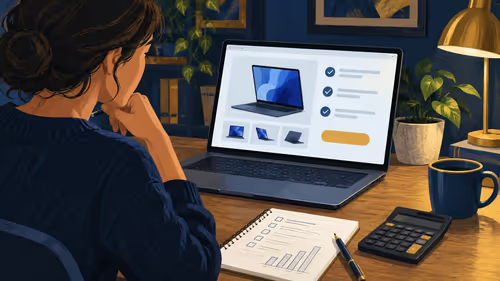
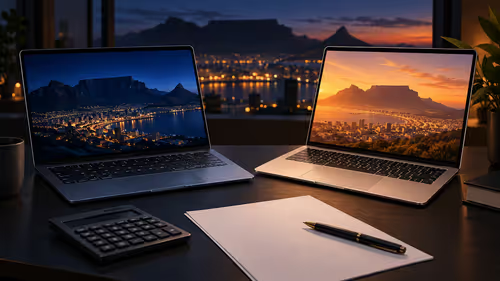
The two prices do not make the machines equivalent. Memory, storage, operating system and intended tasks differ. The most useful comparison keeps those differences visible instead of reducing the purchase to a single number. A laptop with more storage, for example, is not automatically the right choice if it cannot run a required application.
Think about the files you need on the machine while travelling. A large internal drive can keep more material close to hand, but capacity is only useful if it matches how you store and organise your projects.
Browse the MacBook range and the laptop best sellers using the current configuration details. Prices and stock can change, so refresh the precise listing before making a decision.
✍️ Avoid assumptions about accessories
The dated Evetech listing for this OmniBook says "FREE HP Tilt Pen". HP describes touchscreen options at series level, with configurations varying by region. The pen and convertible hinge give the listed Windows model a different input setup from the announced MacBook.
Likewise, Apple's announcement describes drawing and selection in its creative software, but this is not a blanket statement that any chosen stylus will work on the MacBook display. For a handwritten or drawing workflow, confirm the input method and application support you actually need.
For the captured HP configuration, the listing names Windows 11 Home, a 14-inch OLED touch display, 4TB storage and the Tilt Pen offer. The announced PROLED laptop runs macOS, retains a trackpad and adds touch to its own screen. Those facts make the choice more specific than a generic touchscreen label: software and the desired working position matter alongside the price.
If work can wait, check new model details when they become available locally. If a working machine is needed immediately, judge a stocked option against the complete checklist. Neither route requires guessing a South African launch date for the new PROLED model.
Frequently Asked Questions
Is the listed OmniBook a 2-in-1?
Yes. HP identifies the 14-fh0000 family as a 2-in-1, and Evetech's 14-fh0002ni listing identifies a touchscreen.
What did the local OmniBook configuration cost?
The 16GB and 4TB listing was R47,999 at Evetech on 29 October 2026.
Does the new PROLED MacBook Pro include a trackpad?
Yes. Apple lists a Force Touch trackpad as well as the touch display.
Does a touchscreen guarantee pen compatibility?
No. A touchscreen accepting finger input does not establish support for a particular pen or stylus.
Ready to compare touch-capable laptops?
Explore Evetech's laptop range and check the form, software and exact configuration for your work.