A scene can look different on a bright set, in an edit suite and on a viewer's screen. The PROLED XDR display gives editors a portable way to inspect HDR material, but a useful judgement starts with the right mode and viewing conditions.
Quick Answer
The MacBook Pro with PROLED XDR Display provides an HDR Video reference mode and a tandem OLED panel for assessing high-dynamic-range footage away from a desk. As at 29 October 2026, the separate 1TB M5 Pro configuration, with a 14-inch display, was R50,999 at Evetech, a local reference for buyers comparing laptops.
🎬 Understand the picture
HDR video can contain a wider range of brightness than standard-dynamic-range material. When you review a shot, look at highlights and dark areas together. A bright object should not distract you from whether the surrounding scene retains the detail and appearance you intend.
Apple lists an HDR Video reference mode using P3 and the ST 2084 transfer function on the PROLED MacBook Pro. A reference mode sets display characteristics for a particular type of work. Apple's support guidance describes these modes in terms of colour space, white point, transfer function and brightness, so choose one for the material you are assessing.
A reference mode is a viewing aid, not a guarantee that every other screen will reproduce the same image. Source footage, editing application and delivery format all affect the result. When an edit also needs a standard-dynamic-range version, assess that output separately.
The screen's built-in reference modes give that review a defined starting point.
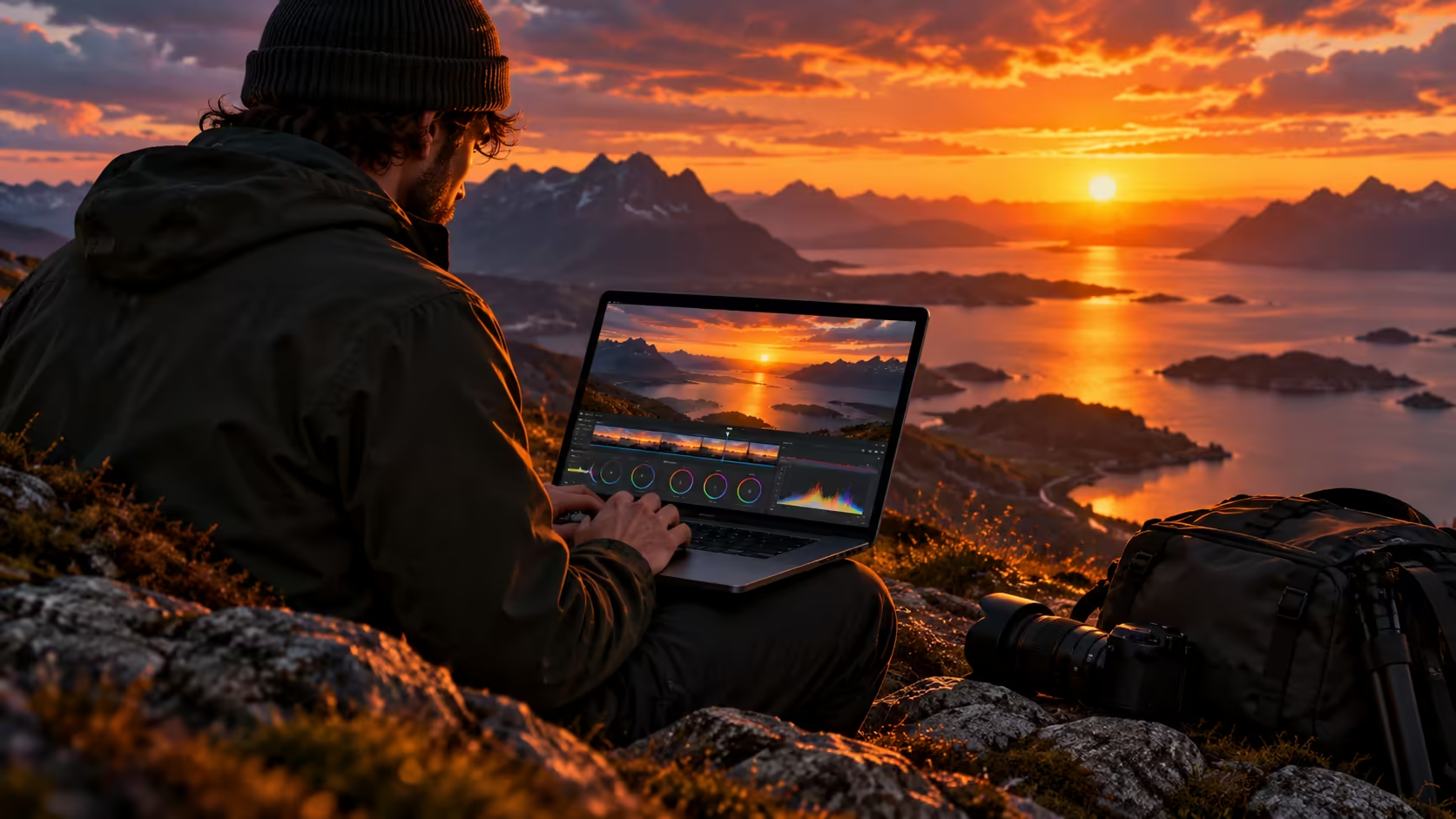
On location, the decision may be whether a shot needs another look before equipment is packed away. That is different from claiming a final grade has been approved. A laptop can help you inspect material in the field, while a controlled viewing environment remains valuable when consistency matters.
☀️ Read the specifications in context
Apple specifies up to 2,000 nits peak HDR brightness for the PROLED panel and up to 1,000 nits sustained full-screen brightness. Peak and sustained describe different conditions. A small highlight reaching a peak figure should not be confused with the whole screen holding that brightness continuously.
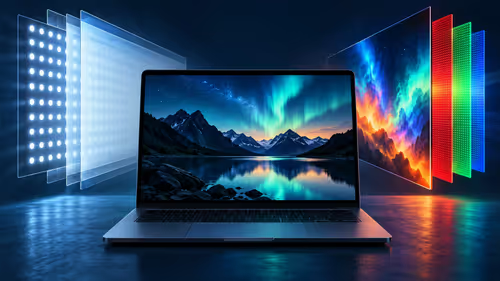
The panel uses tandem OLED with two self-illuminating pixel layers. Apple specifies a 10,000,000:1 contrast ratio and a refresh range from 10Hz to 120Hz. The contrast figure describes the relationship between light and dark; refresh rate sets the frequency of screen updates.
Light in the room can change what you see. Apple lists an antireflective coating on the standard display and an optional nano-texture surface intended to reduce reflections further. Consider the places where you normally review material: a shaded room, a bright office and an outdoor location present different conditions.
A bright panel can improve visibility, but reflections and ambient light still deserve attention. Repositioning the laptop or finding shade can make a practical difference to a review. A headline brightness number does not establish that a display will look identical in every location.
🎞️ Set up a useful review
Start by identifying the footage and target output. Apple lists HDR Video (P3-ST 2084) among the PROLED reference modes, alongside modes for HDTV, digital cinema, photography and the web. Those names are not interchangeable presets for every job: choose a mode that matches the material you are evaluating.
Check the current instructions for the editing application as well. A display mode does not establish whether an application has a particular export setting or how a project is colour managed. Keep the source files, project settings and intended delivery format in mind when deciding on contrast and colour.
Use representative portions of the footage. A scene with bright practical lights may reveal different issues from a dark indoor shot or a subject against a bright sky. Reviewing several kinds of material is more useful than judging the panel from a single vivid frame.
When you return to the same sequence later, keep a record of the intended output and reference mode. That makes the next review easier to interpret if the surroundings or connected display have changed. If a second person needs to approve the result, agree on the intended viewing conditions and delivery format before comparing impressions.
Apple also lists calibration tools and reference modes for the announced laptop. Calibration and a suitable environment are relevant to colour-critical work, but the announcement does not establish settings for every project. Follow current documentation for the display and application.
💻 Plan the South African purchase
The new PROLED model is offered with M5 Pro or M5 Max. It is separate from both the 14-inch M6 model with Liquid Retina XDR and the existing M5 Pro configuration used as the price reference above. The R50,999 catalogue figure is not the price of the newly announced touchscreen model.
For a buyer who needs a machine now, compare storage and configuration in the MacBook range. If your editing happens mostly at a desk, an external display can be part of the plan. Compare its own inputs, HDR characteristics and colour settings in the monitor selection. A laptop's built-in panel specification does not transfer automatically to another screen.
Consider the rest of the workflow too: where source files are stored, which ports are needed for accessories and whether a larger workspace matters. Those decisions can affect the usefulness of a laptop more than any one number on a specification sheet. Confirm current prices and availability when you shop.
Frequently Asked Questions
Does the PROLED MacBook Pro have an HDR video reference mode?
Yes. Apple lists HDR Video (P3-ST 2084) among the display's reference modes.
Is 2,000 nits the full-screen sustained figure?
No. Apple specifies up to 2,000 nits peak HDR and up to 1,000 nits sustained full-screen brightness.
Can a reference mode guarantee identical colour on every display?
No. Reference modes set the display for a particular workflow, while the source, application, viewing conditions and destination screen also matter.
Is the R50,999 listing the new PROLED model?
No. As at 29 October 2026, that figure belongs to the earlier 14-inch M5 Pro laptop with 1TB storage.
Should you check an SDR version separately?
Yes. HDR and standard-dynamic-range output have different brightness requirements, so evaluate the intended delivery version in an appropriate workflow.
Ready to plan a portable editing setup?
Compare the MacBook and monitor configurations at Evetech against the footage and workspace you use.