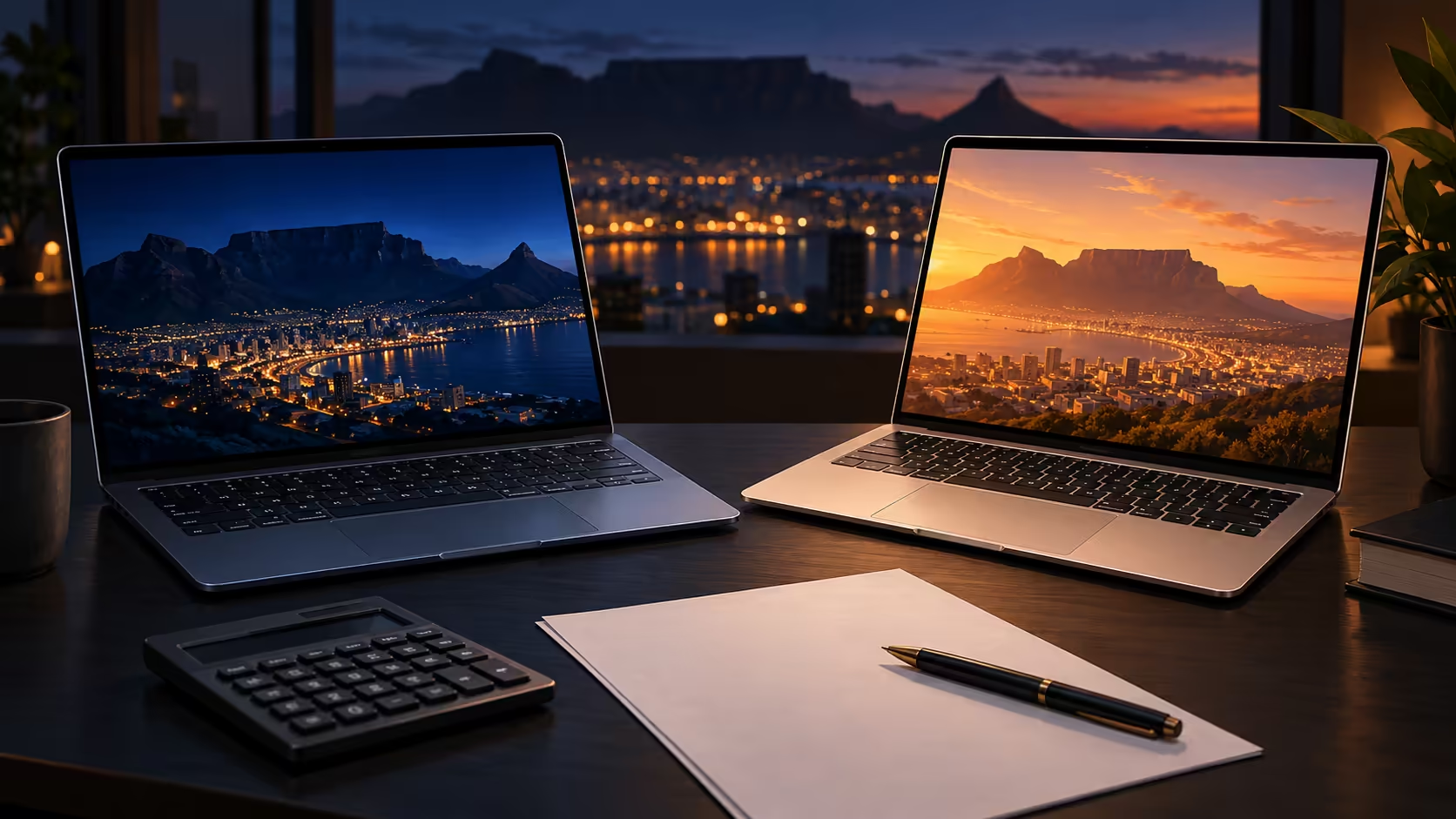
A premium work laptop can take more than one shape. In South Africa, two nearby catalogue prices illustrate why a good comparison needs the full configuration: memory and storage on one machine, the operating system and display on the other, and the work each buyer needs to complete.
Quick Answer
The dated Evetech catalogue listed an existing 14-inch M5 Pro MacBook Pro with 24GB unified memory and 1TB storage, alongside a 14-inch Dell Pro 14 with 64GB RAM and 2TB storage. As at 29 October 2026, those configurations were R50,999 and R51,498 respectively; the MacBook is not the newly announced PROLED model.
💼 Identify what each price buys
The MacBook listing specifies Apple's M5 Pro chip and a 14.2-inch Liquid Retina XDR display. In the Dell PC14250 configuration, an Intel Core Ultra 7 processor accompanies a 14-inch 1920 x 1200 display. Both are portable computers, but the operating systems, display specifications and internal designs differ.
The memory figures deserve careful reading. The Dell listing states 64GB DDR5 RAM, and the MacBook listing states 24GB of unified memory. Those are real differences in listed capacity. They do not tell you that one laptop will complete every workload faster: an application, processor and how data is used all matter too. The Dell also lists 2TB of storage, twice the 1TB in this MacBook configuration.
The storage figures are easier to place in a planning exercise. The Dell configuration lists 2TB, while the MacBook has 1TB. Estimate the projects, documents and working copies you want on the machine at once. Account for operating-system files and formatting rather than treating the whole number as empty workspace.
An archive does not necessarily need to live on the laptop at all times. Separate the files you need while travelling from material you can keep on another drive. That distinction can change how valuable the larger internal capacity is for your daily routine.
These examples do not establish the lowest or best price for either product family. They show two specific listings near the chosen budget. Another configuration may change the result, so confirm the exact model and capacity before using any price as the basis of a decision.
🧩 Choose around the application
Start with the software you cannot substitute. Check the current publisher requirements for the operating system, supported hardware and version. If a key programme or plug-in requires Windows, that matters before you compare a screen or storage figure. If a specific Mac application is essential, the same principle applies in the other direction.
The captured Dell configuration runs Windows 11 Professional, while the MacBook listing describes macOS. The difference matters when a workplace requires a platform-specific application. For Mac-only creative software, the MacBook is the relevant option in this pair; a Windows-only tool points to the Dell instead.
Memory needs should come from a similar exercise. Write down the applications and projects you keep open together. Large data sets, layered creative files and many browser tabs place different demands on a machine. A capacity number gives a boundary for your comparison; it does not replace the software maker's guidance or your own workflow needs.
The Dell PC14250 configuration includes Ethernet, HDMI and two each of USB-A and Thunderbolt 4 USB-C. Apple lists HDMI, SDXC and three Thunderbolt 5 ports for its M5 Pro MacBook Pro. The Dell therefore offers Ethernet directly in this pair, while the MacBook includes an SD card slot; those differences can change what a desk setup needs.
The Dell listing also names an FHD 1080p infrared webcam. The MacBook listing specifies a 12MP camera with Desk View. Both are manufacturer or catalogue features; the figures alone do not establish how a particular call will look in your room.
🖥️ Consider the screen and desk
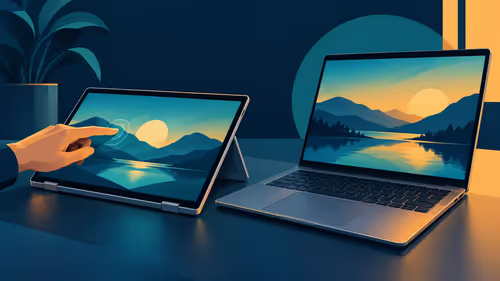
The MacBook's internal screen is listed as Liquid Retina XDR. Apple describes the separately announced PROLED XDR MacBook Pro as a different display design with touch. Do not take the older R50,999 listing as a quote for the newly announced panel, even though both product names include M5 Pro.
The Dell's listed 14-inch display is a 1920 x 1200 panel. Compare that with the amount of workspace you prefer, the text size you find comfortable and whether a separate monitor carries most of your desk work. Display specifications are useful, but the best choice depends on the work and viewing conditions you care about.
Where an external monitor is part of the plan, inspect the monitor's inputs, the laptop's documented outputs and any intermediate dock. The screen's own capabilities still apply. A premium laptop display does not transfer its colour or touch characteristics to an unrelated external panel.
Portability involves more than the number in a screen name. Check the exact model's dimensions and weight, then consider the bag, charger and peripherals you carry. A configuration that looks attractive at a desk should also fit the way you travel between home, office or campus.
🇿🇦 Make the local comparison useful
The R50,999 and R51,498 figures are dated catalogue observations, not a guaranteed future price. The two listings were close in price at the capture time. Check the current MacBook range and laptop best sellers for the exact available configurations before relying on either figure.
After checking the core machine, add any monitor, adapter or storage you actually need. Avoid allocating the same extra cost twice if an accessory is already part of your setup. Equally, a lower listed laptop price can leave less room than expected if the work requires a separate item you have not budgeted.
In this captured pair, the Dell provides more listed memory and storage, plus a built-in Ethernet port. The MacBook offers Liquid Retina XDR and an SDXC slot. Those are concrete configuration differences; the right choice depends on whether your required software runs on Windows or macOS and which hardware features matter to the job.
Frequently Asked Questions
How much memory does the Dell example list?
The PC14250 configuration in the dated catalogue lists 64GB DDR5 RAM.
How much memory does the MacBook example list?
The existing 14-inch M5 Pro configuration lists 24GB unified memory.
Are the two listed storage capacities the same?
No. The Dell example lists 2TB, while the MacBook configuration lists 1TB.
Is the R50,999 MacBook the new PROLED version?
No. The 29 October 2026 catalogue entry describes an earlier Liquid Retina XDR design.
Ready to compare premium work laptops?
Explore the current Evetech laptop range and match each configuration to your essential applications.