




What Can R30,000 Buy in a Work Laptop?
A R30,000 work-laptop budget reaches two different locally listed configurations. Compare screen size, software and storage before choosing for your own work.
Read moreA desk monitor has its own screen specifications and connection requirements. Weigh the new built-in PROLED display against a stocked local MacBook and your actual travel time.
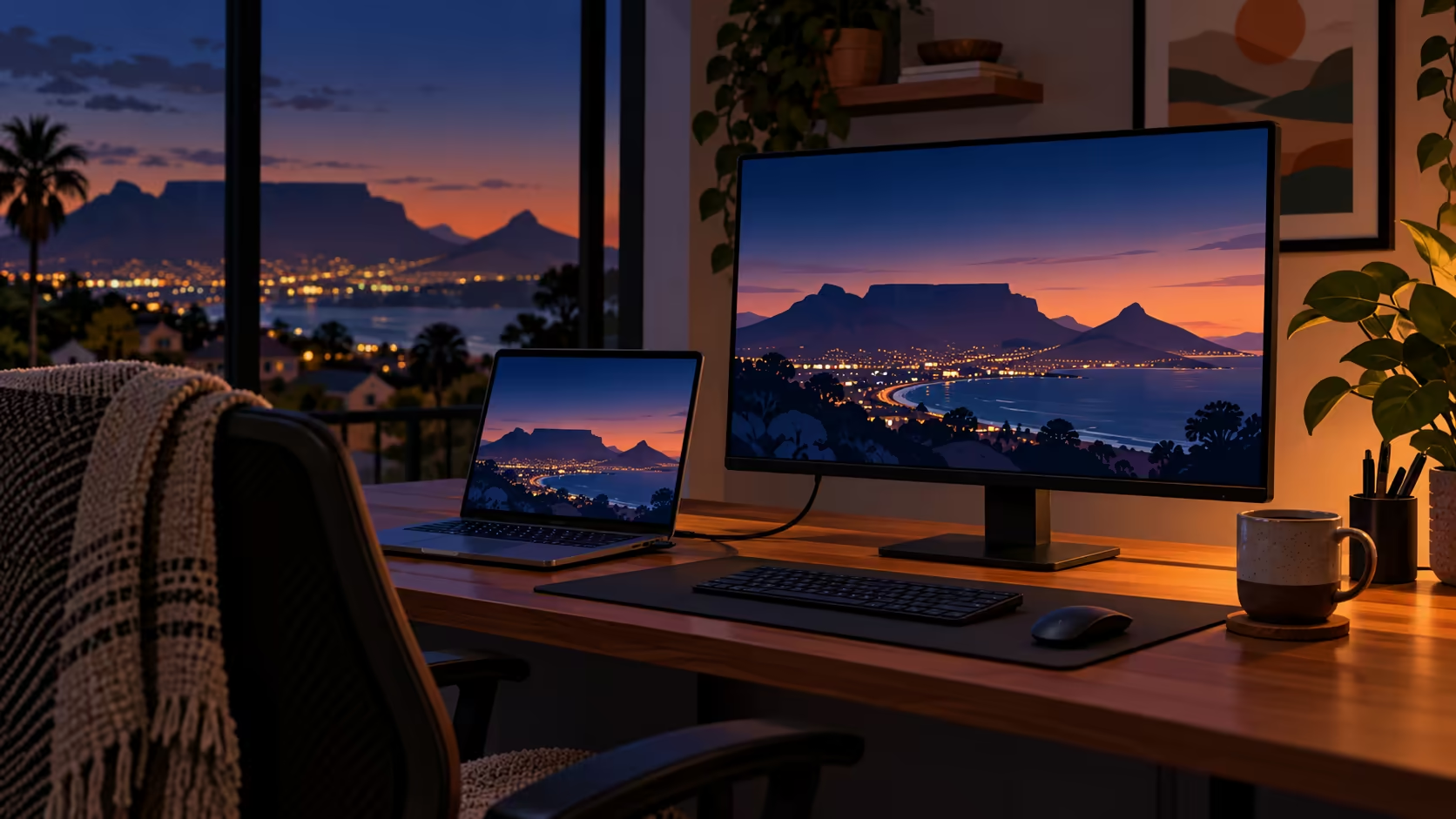
An expensive laptop screen may spend much of its working life beside a larger display. If your desk does most of the work, waiting for PROLED is a different decision from choosing a screen you will use on its own every day. Start by looking at where your eyes actually spend their time.
The new PROLED MacBook Pro has a built-in touch display; an external monitor has its own panel and specifications. Waiting matters most when you need that built-in display away from your desk. As at 29 October 2026, the earlier 14-inch M5 Pro with 1TB appeared in Evetech's catalogue at R50,999, a local reference rather than the announced PROLED model's price.
Picture an editor who travels twice a week but spends three days at a desk. On the road, the laptop panel is the main workspace. At the desk, a larger monitor may carry the timeline and the laptop could display supporting windows. Both screens contribute, but not necessarily for the same number of hours.
The PROLED display belongs to the new MacBook Pro itself. Apple describes it as tandem OLED with touch and lists P3 and Adobe RGB colour gamuts. A monitor connected to that laptop does not acquire those characteristics merely because the computer has them. It must be assessed on its own specifications.
That distinction changes the budget question. If your best screen experience is needed during travel, the built-in panel deserves more weight. If your critical review happens on a desk monitor, its inputs, size and colour setup deserve attention too. Avoid assuming that either position automatically fits every project.
There is also a difference between wanting more workspace and wanting an accurate view of a particular output. A wide screen may make it easier to arrange tools, while the image used for a colour decision needs an appropriate setup and source file. The two goals can overlap, but they are not identical.
Apple lists HDMI and three Thunderbolt 5 ports on the PROLED MacBook Pro. For external screens, the M5 Pro maximum is three and the M5 Max maximum is four; Apple's listed resolution and refresh combinations set the conditions. Both chips can also drive their supported screens through a single Thunderbolt port.
Apple's examples include three displays at up to 4K and 165Hz on M5 Pro, or four at the same maximum on M5 Max. The built-in screen can remain in use as well. Those are laptop-side limits, not a promise that an individual screen or dock accepts that mode. A display chain still needs a compatible input and cable.
The new model also has touch on its own display. Apple does not say that connecting an arbitrary external monitor gives that monitor touch controls. If direct interaction is essential to a workflow, identify which device actually receives the gesture. This prevents a purchasing decision based on a capability the desk screen has not been shown to support.
The OLED monitor range offers desk-screen options. The laptop's P3 and Adobe RGB gamut specifications belong to its internal PROLED panel; an external screen's own published colour coverage and reference settings determine the view at the desk.
The listed R50,999 configuration is the earlier 14-inch M5 Pro with 1TB, not an announced PROLED machine. It offers a concrete local price to compare with the budget you have today. Check the full configuration in the MacBook range, because models with similar chip names can use different displays.
A desk-first buyer whose important work stays on an external screen gains no PROLED panel benefit on that screen. The new built-in display matters when opening the laptop for portable HDR review or using its touch controls. The decision therefore turns on how often those laptop-specific features are useful.
If a replacement is urgent, the immediate cost and suitability of a stocked configuration can be compared now. If the current laptop remains adequate and the new built-in screen solves a known problem, waiting gives you time to assess the eventual local details. Neither choice needs a guessed South African launch date.
Treat the monitor as a separate line in the budget when you do not already own one. Its price, required cable and space on the desk matter. Conversely, do not add a new monitor simply because the laptop supports one: an existing compatible display might already meet the need.
For one representative week, note which screen carries your most important task. Include the hours spent away from the desk, the moments when direct interaction would help, and the checks you make before delivering finished work. A few observations are more useful than treating every advertised feature as equally important.
For example, a writer with a large external screen may care more about a comfortable keyboard, a dependable connection and portability than about touching the internal panel. A video editor who frequently reviews material away from the desk may value the built-in display more. These are different priorities, not claims that one screen performs better in a test.
For a desk using several screens, the PROLED model's M5 Pro and M5 Max display limits differ. If a single monitor is enough, the extra laptop-supported display count is less relevant than whether that monitor and its connection can use the mode you need.
Finally, the separate 14-inch M6 MacBook Pro has Liquid Retina XDR rather than the new touch panel. The PROLED range pairs that display with either the M5 Pro or M5 Max chip. Similar names can refer to different panel generations.
No. The external monitor has its own panel and specifications, regardless of the laptop's internal display.
Apple lists HDMI and three Thunderbolt 5 ports, alongside other connections.
No. It is a separate existing 14-inch M5 Pro with 1TB listed on 29 October 2026.
That depends on whether direct input on the laptop screen solves a real task. Touch on the built-in panel does not establish touch support on a separate monitor.
Ready to plan your desk and laptop together? Compare the MacBook range and monitors at Evetech against the screens and connections your work needs.
No. The external monitor has its own panel and specifications, regardless of the laptop's internal display.
Apple lists HDMI and three Thunderbolt 5 ports, alongside other connections.
No. It is a separate existing 14-inch M5 Pro with 1TB listed on 29 October 2026.
That depends on whether direct input on the laptop screen solves a real task. Touch on the built-in panel does not establish touch support on a separate monitor.
A R30,000 work-laptop budget reaches two different locally listed configurations. Compare screen size, software and storage before choosing for your own work.
Read more
Compare two South African 14-inch work-laptop listings near R51,000. Their memory, storage, displays and software choices are different even when their prices are close.
Read more
An in-stock Windows 2-in-1 and the announced touch MacBook offer different forms and software. Compare a real South African configuration with the work you need to do.
Read more
Both local examples list OLED screens: one has a 14-inch touchscreen and integrated graphics, the other a 16-inch panel and RTX 5070. Compare them around the work you do.
Read more
Compare a 16-inch laptop and a smaller MacBook Air at their different South African prices. Screen size is only one part of a configuration and travel decision.
Read more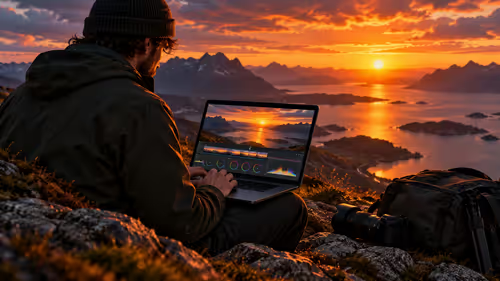
The PROLED MacBook Pro provides an HDR Video reference mode for reviewing footage away from a desk. Evetech listed a separate M5 Pro MacBook at R50,999 on 29 October 2026.
Read more
Edge default search engine controls searches typed in the address bar. Choose a supported search provider in browser settings, then test the address bar separately from a website search box or a new-tab page before assuming the change failed.

gaming headset short-list for Edenvale in - what's in needs a balanced, cautious look before buying. Compare fit, budget, workload, warranty support, and upgrade room so the choice makes sense for South African buyers.

A 2700RPM pump spins its impeller 2700 times a minute to push coolant round the loop. Faster flow moves heat from the CPU block to the radiator, though a quicker pump can be a little louder. The Antec Omni Matrix 360 at R999 pairs it with an ARGB head.

Plug the three pre-connected 120mm fans into one PWM fan header, since they run from a single cable. If the lighting has its own lead, send it to the addressable header, usually labelled ARGB. Evetech's Omni Matrix 360 at R999 follows that same plan.

Targus DOCK402 combines a mobile dock with a built-in GaN charger. Its useful buying checks are host power negotiation, USB-C video support and the single-display limit, rather than assuming every USB-C laptop gets the maximum charging and resolution.
Edge default search engine controls searches typed in the address bar. Choose a supported search provider in browser settings, then test the address bar separately from a website search box or a new-tab page before assuming the change failed.

Edge block pop-ups can stop unwanted windows while permitting a trusted site that needs one. Check the exact site exception and distinguish pop-up windows from adverts inside a page and website notifications before turning off protection broadly.

Edge website notifications are controlled per site. Block the unwanted origin in browser permissions instead of muting every Windows alert, then check whether the interruption was a site notification rather than a pop-up or a message inside a page.

Best student laptop for Midrand-based remote should be shortlisted around the job it must do. South African buyers should compare CPU, GPU, RAM, and screen quality, warranty path, and upgrade room before treating any pick as best.
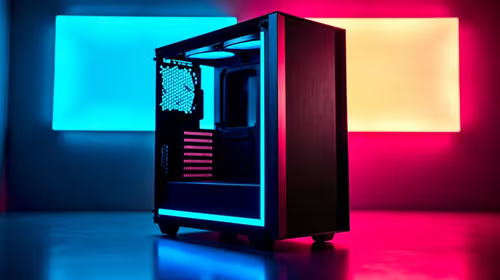
Where Bedfordview gamers buy a ATX PC case should be shortlisted around the job it must do. South African buyers should compare airflow, clearance, noise, and upgrade room, warranty path, and upgrade room before treating any pick as best.
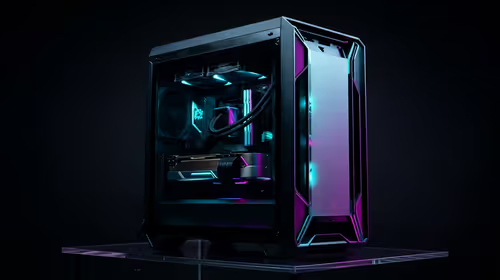
Should you upgrade or replace your gaming PC should be shortlisted around the job it must do. South African buyers should compare fit, performance, compatibility, and upgrade room, warranty path, and upgrade room before treating any pick as best.
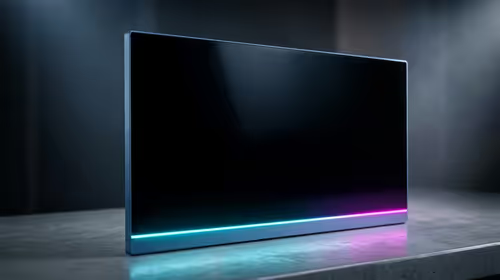
Hdr vs text clarity in OLED monitors: what needs a workload-first comparison. For SA buyers, judge real performance, platform fit, warranty path, power needs, and upgrade timing before choosing either side.