Quick Answer
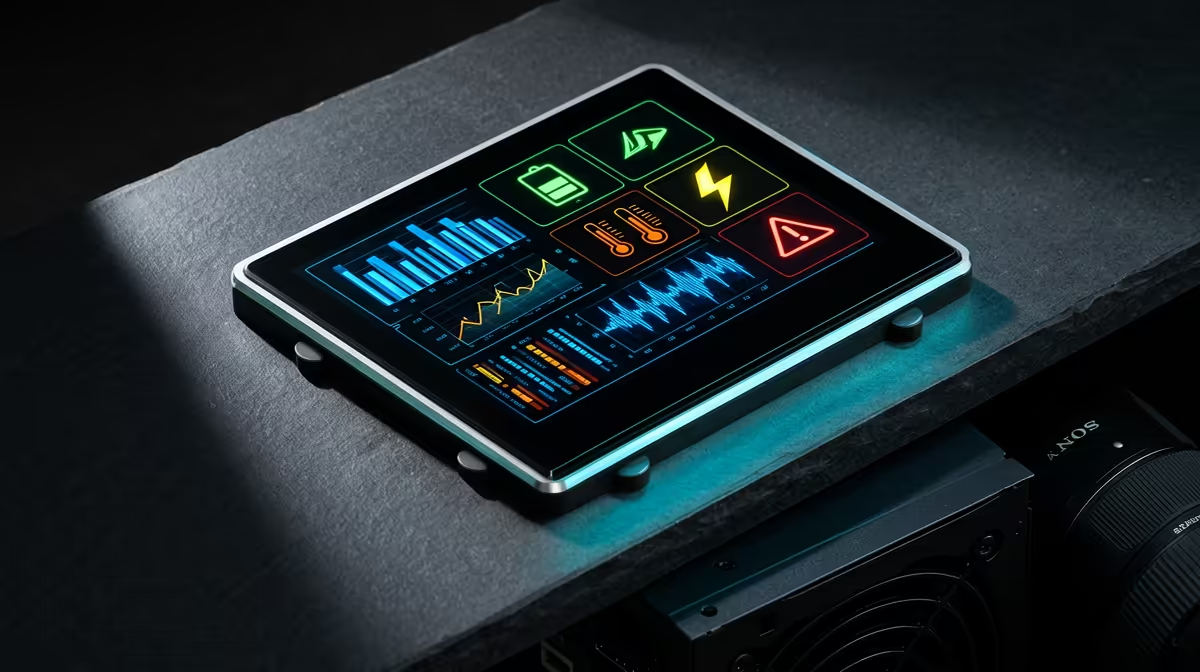
Yes, the magnetic OLED display on PSUs like the ASUS ROG Thor series gives you a real-time wattage readout from the source that matters most: the PSU's primary measurement circuit. It shows actual system power draw in watts, which is more accurate than software-reported values and useful for verifying that a build is drawing what you expect during benchmarks, stress tests and gaming.
What the OLED Display Actually Shows 📊
The OLED screen on the ROG Thor 1200W Platinum III and similar units displays real-time total system power draw in watts, updated continuously from the PSU's internal current sensing circuit. This measurement is taken at the AC input side, so it reflects true wall-draw efficiency losses included. When you run a Cinebench R24 multi-core test and watch the display climb from 150W idle to 850W at full CPU and GPU load simultaneously, you are seeing actual power consumption, not an estimate from software like HWiNFO64 which derives wattage from voltage and current readings with less precision. For South African builders who want to verify their system fits within a UPS's rated continuous output, having this display at a glance is genuinely useful: you can confirm whether your 1,500VA UPS has enough headroom for your 850W gaming rig without doing manual calculations.
Practical Monitoring Use Cases for Gamers and Builders 🖥️
Beyond the novelty factor, the OLED display serves a few concrete purposes. During a new build's first power-on, watching the wattage reading gives immediate confirmation that all components are drawing power and nothing is obviously faulted (a dead GPU that is not drawing its expected wattage shows immediately). During gaming sessions, the display lets you observe peak draw during intensive scenes in titles like Cyberpunk 2077 at 4K with path tracing enabled, where an RTX 5090 can push system draw above 800W at peaks. For a streamer or content creator monitoring their build in an open-frame test bench setup, the display provides ambient monitoring without opening any software. The OLED panel itself is small, typically 1.77 inches, and the magnetic attachment on the ROG Thor means it can be repositioned on any magnetic metal surface inside your case for visibility through a tempered glass panel.
Is the OLED Display Worth the Price Premium? 💰
The ROG Thor 1200W Platinum III with OLED display retails in the R7,500 to R9,000 range in South Africa. A comparable 1200W Platinum PSU without the display, like the Corsair HX1200 or Seasonic Prime PX-1200, retails around R4,500 to R6,000. The R1,500 to R3,000 price gap pays for the OLED display, the GPU-First Intelligent Voltage Stabilizer circuit, the magnetic attachment system and ASUS ROG's premium 10-year warranty. For a flagship build where the display adds practical monitoring utility alongside the engineering refinements, the premium is defensible. For a build where you will never look at the PSU after installation, a quality Platinum unit without the display is the rational choice.
Use the Display to Detect Inefficient Idle Draw ⚡
your gaming PC is at desktop idle with all monitors on, the OLED display gives you an instant baseline power figure. If your system shows 150W at idle but you expected around 80W based on component specs, that gap suggests something is drawing excess power: a GPU not entering low-power state, a misconfigured fan controller, or a peripheral drawing unexpectedly high current. This diagnostic capability justifies the display on builds where efficiency and operating costs matter.
FAQ
Can I use the OLED display without ASUS Armoury Crate software?
Yes.
Is the magnetic OLED display removable if I don't want it visible?
Yes.
Does the OLED display add to the PSU's power draw?
The OLED panel draws a negligible amount, typically under 2W.
Want real-time power monitoring built into your premium gaming build?
Evetech stocks the ASUS ROG Thor range with magnetic OLED displays, alongside other flagship PSU options for South African high-end builds.