Quick Answer
Yes. Gen-4 optical switches deliver consistent performance over time because they have no physical contact surfaces to wear down, oxidise, or develop contact bounce. The light gate mechanism that registers each click remains mechanically identical on click 90 million as it was on click one, making click feel and actuation force stable throughout the switch's rated life.
How Gen-4 Optical Switches Maintain Consistency 🔧
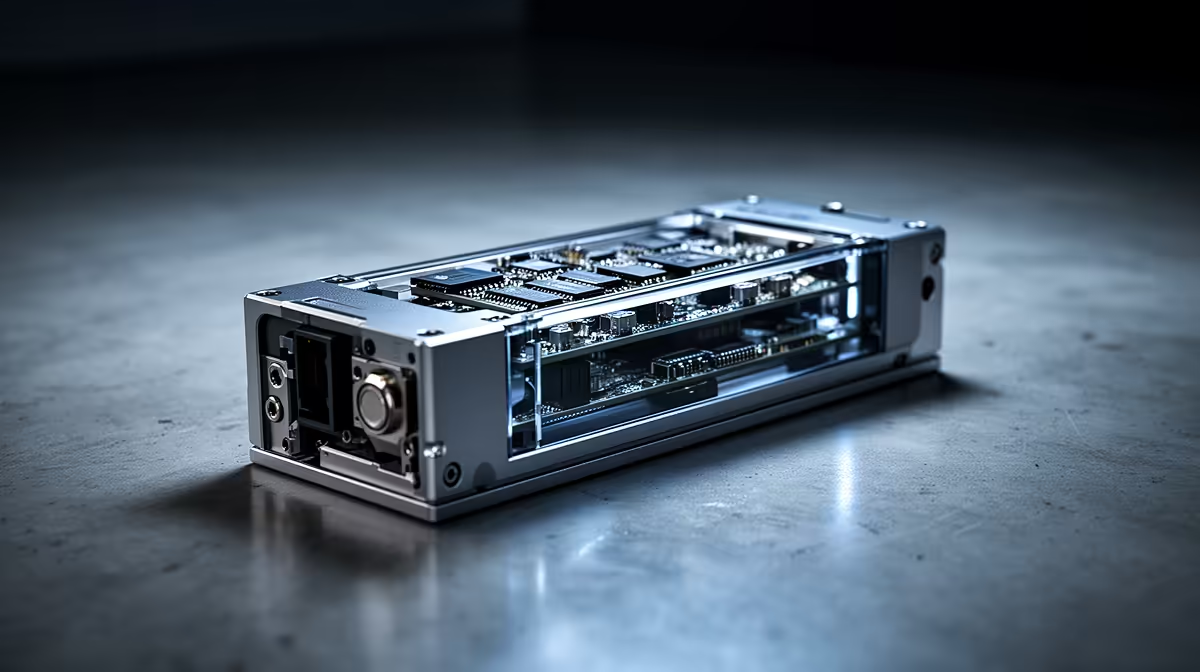
Razer's Gen-4 optical switches replaced the mechanical contact pair with an infrared light gate: a small LED emitter and a photodetector. Pressing the mouse button actuates a shutter that interrupts the beam, registering a click event with zero debounce delay. Because no metals touch each other, there is no contact oxidation, no spring fatigue, and no gradual change in actuation feel over time.
Gen-4 addressed two remaining issues from Gen-3: the housing geometry was revised to reduce button wobble (a slight lateral play that some users found disconcerting), and the light gate alignment was tightened to reduce the rare false-actuation events that affected Gen-3 under certain button angles. The result is a switch with actuation consistency measured at 0.45 Newtons from centre to edge, compared to more variable readings on mechanical switches.
Real-World Consistency Over Years of Use 🗓️
Mechanical switches develop double-click behaviour when contact surfaces wear: the electrical signal bounces before settling, and firmware debounce intervals that were once sufficient fail to suppress the secondary pulse. This is the most common failure mode of quality mechanical gaming mice after 12 to 24 months of heavy use. Optical switches are immune to this failure mode entirely because there are no contacts to bounce.
The only degradation mechanisms for Gen-4 optical switches are LED dimming, housing wear on the button pivot, and contamination of the beam path by dust or humidity. In practice, LED dimming is not a documented failure mode; infrared emitters at mouse power levels last decades.
Comparing Gen-4 to Mechanical Alternatives 📊
Mechanical Omron D2FC-F-7N switches are rated at 50 million clicks and Kailh GM 8.0 reaches 80 million. Both carry the inherent risk of contact bounce increasing as metal contacts wear. For players gaming 6 or more hours daily, a Gen-4 optical switch in a R1,800 to R2,800 mouse provides meaningful durability insurance over mechanical options in the R800 to R1,400 range.
Clean the Button Housing Annually ⚡
Dust accumulation on the optical switch beam path is the most realistic long-term consistency risk for optical switches. Use a can of compressed air to blow out button gaps once every 6 to 12 months, especially in dusty interior environments like Pretoria and Johannesburg. This takes 30 seconds and prevents the one contamination failure mode optical switches are susceptible to.
FAQ
Do Gen-4 optical switches feel different from mechanical switches?
Yes, they feel crisper and slightly lighter. The click registers at the moment of beam interruption with very short, clean activation. Some users prefer the longer pre-travel of mechanical switches for accidental-click prevention. This is a preference factor, not a performance factor.
Are Gen-4 switches available in both wired and wireless mice?
Yes. Razer's Gen-4 optical switches appear in both the wired Razer Viper V3 and wireless HyperSpeed variants, covering the full range from wired to wireless flagship. Both deliver the same switch mechanism and rated lifecycle.
If a Gen-4 switch fails early, is it repairable?
For warranty failures within the first year, the mouse can be returned through Evetech's local warranty path. Physical repair requires competent soldering skill, and replacement Gen-4 switch units are not widely available in South Africa as standalone components.
Upgrade to switches that will not let you down.
Evetech stocks Razer gaming mice with Gen-4 optical switches across wired and wireless options. Browse the range at Evetech and choose a mouse built for long-term consistent performance.