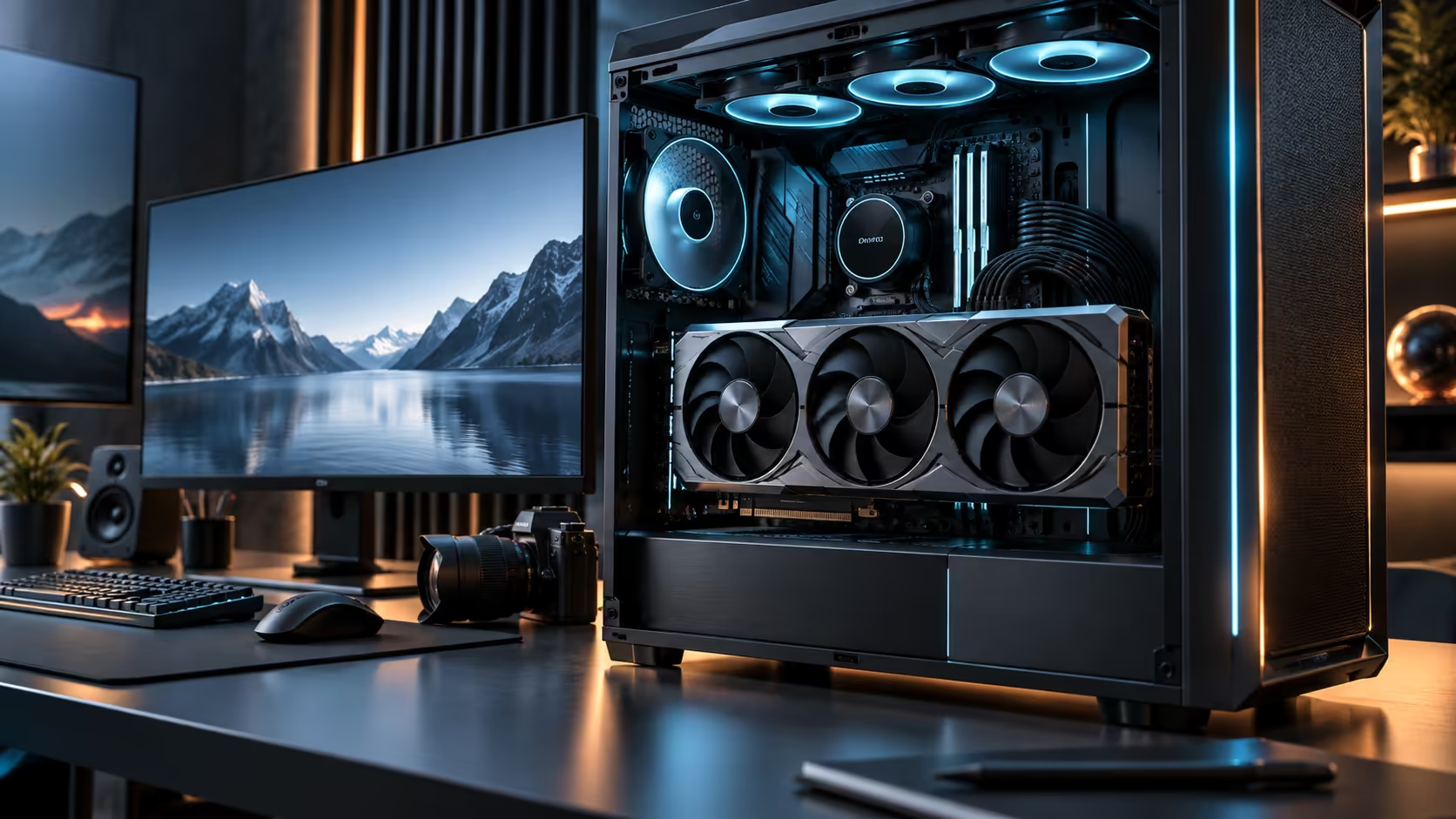
Frame rate is the wrong metric for sizing a professional card, and chasing it leads buyers straight past the spec that actually decides whether a job finishes. Choosing a GPU for 8K textures, large models and rendering work comes down to what has to sit in memory at once, not how many frames the card pushes in a benchmark.
Quick Answer
Size the card by the largest single thing your work needs resident in memory at one time, not by an average frame rate figure. An 8K texture set, a dense scene file, or a mid-sized AI model all live or die on capacity, which is why 32GB of GDDR7 is treated as the practical dividing line for this class of work. The Astral Edition 20 carrying that capacity is R119,999.
🎨 Texture sets: where 8K actually bites
An 8K texture applied to a single object can be many times the file size of its 4K equivalent, and a scene rarely uses just one. Multiply that across every textured surface a render touches simultaneously, plus normal maps, roughness maps and lighting buffers layered on top, and the total working set for one frame of a texture-heavy 8K scene climbs fast.
The failure mode when capacity runs out is not a crash in most modern renderers, it is a silent fallback to lower-resolution texture proxies or a dramatic slowdown as data spills to system memory. Both produce a result, but neither produces the result you actually asked for, which is why capacity has to be sized for the heaviest scene in a project, not the average one.
🧊 Dense scenes and what "dense" actually means
A dense scene is one with a high polygon count, many unique textures rather than repeated ones, and complex lighting requiring multiple bounce calculations held in memory at once. Architectural visualisation and film-grade asset libraries are the common examples, and both routinely exceed what a mainstream card's memory can hold without the renderer having to manage data in and out constantly.
Capacity headroom here is not a luxury, it is what keeps a render running at a predictable pace instead of slowing unpredictably as a project grows over its production life. A scene that fits comfortably today rarely stays that size once assets are finalised and detail is added late in a project.
🧠 AI models: the same principle, a different unit
For AI work, the equivalent measure is a model's parameter count and its working memory during a training or inference step, rather than a texture file size. A mid-sized model loads without trouble inside a 32GB pool; the largest research-scale models are designed assuming multiple cards or dedicated data-centre hardware, and no single consumer card is the right tool for that tier regardless of price.
Confirm your specific model's memory footprint given the numeric precision you plan to run it under, since two versions of the same model can differ substantially in what they need to load. Sizing for a name rather than an actual footprint is the same mistake as sizing for an average frame rate instead of a specific scene.
🏭 Picking between a gaming-branded card and a workstation card
Choosing between the two categories comes down to certification, driver support and warranty terms aimed at professional use, rather than a gap in raw capability. If your work is billed to clients or run on a schedule where downtime has a direct cost, weigh a dedicated workstation card against a gaming-branded flagship on those terms, since the two are built around different priorities even when raw specifications look similar. For a straightforward gaming and creator hybrid machine, the gaming card range and a platform from the workstation PC range cover the two ends of that decision.
🖼️ Testing a candidate card against your own heaviest file
Rather than relying on a manufacturer's marketing figure for a memory tier, test the actual card, or a comparable one at the same capacity, against your single heaviest project file before committing a budget to it. Open the file, load every texture at full resolution rather than a proxy, and watch for the specific symptom of data spilling to system memory, which most rendering software surfaces as a warning or a visible drop in interactive viewport speed rather than a silent failure.
This kind of test is worth doing even when a retailer's specification sheet suggests the card should comfortably clear your needs, since real project files accumulate detail unevenly across a production cycle and a scene that looked comfortable at an early stage of a project can grow well past that by the final render. Run the test for at least 5 minutes of active navigation rather than a single frame, since a slow spill to system memory often only shows up once you have been working the file for a while. Keep a note of your heaviest file's actual memory usage over time, since that trend line is a better guide to your next card's required capacity than any single measurement taken today.
💾 Storage speed feeding the card matters too
A card with ample memory can still stall waiting on data if the drive feeding it cannot deliver texture and asset files fast enough during an active project, particularly when working directly off a network drive or an older SATA-based system. Pairing a high-capacity card with a fast local NVMe drive rated well above 3000 MB/s for the current project's working files removes this as a secondary bottleneck sitting behind an otherwise well-specified card.
Frequently Asked Questions
Why does frame rate not matter for choosing a rendering card?
Frame rate measures gaming performance, while rendering and AI work are limited by what fits in memory and how fast that memory moves, which are separate metrics from how many frames a game engine produces per second.
What happens if a scene exceeds the card's memory?
Most renderers fall back to lower-quality proxies or manage data in and out of memory constantly, both of which slow the job down or change the output rather than simply failing outright.
Do I need a workstation card instead of a gaming card for this work?
Not automatically. The choice depends more on certification, driver support and warranty priorities aimed at professional use than on raw specification differences between the two categories.
How do I know if an AI model will fit on this card?
Check the model's parameter count and the precision you intend to run it at, since that combination determines its actual memory footprint, which is the number to compare against the card's capacity rather than a generic model name.
Ready to size a card by what your heaviest project actually needs?
Measure your largest scene or model's footprint before comparing cards on frame rate alone.