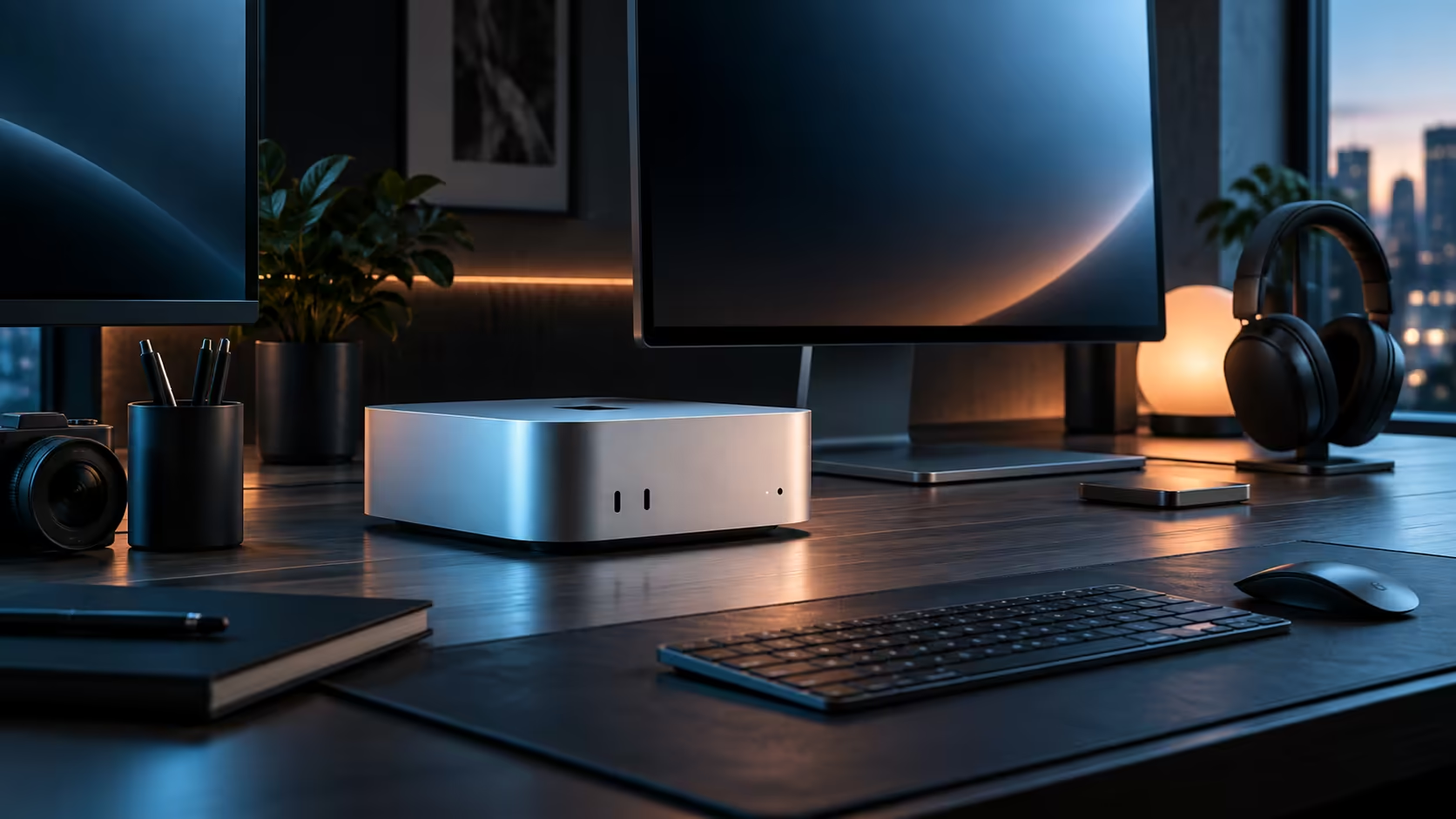
Memory is the only decision on a Mac Mini you genuinely cannot revisit later, so settle it first, then let storage, displays and connectivity follow naturally from there for a South African desk.
Quick Answer
Match the 16GB memory figure carefully to whatever your single busiest week actually demands before looking seriously at anything else, since there is no changing it once the order ships. Storage, display count and home networking all follow from that one decision rather than driving it. Start with the R21,699 base configuration at Evetech, and buy the full set locally so the warranty stays on this side of customs.
💾 Memory first, because it cannot change later
16GB comfortably covers everyday multitasking, photo editing and 1080p video, and it starts to feel tight only once two demanding tasks, such as a heavy timeline and a large local AI model, run together. There is no upgrade path once the machine ships, which is why this single figure deserves more attention than anything else on the spec sheet.
🗄️ Storage: plan for growth, not just launch day
Documents, photos and applications sit comfortably inside the 512GB internal drive, but video empties it out much sooner than most first-time buyers plan for, with a single hour of 4K footage running past 100GB on its own. Put an external SSD on the initial order if video is a regular part of your work, instead of scrambling for one only once the internal drive is already gasping for space.
🖥️ Displays: two comfortable, three worth checking
One or two screens run without strain over Thunderbolt 4 and HDMI. A third is a genuinely separate question, answered by Apple's own published ceiling for this specific chip rather than by counting sockets on the back of the case.
🌐 Connectivity: wired for sustained transfers, wireless for everything else
The 2.5Gb Ethernet port speeds up transfers on your own local network, while Apple N1 Wi-Fi 7 and Bluetooth 6 cover everyday browsing, calls and peripherals without needing a single extra port. Whatever your fibre or LTE package delivers stays exactly the same no matter how the local side of the network is wired.
🧾 Buying the whole plan locally
Memory, storage and connectivity all come sorted once the R21,699 configuration is chosen; the remaining decision is where you buy it. A local warranty through Evetech puts a courier at your door instead of an overseas shipping label if anything in the set ever needs attention, which matters more the day something actually breaks than it does on delivery day.
🧮 Putting a rough total on the whole desk
A realistic first-desk budget on top of the R21,699 machine runs to a monitor from roughly R4,000, a keyboard and mouse combination from around R800, and an external SSD from about R1,200 if video is part of the plan, putting a genuinely complete single-screen setup somewhere near R28,000 before any second monitor enters the picture. Treating the machine's own price as the whole budget is the single most common planning mistake first-time buyers make, since the accessories around it are rarely optional in practice.
📋 A sensible order to buy in
Order the machine and one monitor together first, since that pairing alone covers everyday work and lets you actually use the desk while deciding on anything further. Add an external SSD next if video work is a regular part of the plan, since storage pressure shows up faster than most other limits. Leave a second monitor and any dock or hub purchase until after a few weeks of real use make it clear whether they are genuinely needed or simply nice to have.
Weigh this configuration against everything else Mac Mini has to offer, and against the compact machines sitting under mini PC, before you finalise a thing.
Frequently Asked Questions
Can memory be added to a Mac Mini after purchase?
No, every Mac Mini configuration locks its memory in permanently the moment it is sold, which is exactly why nailing this decision upfront outweighs every other spec on the list.
How much desk width does a two-screen Mac Mini setup need?
About 1.2 metres across for two ordinary-sized screens, with a bit more depth needed in front to fit a keyboard comfortably.
Does the 2.5Gb port improve my internet speed?
No, it only makes local transfers between your own devices faster; whatever your fibre or LTE package delivers is a completely separate number.
Is buying locally worth any price difference against an import?
For most buyers, yes; a local warranty avoids weeks of downtime and courier costs that an international return would otherwise involve.
In what order should these four decisions actually be made?
Memory first, since it cannot change later; storage second, since it can always be extended externally; displays third, based on how many screens the work genuinely needs; and connectivity last, since both wired and wireless options come standard regardless of the other three choices.
Does buying everything from one South African retailer simplify the warranty?
Yes, meaningfully; one invoice covering the machine, storage and any monitor bought alongside it means a single point of contact if anything in the set needs attention, rather than juggling several separate warranties from different sources.
Can I add a second external SSD later if the first one fills up?
Yes, adding a second external drive at any point costs nothing in flexibility, since external storage has none of the permanence that makes the memory decision so important upfront.
Does choosing a higher memory tier now cost less than upgrading later some other way?
There is no later way to upgrade memory on this machine at all, so the only real comparison is between paying more now for a higher tier or accepting the base tier's genuine limits for the life of the machine, whichever it ends up being.
Is it ever sensible to buy above your current need on memory specifically?
Only when a concrete, near-term change to your workload is already planned; buying purely against a vague future possibility usually means paying for capacity that a real habit never actually reaches in genuine day-to-day use over the entire working life of the machine itself and its whole desk setup built carefully around it.
Ready to choose a Mac Mini configuration that actually fits your desk?
Settle memory first, then plan storage, displays and connectivity around it.