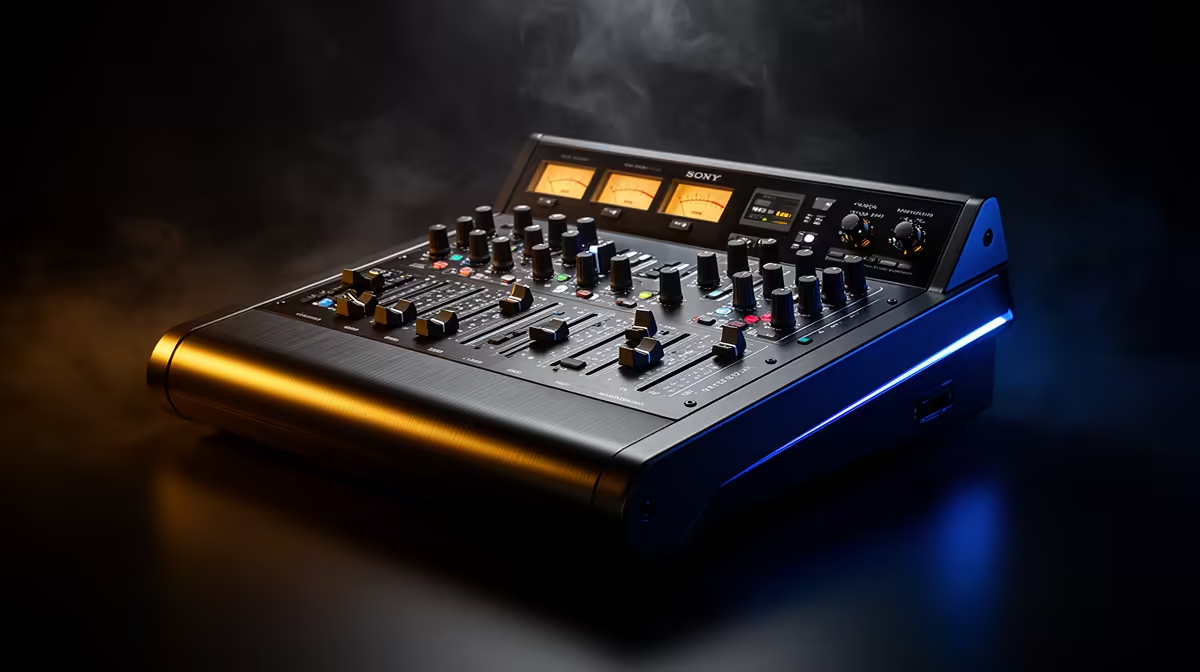
A content creator should choose a podcast mixer only after mapping every microphone, remote guest, music bed and monitoring output. The NearStream USB/XLR microphone at R676 is a verified starting point for speech, but its XLR connection would still need a compatible interface or mixer that is not included in that price.
Draw the complete audio route
List the number and type of microphones, headphones, cameras, computers and phones used in a typical episode. Decide whether each speaker needs a separate input, whether callers require mix-minus routing and whether physical mute controls solve a real production problem.
No podcast mixer with verified current pricing appears in the factpacks. Compare live models by input connectors, preamp gain, USB routing, monitoring, mute behaviour, supported sample rates, driver support, power method, dimensions and warranty. Confirm that the device can send the required mix to the capture application.
Rehearse one full episode before publishing. Listen for noise, echo, clipping and delayed monitoring, then test recovery from a muted or disconnected guest. Label cables and preserve application presets plus raw audio in separate backups. Keep controls within reach without crowding the camera frame.
Buy a mixer when repeatable multi-input sessions justify the routing. For one local microphone and simple online calls, a direct USB path may be easier to operate and troubleshoot.
Building a creator podcast desk? > Compare Evetech microphones and audio gear by the planned signal route.