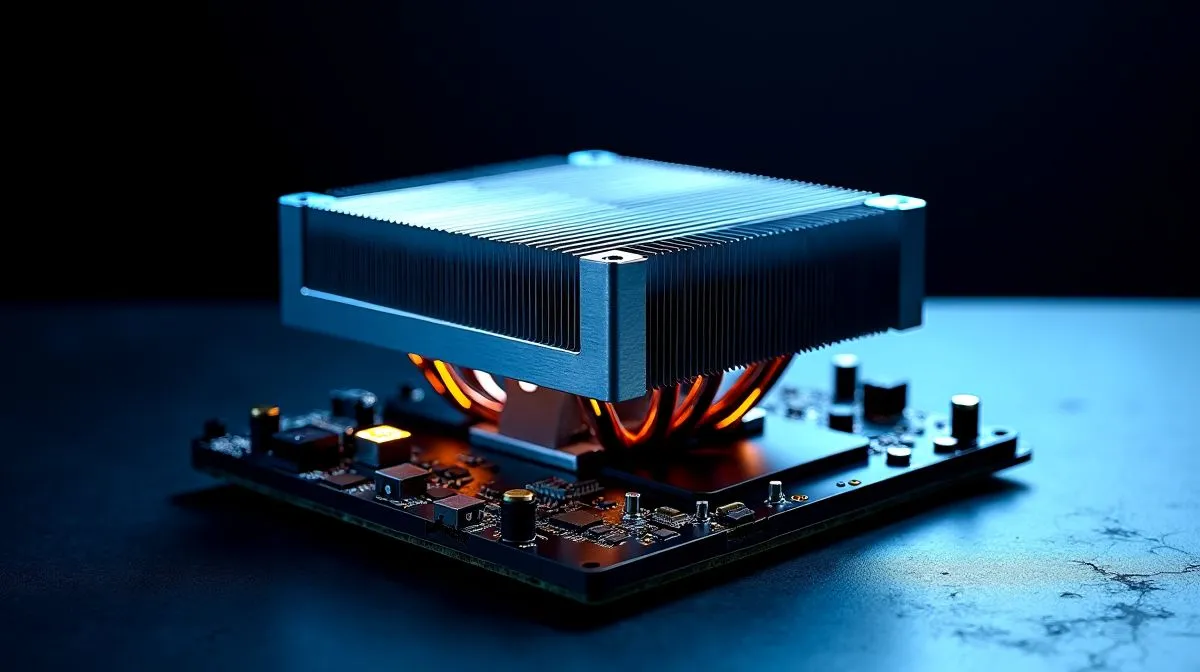
CPU Cooler Compatibility Guide for Intel and AMD Platforms
If you have ever bought a shiny new cooler only to find it does not fit your chip, you know the pain. It is a classic PC-building mistake, and it costs time, money, and patience. For South African gamers, that matters even more when every rand counts. This CPU cooler compatibility guide for Intel and AMD platforms will help you avoid that headache, whether you are building a quiet office box or a lekker gaming rig 🔧
CPU Cooler Compatibility Guide for Intel and AMD Platforms: start with the socket
The first thing to check is the CPU socket. Intel and AMD use different mounting patterns, and cooler boxes often list the supported sockets clearly. Do not assume “Intel” or “AMD” alone is enough. Look for exact names like LGA1700, LGA1200, AM4, or AM5.
Most modern coolers support more than one socket, but some need a bracket update. That is why it helps to buy from a retailer with clear product listings, like Evetech’s CPU cooler range. Always read the specs before you click add to cart.
CPU Cooler Compatibility Guide for Intel and AMD Platforms: air coolers vs AIOs
Not all coolers fit in the same way. Tower air coolers are usually simple, reliable, and great for mainstream gaming PCs. AIO liquid coolers often offer better case clearance around the CPU area, but they need radiator space and smart fan placement.
If you are leaning liquid, start with Evetech’s AIO cooler selection. Then narrow it down by brand or radiator size. For example, Corsair AIO options are popular with builders who want strong thermals and tidy cable routing. Deepcool liquid coolers are also worth a look for value-focused builds.
Radiator size matters more than people think
A 360mm radiator can deliver excellent cooling, but only if your case supports it. A 240mm unit is often easier to fit and still strong enough for many mid-range and high-end CPUs. Check your case top, front, and clearance around RAM before buying. If your case is tight, a bigger cooler is not better... it is just bigger.
You can browse 360mm radiator coolers or 240mm radiator coolers to compare what suits your case best.
Fitment Pro Tip ⚡
buying, check three things: socket support, case clearance, and RAM height. A cooler can be technically compatible with your CPU, yet still clash with tall memory modules or a top-mounted radiator.
CPU Cooler Compatibility Guide for Intel and AMD Platforms: small details, big impact
Thermal paste is often included, but not always the best quality. That said, the bigger win is installation quality. A correctly mounted cooler with even pressure usually performs better than a pricier cooler fitted badly. Tighten screws gradually. Keep airflow in mind. And if you are upgrading an older system, clean the old paste properly first ✨
For South African buyers, the smartest move is to match the cooler to the actual workload. A gaming PC running a Ryzen 5 or Core i5 does not need the same cooler as an overclocked flagship chip. This is where compatibility turns into value. You get lower noise, better temps, and less wasted spend.
CPU Cooler Compatibility Guide for Intel and AMD Platforms: final checklist before checkout
Before you order, confirm these points:
- CPU socket support
- Case radiator or heatsink clearance
- RAM and motherboard VRM space
- Fan or pump connector support
- Warranty and included mounting hardware
If all five line up, you are in a good place. That is the sweet spot... no surprises, no returns, no “why does this not fit?” moment.
Ready to Find Your Perfect Match?
The Mac vs Windows debate is complex, but for maximum power, choice, and value in South Africa, Windows is hard to beat. Explore our massive range of laptop specials and find the perfect machine to conquer your world.