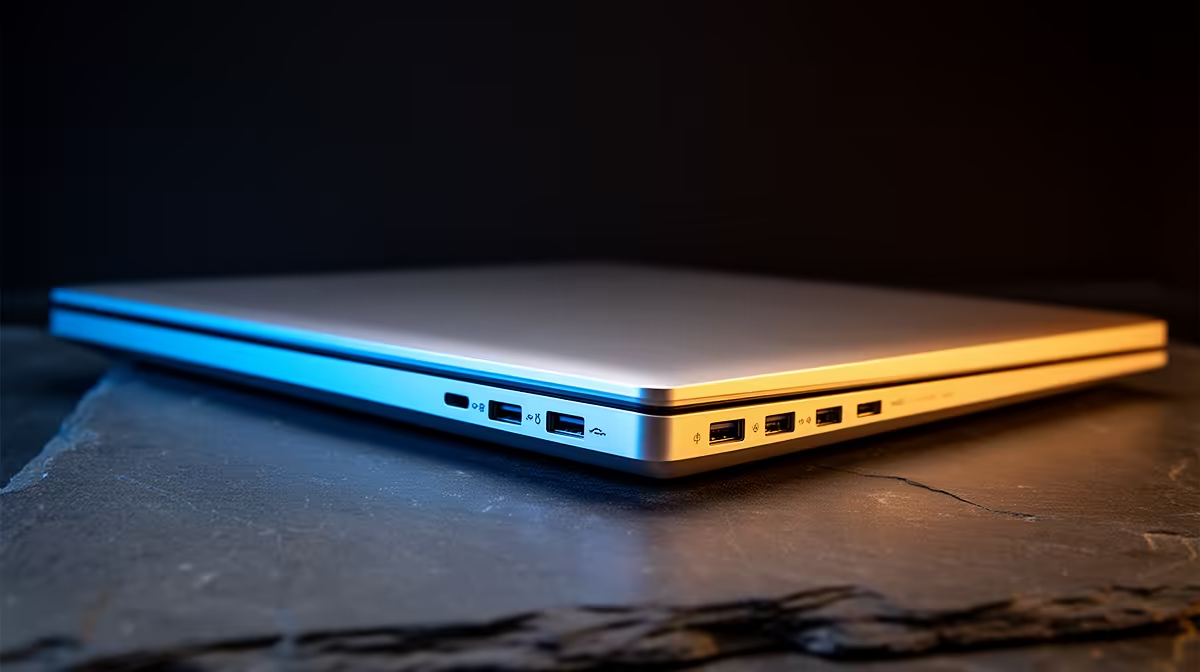
Ever stared at the side of your new Dell, a tangle of cables in hand, feeling a bit lost? You’re not alone. That collection of slots and holes is the key to unlocking your productivity, but which one does what? Understanding the different Dell laptop ports is crucial for a seamless workflow in any South African office or home setup. Let's decode the tech and get you connected, hassle-free. 🔌
Decoding the Essential Dell Laptop Ports
Your Dell laptop is a hub of potential, and its ports are the gateways. While the exact layout varies between models like the Inspiron, Vostro, or XPS, most modern machines share a common set of connectors. Getting to know these Dell laptop connections means you'll always have the right cable for the job.
USB-A: The Old Faithful
This is the rectangular port you know and love. It’s the universal standard for connecting keyboards, mice, external hard drives, and countless other peripherals. While newer standards are emerging, having at least one USB-A port is still incredibly convenient for backward compatibility with your existing gear.
USB-C & Thunderbolt™: The Modern Powerhouse ⚡
The small, oval-shaped USB-C port is the future. It's reversible, so you can't plug it in the wrong way. But its real magic is its versatility. A single USB-C port can handle:
- Charging: Powering up your laptop.
- Data Transfer: Moving files at lightning speed.
- Video Output: Connecting to an external monitor.
Some high-performance Dell laptops feature a Thunderbolt™ port, which uses the same USB-C connector but offers massively increased bandwidth. It's a must-have for professionals working with large video files or complex datasets, making the Dell Precision workstation series a top choice for power users.
HDMI: Your Go-To for Displays
The High-Definition Multimedia Interface (HDMI) port is your simplest plug-and-play solution for video. It’s perfect for connecting your Dell laptop to a TV, a second monitor, or a projector for that big presentation. Most Dell business and consumer laptops include a full-size HDMI port for maximum convenience.
Ethernet (RJ-45): For Unshakable Connectivity
Wi-Fi is great. The Ethernet port (also called RJ-45) gives you a direct, stable link to your router, ensuring you get the fastest and most reliable internet speeds your fibre line can offer. Many business-focused models, like the reliable Dell Vostro laptops, retain this port for ultimate reliability.
Matching Dell Laptop Ports to Your SA Workflow
The ideal port selection depends entirely on how you work and play. Choosing a machine with the right I/O (Input/Output) from the start saves you from a life of dongles and adapters. Whether you're looking at entry-level options or powerful Dell workstation laptops, thinking about your daily use is key.
Hybrid Workspace Pro Tip 💻
Turn your desk into a one-cable command centre with a USB-C hub or docking station. Plug your monitor, keyboard, mouse, and charger into the dock. When you get to your desk, you just plug in a single USB-C cable to your Dell laptop to connect everything instantly. It's the ultimate clean-desk solution!
Is Your Desk Missing Something?
If your workspace is a mess of cables and adapters, it might be a sign that your current setup isn't optimised. While a laptop offers portability, for a permanent home or office setup, you might appreciate the simplicity and larger screen of an all-in-one. These machines integrate the PC into the monitor, offering a super clean aesthetic with easily accessible ports. For the ultimate minimalist workspace, it's worth checking out the range of Dell All-in-One desktops.
Understanding the ports on a Dell laptop empowers you to make a smarter purchase and build a more efficient workspace. From the do-it-all USB-C to the ever-reliable HDMI, every port has a purpose. ✨
Ready to Find Your Perfect Match?
Choosing a laptop with the right ports is key to productivity. For the best value and widest selection of Dell machines in South Africa, we've got you covered. Explore our massive range of laptop specials and find the perfect machine to conquer your world.