Quick Answer
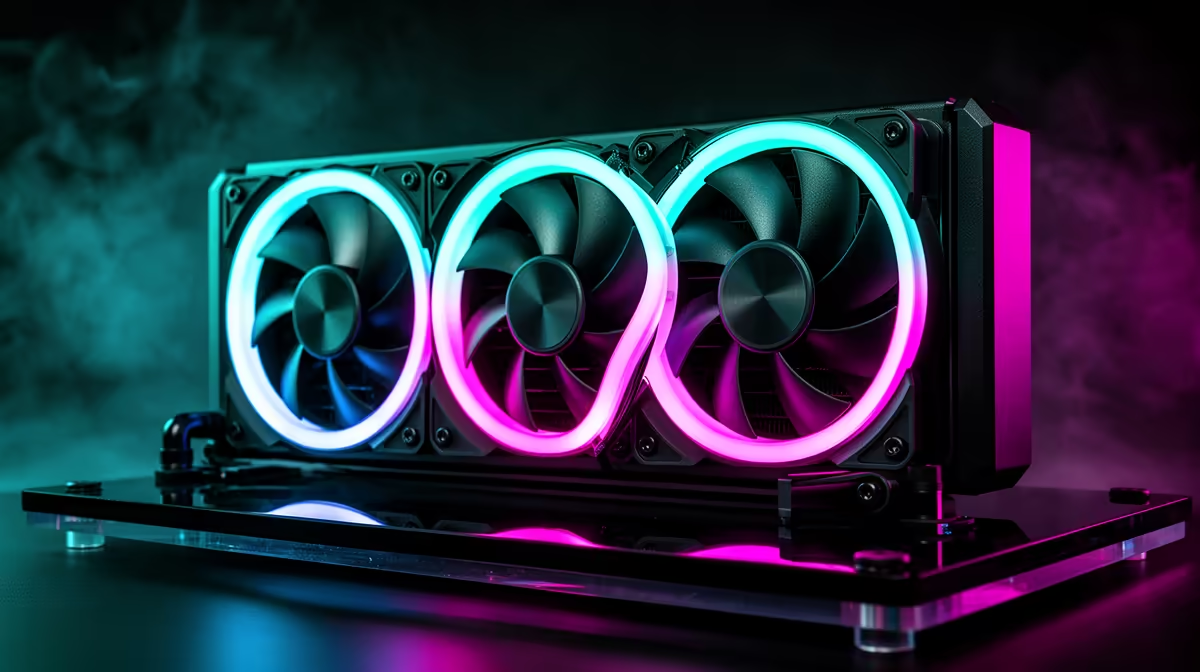
Yes, pre-installed ARGB fans on an AIO liquid cooler reduce installation complexity by eliminating separate fan mounting, individual cable routing, and ARGB controller wiring. Fans arrive screwed to the radiator with cables pre-managed, saving 20 to 30 minutes of build time and reducing wiring errors for first-time or time-conscious builders.
What Pre-Installed Fans Eliminate from Installation 🔧
A standard AIO ships with the radiator and fans as separate items. During installation, you attach each fan with eight screws per fan (24 screws for a 360mm unit), then route each fan's PWM and ARGB cables to the appropriate motherboard headers. Pre-installed ARGB fans arrive screwed to the radiator with cables bundled in a daisy-chain that stacks power and ARGB signals into a single chain, requiring only one motherboard PWM header and one ARGB header for the full fan set. For a South African first-time builder, this reduces loose parts during assembly and produces cleaner cable management. Daisy-chain ARGB systems synchronise all fans automatically to the same colour pattern, simplifying setup in ASUS Aura Sync or Gigabyte RGB Fusion.
Tradeoff: Daisy-Chain vs Individually Addressable Fans 🎨
Daisy-chain setups treat all fans as a single lighting zone. Enthusiasts wanting per-fan ARGB effects need an AIO with individual fan connections or a dedicated ARGB hub. Pre-installed fans are matched to the radiator's airflow requirements and are removable with standard screws if you later want to upgrade to higher-performance aftermarket alternatives.
SA-Specific Considerations for ARGB AIO Purchases 🇿🇦
ARGB AIO coolers span a wide price range locally. Entry-level 240mm units start at R1,800 to R2,500; premium 360mm units with IPS displays sit at R4,500 to R7,000 at Evetech. ARGB adds no cooling performance benefit. For builders without a glass panel, it is cosmetic spend. For visible desktop builds, ARGB synchronisation across fans, pump head, and other components creates a cohesive aesthetic. Confirm your motherboard has a 3-pin ARGB header (5V, labelled ADD_HEADER) rather than a 4-pin RGB header; the two are not interchangeable without an adapter.
Match ARGB Ecosystem to Your Motherboard Brand ⚡
ASUS Aura Sync, MSI Mystic Light, Gigabyte Fusion, and ASRock Polychrome each control ARGB fans and pump heads through their respective software. Corsair iCUE controls its own fans natively via a USB header and does not require motherboard ARGB headers. Check your AIO's supported ecosystem before purchasing if seamless RGB synchronisation with your motherboard and GPU is important to you.
FAQ
Can I replace pre-installed ARGB fans with non-ARGB fans?
Yes. Pre-installed fans use standard 120mm or 140mm fan screws and connect via standard PWM headers. Disconnect the ARGB daisy-chain cable and tuck it away; the replacement fans and cooling performance are entirely unaffected.
Do pre-installed fans cover all socket types in South Africa?
Fan compatibility is independent of socket compatibility. Current AIO coolers include mounting hardware for AM5 (Ryzen 7000 and 9000 series) and LGA1851 (Intel Core Ultra 200) as standard, with AM4 typically included as a secondary bracket. Check the AIO socket compatibility list before purchasing for an older platform.
Is a 240mm pre-installed ARGB AIO adequate for an RTX 5070 build?
For a Ryzen 7 9700X or Core i5 paired with an RTX 5070, a 240mm AIO provides adequate gaming cooling. For sustained all-core rendering workloads or a planned upgrade to a higher-TDP CPU, a 280mm or 360mm AIO provides more headroom. ARGB features have no bearing on thermal adequacy.
Looking for an AIO cooler with ARGB fans ready to install?
Evetech stocks pre-installed ARGB AIO liquid coolers in 240mm, 280mm, 360mm, and 420mm sizes with local warranty and nationwide delivery.