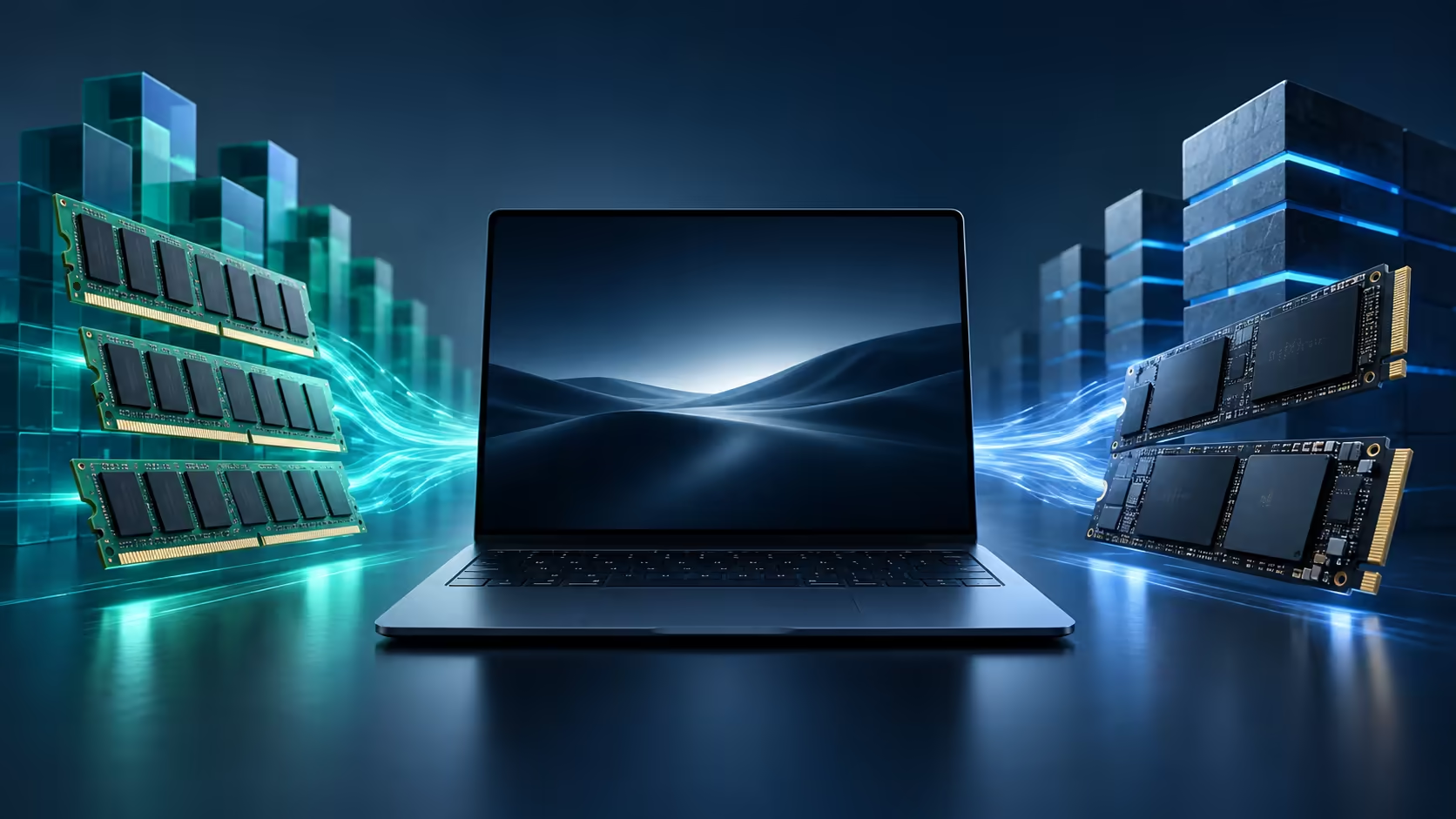
Two capacity numbers can describe very different constraints. Googlebook memory and storage should be planned separately: one affects the work active now, while the other affects how much material can remain on the device. A large cloud promotion adds a third number without replacing either of the first two.
Quick Answer
RAM holds active application data, while SSD capacity provides persistent space for software and files. The published US Googlebook listings pair 16GB RAM with 512GB storage, although broader platform messaging includes a 256GB starting capacity. Choose the exact regional configuration using simultaneous workloads, offline file needs and a backup plan rather than treating all capacity as interchangeable.
🧠 Working memory is a shared workspace
Think of RAM as space used by the operating system and the applications running alongside it. A document editor, a browser, a call and an image project all compete for that working space. Their demands depend on what they are doing, not merely on how many icons appear in a taskbar.
Ten simple reading tabs can behave differently from a smaller set of demanding web applications. A large image or complex document can also use more memory than its apparent on-screen size suggests. This is why a claim about an exact number of tabs supported by 16GB would be unreliable without a defined workload.
The useful pre-purchase exercise is to list the tasks that run together. A student reading a PDF while writing notes has a different workload from someone combining a video call with a large creative project. Identify the heaviest ordinary combination rather than the lightest demonstration.
More RAM also cannot repair missing software support. If the relevant Android or web app lacks a required function, increasing working capacity will not add it. Establish compatibility first, then use memory as part of the performance decision. That order avoids spending on a specification that does not address the actual limitation.
💾 Local storage needs a practical file ledger
An SSD holds installed applications, system files and personal data when the laptop is switched off. Its advertised capacity is not the same as the amount free for your documents. Capacity reporting conventions and the space used by software reduce what is available for personal storage.
Make an illustrative ledger before choosing. Suppose active documents occupy 30GB, locally required photos take 80GB and a working video project needs 60GB. Those three categories already total 170GB before applications, system files, exports and future growth. The example is not a benchmark or a forecast of Googlebook system usage; it shows how quickly several reasonable needs combine.
Remember that editing can create additional copies. Original media, previews and exported files may coexist while a project is active. Planning only from the final output size can therefore underestimate the working room required. Keep some free capacity for temporary work and updates rather than filling the drive to the advertised limit.
Compare laptop capacity options using the same ledger. It is more useful than deciding that every light-use buyer needs the same SSD or that every creator automatically requires the largest option. The files and the workflow should determine the capacity target.
☁️ Cloud space changes access, not the installed hardware
An online storage allocation can hold an archive without keeping every item on the laptop. That can be convenient, but access depends on the chosen service, account and connection. A file needed during travel may still require a local copy prepared in advance.
Do not confuse account capacity with working memory. Adding terabytes to a cloud plan does not give applications more RAM. Nor does it physically enlarge the internal SSD. Each resource solves a different problem: active processing, local persistence or remote storage.
Synchronisation should also be distinguished from a separate backup. A convenient shared folder can propagate changes between devices. Material that would be difficult to replace deserves a recovery strategy that does not depend solely on the latest synced version being correct.
For an additional local copy, external SSD options are worth considering as a category. Confirm the file-system and connection requirements of the actual device and software before making a compatibility claim. An external drive can help with file capacity and backup; it does not replace the RAM needed to manipulate a large project.
🔧 Buy the documented configuration
The platform homepage and regional shop pages may describe different starting points. That is a reminder to use the exact listing, not a reason to assume a specification error or a universal capacity. A family name and a screenshot from another country do not establish the machine in a local quotation.
Upgrade access must also be confirmed separately. The launch capacity figures do not prove that memory or storage can be replaced by the owner. A similar chassis elsewhere in a manufacturer range is insufficient evidence because internal design and support arrangements can differ.
When future growth is likely, decide how you will handle it before purchase. That may mean selecting more documented capacity, keeping a smaller active project set or using a verified external storage workflow. Each has a different effect on portability and convenience. Avoid relying on an imagined upgrade that has not been established for the model.
A small monthly housekeeping routine can help maintain the chosen capacity: archive completed projects, remove confirmed duplicate exports and check that backups can be opened. Do not delete the only original merely because a cloud thumbnail is visible. Confirm the complete file is stored where expected before reclaiming local space.
The final selection should connect three quantities: what runs together, what must remain locally accessible and what needs an independent recoverable copy. Once those are clear, 16GB and 512GB become useful specification facts rather than reassuring numbers detached from the work. A balanced configuration is one that has room for the actual routine without assuming cloud capacity or a future hardware change will solve every constraint.
Frequently Asked Questions
Is 512GB storage the same thing as 16GB RAM?
No. RAM serves active processes, while the SSD stores persistent files and installed applications.
Do all Googlebooks globally have a 512GB SSD?
US base listings show 512GB, while platform messaging starts at 256GB. Regional configurations can differ.
Can cloud storage replace working memory?
No. Online storage does not increase the RAM available to running applications.
Should a 512GB SSD show exactly 512GB free?
No. Capacity units, system files, applications and reserved space reduce the amount available for personal files.
Is RAM upgradeability confirmed across the lineup?
No. Treat upgrade access as a model-specific service question, not an assumption based on capacity.
Match capacity to the files you really use
Compare laptop and external storage categories at Evetech after separating active memory, offline space and backup needs.