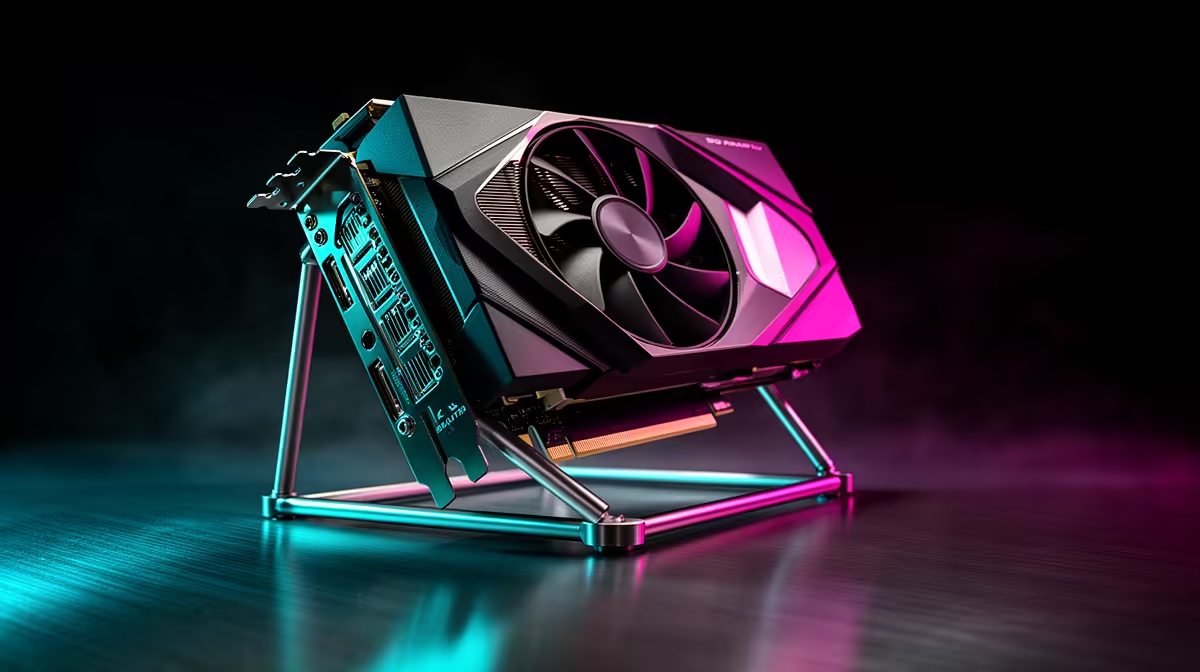
Quick Answer
GPU sag is a real concern with cards heavier than 1.5 kg, and dedicated support brackets costing R150 to R600 are the most cost-effective fix. For ultra-heavy flagship GPUs like the RTX 5090 Founders Edition or the RX 9070 XT triple-fan designs, a bracket is near-mandatory to prevent PCIe slot stress over time.
Why Heavy GPUs Sag and What It Actually Damages 🔧
Modern high-end graphics cards have grown significantly heavier over the past two generations. A triple-slot, triple-fan card like the RTX 5080 can tip the scales above 2 kg, placing substantial downward force on the PCIe x16 slot. Over months of thermal cycling and vibration, this torque can flex the motherboard, cause intermittent contact in the PCIe slot, and in worst cases crack solder joints on the GPU PCB itself.
In South African conditions, where many builders run their rigs in warm rooms without dedicated air conditioning, the repeated expansion and contraction from heat cycles accelerates the stress. A sagging GPU also disrupts airflow across its own heatsink, which can push temperatures 3 to 5 degrees Celsius higher than a level card.
Choosing the Right Support Solution 💰
There are three main categories to consider. A passive rigid bracket screws into a spare PCIe slot cover and props the card from below. These are the cheapest option, typically R150 to R350, and they do the job reliably. ARGB adjustable brackets add lighting and telescoping height adjustment, running R300 to R600, and suit white or themed builds where aesthetics matter.
For dual-GPU or extremely heavy single-card builds, a riser cable combined with vertical GPU mounting eliminates sag entirely by changing the card's orientation. Vertical mounting kits cost R400 to R900 locally and require a case that supports the layout.
Matching Support Hardware to Your Build 🖥️
Before buying, measure the clearance between the bottom of your GPU and the nearest support point inside your case. Most brackets adjust between 40 mm and 100 mm of height. If your build uses a full-tower like the Lian Li O11 Dynamic EVO or a mid-tower with a PCIe slot bracket row, a standard passive support will fit without modification.
For builders pairing an RTX 5090 or RX 9070 XT with a high-end X870E or Z890 motherboard, spending R250 to R400 on a quality support bracket is a sensible insurance policy on hardware that collectively costs R50,000 or more.
Match Bracket Height Before You Buy ⚡
Measure the gap between the underside of your GPU and the motherboard tray before ordering a bracket. Most rigid brackets have a fixed height range, and buying one that is 10 mm too short means it provides zero support. A quick ruler measurement takes 30 seconds and saves a return trip.
FAQ
Does GPU sag actually damage hardware, or is it just cosmetic?
It can cause real damage over time. Persistent sag stresses the PCIe x16 slot's retention mechanism and can flex the motherboard PCB. Cards heavier than 1.5 kg should have some form of support within the first month of use to avoid long-term joint fatigue.
Will any PCIe bracket work with any GPU?
Most universal brackets fit cards in standard ATX cases, but you need to confirm the adjustable height range matches your card's thickness and position. Some triple-slot cards sit low enough that a standard bracket's maximum height is insufficient, so always check specifications before purchasing.
Is vertical GPU mounting worth the extra cost?
For builds where cable management and aesthetics are priorities, yes. Vertical mounting eliminates sag completely and looks striking through a glass side panel. Budget around R400 to R900 for a local riser kit, and confirm your case supports a vertical GPU bracket position.
Need GPU sag protection for your build?
Evetech stocks passive support brackets, ARGB adjustable arms, and vertical riser kits to suit any case and any card. Browse the accessories section to find the right fit for your current GPU.