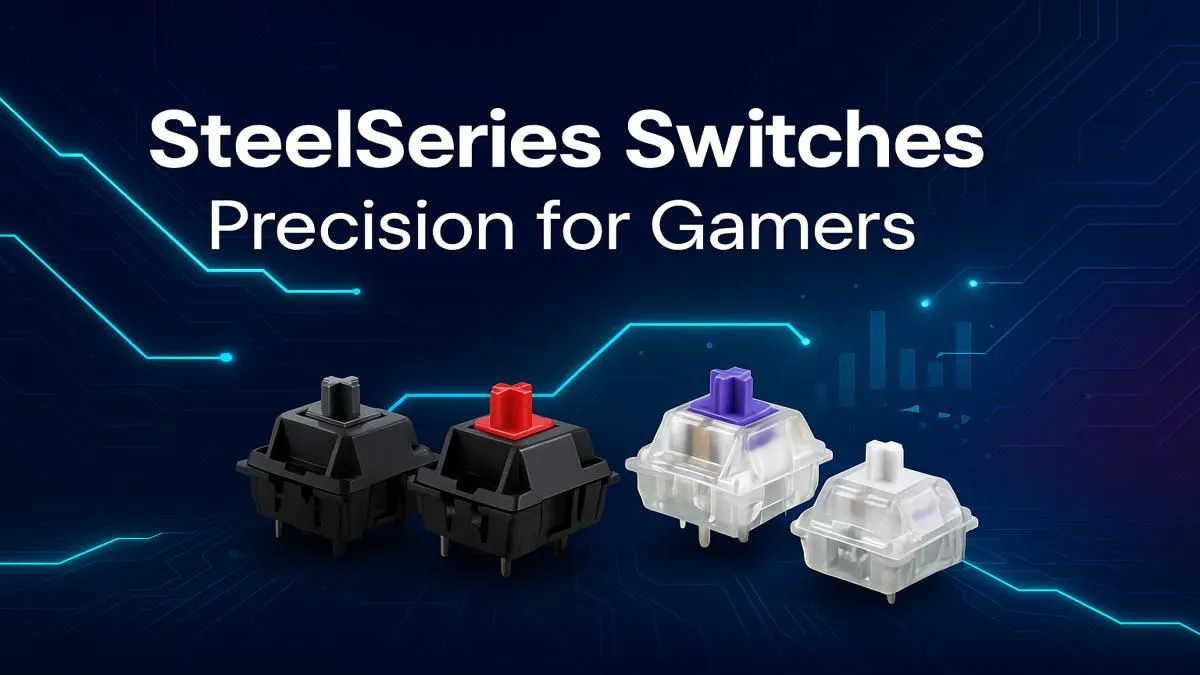
Ever felt that split-second delay when your character doesn’t react? That mushy, unsatisfying press of a standard keyboard? For South African gamers, where every millisecond counts, your keyboard's switches are the engine driving your performance. This guide to SteelSeries switches explained will demystify the tech behind the click, helping you choose the perfect feel for ultimate gaming precision. It’s time to find the switch that matches your reflexes. Let's dive in.
What Makes SteelSeries Keyboard Switches Different?
Before we get into the specifics, let's cover the basics. Mechanical keyboard switches are individual mechanisms under each key that register a keystroke. Unlike cheap membrane keyboards, they provide superior feedback, durability, and speed. SteelSeries has taken this technology to the next level, especially with their groundbreaking OmniPoint switches.
Most mechanical switches fall into three main categories:
- Linear: A smooth, consistent press from top to bottom. Fast and quiet.
- Tactile: A noticeable "bump" in the middle of the press to let you know the key has been activated. A great all-rounder.
- Clicky: A tactile bump accompanied by an audible, satisfying "click" sound.
SteelSeries offers switches that master these classic feels, but they also innovate beyond them, giving you more control than ever before.
A Deep Dive into SteelSeries Switch Types
Understanding SteelSeries switches explained in detail is the first step to choosing your next keyboard. Each type is engineered for a different kind of player and preference.
The Revolutionary OmniPoint Adjustable Switches ✨
This is where SteelSeries truly sets itself apart. OmniPoint switches use magnetic sensors to detect how far a key has been pressed. What does this mean for you? You can customise the actuation point—the exact distance a key needs to travel to register—on a per-key basis.
Set it to a hair-trigger 0.1mm for lightning-fast reactions in CS:GO or a deeper 4.0mm for deliberate, error-free typing. It’s like having multiple keyboards in one. For competitive gamers who demand the absolute fastest response, OmniPoint is a revelation. You can find this incredible tech in many of the best gaming keyboard deals available in South Africa right now.
SteelSeries Mechanical Switches: The Classics
For those who prefer a more traditional mechanical feel, SteelSeries also produces its own high-performance switches, often colour-coded to indicate their feel.
- SteelSeries Red (Linear): These offer a buttery-smooth, quiet, and rapid keystroke. With no bump or click, they are ideal for gamers who need to double-tap or make quick, successive key presses without distraction.
- SteelSeries Brown (Tactile): The perfect middle ground. You get a quiet but noticeable tactile bump with each press. This makes them fantastic for both gaming and typing, providing confirmation without the noise of a clicky switch.
- SteelSeries Blue (Clicky): For those who love feedback. These switches provide that classic, loud, and satisfying "click" with a tactile bump. They are amazing for typists and gamers who want an unmistakable confirmation for every action.
No matter your preference, you can find a great mechanical keyboard to fit your budget and start enjoying a superior experience.
Pro Tip: Actuation vs. Travel ⚡
Actuation distance is how far a key must be pressed to register a command. Total travel distance is how far the key can be pressed down fully. With OmniPoint switches, you can make the actuation distance incredibly short, allowing you to react faster without needing to change how you physically type.
Choosing the Right SteelSeries Switch for You
So, which switch is your perfect match? It often comes down to your primary use case.
- For the FPS and Battle Royale Pro: Go for OmniPoint or Red (Linear) switches. Their speed and smooth travel are unmatched for rapid strafing, weapon switching, and movement in games like Apex Legends or Valorant.
- For the MMO and MOBA Strategist: Brown (Tactile) switches are excellent. The tactile bump helps prevent accidental ability triggers during intense team fights in Dota 2 or complex rotations in World of Warcraft.
- For the Hybrid Gamer & Typist: Brown (Tactile) switches are again a top contender. However, if you love audible feedback while writing code or chatting on Discord, Blue (Clicky) switches are incredibly satisfying.
Ultimately, the best setup is one that feels right for you. Sometimes the best value comes when you consider a keyboard and mouse combo to ensure your entire peripheral setup is in sync.
Beyond the Switch: Customising Your Experience 🔧
Your keyboard's feel doesn't end with the switch. You can further optimise your setup for performance and comfort. Upgrading to high-quality PBT custom keycap sets can change the texture and sound of your typing. For the true enthusiast, some keyboards even allow you to explore different keyboard switches by hot-swapping them without any soldering.
Finally, don't neglect ergonomics. Long gaming sessions can take a toll on your wrists. Pairing your new keyboard with a comfortable wrist rest is one of the best investments you can make for long-term gaming health.
Ready to Find Your Perfect Match?
The world of mechanical switches is deep, but finding the right feel is key to unlocking your potential. From lightning-fast OmniPoints to satisfyingly tactile clicks, the perfect switch is waiting for you. Explore our massive range of gaming keyboards and find the perfect tool to conquer your game.