




IPS vs VA for Strategy and Sim Games in SA
IPS vs VA for strategy and sim games should be judged by fit, not a single winner. Compare compatibility, latency, capacity, upgrade path, cost planning, and South African setup needs.
Read moreExplore how HDR monitors enhance balanced lighting and wide dynamic range for stunning visuals. Boost productivity and gaming with Evetech’s top picks 🌟🔥
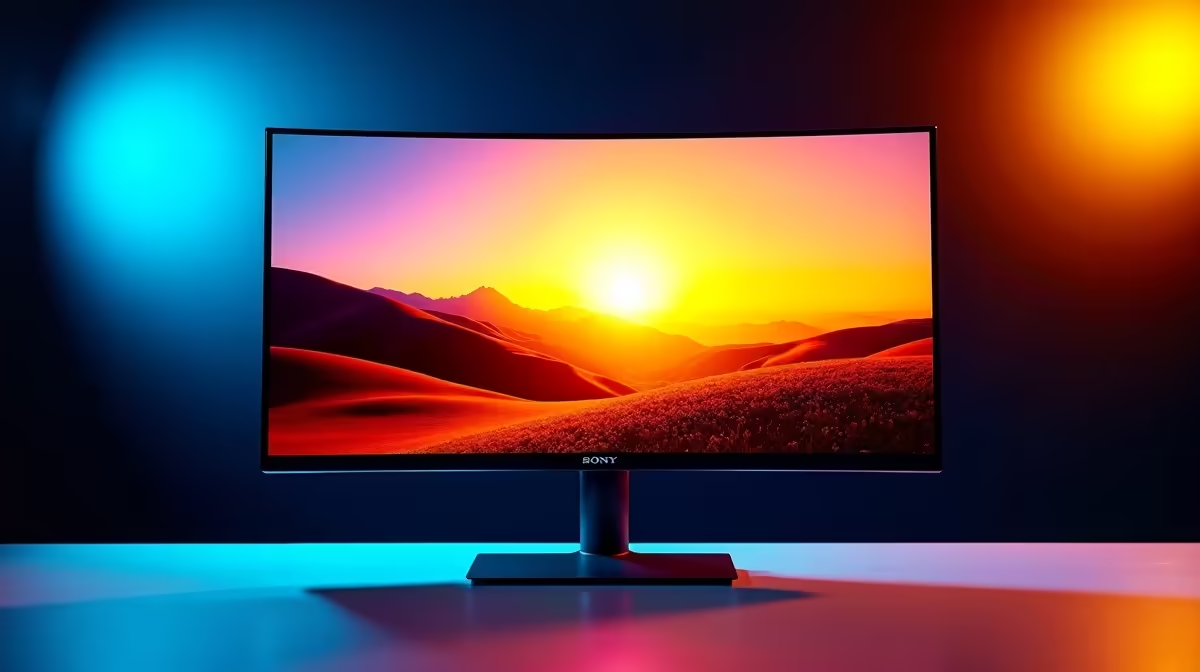
Tired of squinting at your screen, trying to spot that camper hiding in the shadows of Warzone? Or maybe the breathtaking skies in Cyberpunk 2077 just look… flat? You’re not alone. For too long, South African gamers have settled for washed-out colours and poor contrast. It’s time to see your games as the developers intended. An HDR monitor isn’t just an upgrade; it’s a portal to a more vibrant, immersive, and competitive gaming world. ✨
So, what’s all the fuss about High Dynamic Range (HDR)? Think of it like the difference between standard definition and high definition, but for colour and light. Your current Standard Dynamic Range (SDR) monitor has a limited palette. It struggles to show deep, dark blacks and bright, brilliant whites in the same scene.
An HDR monitor, on the other hand, dramatically expands this range. It delivers:
Essentially, monitors with HDR provide a more realistic picture by balancing the lighting and unlocking a massive spectrum of colours, creating stunning visual depth.
This isn't just about pretty pictures; it's a tactical advantage. 🚀 Imagine creeping through the dungeons of Elden Ring. With an SDR monitor, a dark corner is just a patch of black. With an HDR gaming monitor, you can actually see the texture of the stone walls and, more importantly, the glint of an enemy’s armour waiting in ambush.
This superior dynamic range means you react faster because you see more. From the faint muzzle flash of a sniper in the distance to the subtle environmental clues in a puzzle game, you’re simply getting more visual information. This makes HDR monitors a crucial piece of hardware for any serious gamer looking to optimise their experience.
Not all HDR is created equal. Look for VESA DisplayHDR certifications (like DisplayHDR 400, 600, or 1000). The higher the number, the brighter the display and the better the HDR performance. This ensures you're getting a true high dynamic range experience.
Once you’ve elevated what you see with an HDR monitor, it’s time to think about what you show. Creating the ultimate gaming or content creation rig is about building a complete ecosystem. A crystal-clear display deserves an equally crisp video feed, whether you're streaming your gameplay, collaborating on a project, or just chatting with your mates.
Pairing your new display with a quality webcam ensures your setup is balanced. You don't need to break the bank to get started; you can find fantastic webcams for under R1000 that offer a huge leap in quality over any built-in laptop camera. For streamers looking for that next level of polish, the range of webcams up to R2000 delivers sharper images and better low-light performance.
If you're serious about content creation, investing in a premium webcam under R3000 will give your audience the professional-grade video they expect. You can explore Evetech's full catalogue of webcams to find the perfect partner for your powerful new HDR display.
Ready for a True Visual Upgrade? Stop letting a dull display hold you back. Experience your games and content with the breathtaking clarity and colour they deserve. Explore Evetech's range of HDR monitors and see the difference for yourself.
HDR technology dynamically adjusts lighting, enhancing contrast for balanced visuals in any environment.
WDR captures greater detail in shadows and highlights, providing lifelike images with deeper contrast.
Yes! HDR monitors offer vibrant colors, smooth motion, and immersive visuals ideal for modern gamers.
Absolutely, HDR monitors deliver precise color accuracy and brightness, making them perfect for design and content creation.
Focus on brightness levels, color gamut coverage, refresh rate, and device compatibility for optimal performance.
Evetech selects HDR monitors with industry-leading specs, tested for durability and peak visual output.
Most support common HDR formats like HDR10 and Dolby Vision, but check your media’s compatibility.
IPS vs VA for strategy and sim games should be judged by fit, not a single winner. Compare compatibility, latency, capacity, upgrade path, cost planning, and South African setup needs.
Read more
Gen 5 NVMe SSD guide for Bloemfontein gamers should be shortlisted around the job it must do. South African buyers should compare capacity, speed, thermals, and motherboard support, warranty path, and upgrade room before treating any pick as best.
Read more
Skip the RTX 5070 if your first-time builder budget needs better balance. Better SA picks can free room for the right CPU, PSU, case, monitor, storage, and cooling while still giving a strong first gaming PC experience this year in South Africa.
Read more
RTX 5080: weighing the pros and cons for SA should be shortlisted around the job it must do. South African buyers should compare GPU tier, VRAM, cooling, and PSU headroom, warranty path, and upgrade room before treating any pick as best.
Read more
Core i5-13400F gives South African PC builders a capable mid-range CPU choice with clear limits. Check its gaming fit, discrete GPU requirement, LGA1700 platform costs, and upgrade path before locking in your parts list.
Read more
Pros and cons of the Wi-Fi 7 routers for SA should be shortlisted around the job it must do. South African buyers should compare WiFi standard, coverage, latency, and device support, warranty path, and upgrade room before treating any pick as best.
Read more
Steam content servers unreachable needs a download-path check, not an immediate reinstall of every game. Restart the client, inspect download settings and compare another connection when practical. Clearing the download cache is separate from deleting installed games.

Keychron G6 HE has built-in and swappable battery versions with different weights. The product brief lists 42g and 46g respectively, each with a 3g tolerance. Choose by grip and battery preference before treating one headline weight as universal.

Corsair HS80 v2 MAX supports 2.4GHz wireless and Bluetooth. Its maximum battery figures use RGB-off conditions and differ by connection. Check microphone routing, comfort and the exact device support before assuming every wireless mode behaves alike.

Windows taskbar notification badges can be shown or hidden in Taskbar behaviours. This changes the small app indicators, not the underlying messages. Choose a calmer desktop while keeping a deliberate routine for checking important conversations and app updates.
Windows taskbar notification badges can be shown or hidden in Taskbar behaviours. This changes the small app indicators, not the underlying messages. Choose a calmer desktop while keeping a deliberate routine for checking important conversations and app updates.

Windows USB device in use can mean a program still has the drive open. Finish transfers and close files before retrying ejection. Better performance caching requires safe removal; a replacement drive is not the first fix for an open-file warning.

Windows Nearby Sharing not working starts with feature, Bluetooth and visibility checks on both PCs. My devices only depends on matching Microsoft accounts. Test a small harmless file before buying networking hardware or changing your home router.

Windows hardware reserved RAM is different from memory used by applications. Compare installed memory with firmware detection and the usable amount before buying modules. Reservations and reporting limits vary by system; no universal setting restores every byte.

Windows title bar window shake can minimise other open windows when you shake the active window by its title bar. Inspect the Multitasking setting and switch it off if that gesture interrupts your work. The preference costs R0 and does not require new hardware.

Windows Print Screen opens Snipping Tool when its keyboard preference is enabled. Change the option under Accessibility, Keyboard to choose another workflow. Test whether you need a clipboard image or a saved file.

Windows desktop icons missing may be a visibility setting. Right-click the desktop, choose View and inspect Show desktop icons. If only system icons are absent, use Desktop icon settings. Check the Desktop folder before assuming files were deleted.

Windows set time zone automatically greyed out calls for a location and device-policy check. Automatic time-zone selection relies on location services. A manual time-zone choice is separate from synchronising the clock; check both before replacing hardware.