Quick Answer
Fully modular PSUs let you connect only the cables your build actually needs, eliminating the dead bundles that block airflow in non-modular units. This directly lowers internal temperatures and makes the build look significantly cleaner.
Why Extra Cables Are an Airflow Problem 🌬️
A standard non-modular PSU ships every cable attached permanently, whether you use them or not. In a mid-tower build you typically need the 24-pin ATX, one or two EPS CPU connectors, two to four PCIe power leads, and a handful of SATA runs. All remaining cables, sometimes eight or more unused bundles, must go somewhere. Stuffed behind the motherboard tray or crammed into the lower PSU shroud, they create dead zones that restrict the negative-pressure flow your rear exhaust and top fans rely on. Temperatures in the GPU zone can run 3°C to 6°C higher than in an equivalent build where those cables simply do not exist.
How Modular Cables Change the Build Process 🔧
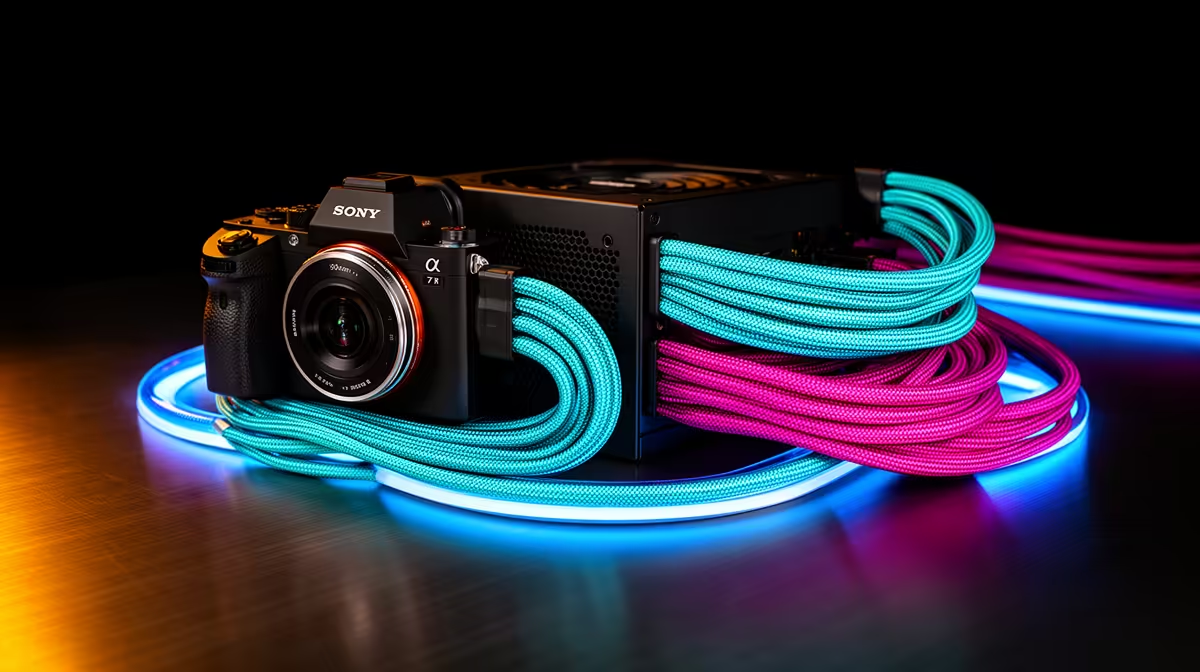
With a fully modular unit you start with an empty back plate and plug in only what the system needs. That means the path from your bottom-mounted PSU to the GPU, CPU, and storage is clean and deliberate. Cable combs and velcro ties do the rest. Sleeved modular cables, available from local suppliers and stocked at Evetech, add another layer of organisation and make routing through grommets straightforward. The practical outcome is a build where airflow from the front intakes reaches the GPU heatsink without turbulence from a cable blockade. For compact cases like an mATX chassis, this difference is even more pronounced because the internal volume is smaller.
Picking the Right Modular PSU for SA Builds 💰
Entry-level fully modular units in South Africa start around R1,800 to R2,200 for 650W 80 Plus Bronze options. Step up to 850W 80 Plus Gold and the price range moves to roughly R2,800 to R3,800, which is the sweet spot for RTX 5070 or RX 9070 XT single-GPU systems. For RTX 5090 builds, 1000W to 1200W fully modular units rated 80 Plus Platinum sit in the R4,500 to R6,500 range locally. Always verify the unit carries ATX 3.1 compliance and a 12V-2x6 connector if you are running a current-gen high-wattage GPU to avoid adapter adapters and the clutter they bring.
Route CPU Cable Before Motherboard ⚡
Install your EPS CPU cable through the top grommet before seating the motherboard. Once the board is in place, that rear routing channel becomes very difficult to access and forces builders to run the cable over the top of the board, which costs both airflow and aesthetics.
FAQ
Does a fully modular PSU actually lower GPU temperatures?
Yes, measurably. Removing unused cable bundles from the GPU zone reduces airflow resistance, and independent thermal tests show GPU junction temperatures drop between 2°C and 7°C in mid-tower builds when switching from non-modular to fully modular wiring.
Can I use third-party cables with a modular PSU?
You can, but only cables designed for your specific PSU model. Pinouts differ between brands and even between product lines from the same brand. Using mismatched third-party cables risks short circuits. Always confirm cable compatibility with the PSU's documentation or the cable manufacturer before purchasing.
Are semi-modular PSUs a good middle ground for budget SA builds?
Semi-modular units keep the 24-pin and CPU cables fixed but make the rest detachable. They cost less than fully modular equivalents, often R300 to R600 less at the same wattage, and work well if your build uses most of the fixed cables. If budget is tight and you do not need the cleanest aesthetic, semi-modular is a solid compromise.
Ready to clean up your build?
Browse fully modular and semi-modular PSUs at Evetech to find the right wattage and efficiency rating for your setup, with options suited to everything from budget mid-range to flagship GPU builds.