Quick Answer
Two 200mm front intakes plus one 140mm rear exhaust delivers roughly 80 to 110 CFM of net airflow, sufficient to cool a build with a 65W to 125W CPU and a GPU drawing up to 200W. Adding one 120mm or 140mm top exhaust noticeably improves headroom for higher-TDP components.
What Two 200mm Fans Actually Move 🌀
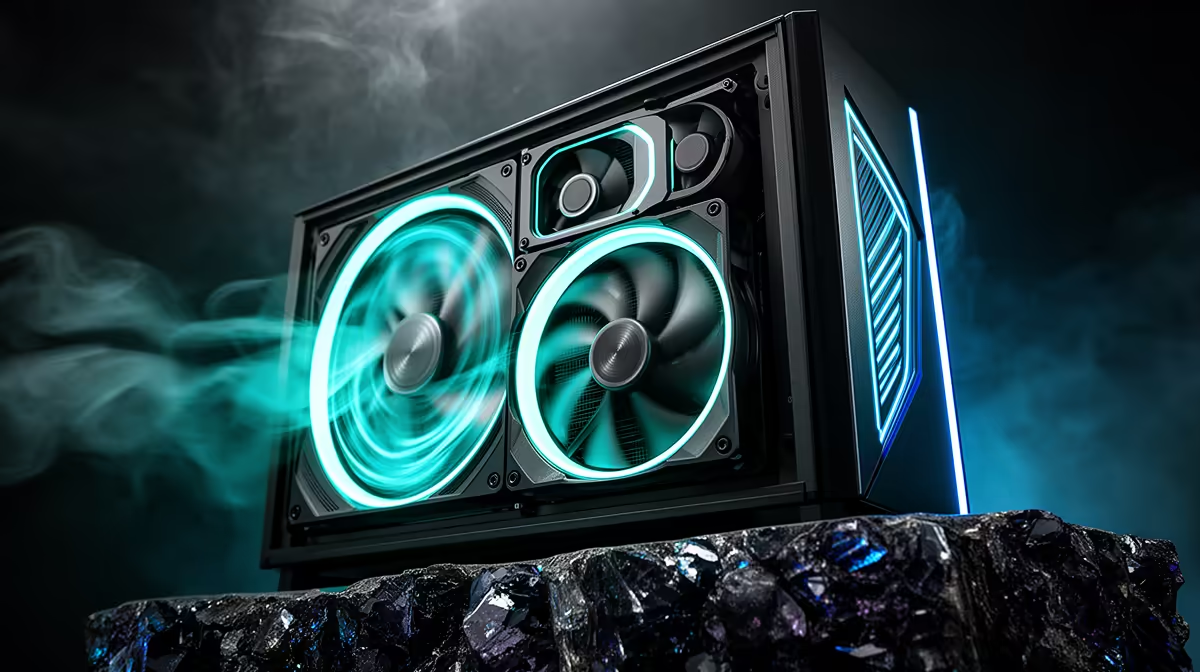
A 200mm fan at 800 RPM shifts around 50 to 60 CFM at low noise, versus a 120mm fan at 1,200 RPM delivering 40 to 50 CFM with more motor whine. Two 200mm front intakes provide substantial low-speed volume across the full motherboard tray, cooling VRMs, RAM, and the GPU simultaneously. Thermal benchmarks consistently show GPU temperatures 5 to 9 degrees Celsius lower than equivalent cases with two 120mm intakes at higher speed. In South Africa, where summer ambients in Gauteng can reach 35 degrees Celsius, this low-noise high-volume approach suits home office and lounge builds where acoustic comfort matters.
Matching This Layout to Your Components 🖥️
The two-200mm-plus-one-140mm configuration pairs well with CPUs in the 65W to 125W TDP range, such as the Ryzen 5 7600 or Core i5-13400F, combined with GPUs up to the RTX 5060 Ti or RX 9060 XT. For a Ryzen 9 9950X or an RTX 5080 under sustained load, the stock fan layout becomes marginal; add a 120mm or 140mm top exhaust before closing the build. The single 140mm rear exhaust creates mild positive pressure with two large intakes, which keeps dust at filter points and extends cleaning intervals.
Adding Liquid Cooling to a Large-Fan Case 💧
Cases built around 200mm fans often sacrifice front radiator mount flexibility because 200mm positions do not align with standard 120mm or 140mm AIO hole patterns. Verify before purchasing whether the case supports a top-mounted 240mm or 280mm AIO, or a dedicated 360mm top slot. For an air-cooled build with a tower cooler like the Noctua NH-D15 or DeepCool Assassin IV, the stock 200mm plus 140mm layout is excellent and needs no modification.
Check Fan Header Count Before You Buy ⚡
Three stock fans need three motherboard fan headers or a hub. Mid-range B650 and Z790 boards supply four to six headers, so you have headroom to add fans later. Confirm header count in the motherboard spec sheet before planning the final fan layout.
FAQ
Can I replace the 200mm fans with 120mm fans using an adapter?
Some cases include adapter plates for two 120mm fans per 200mm position. This suits users wanting high-performance aftermarket fans, but requires purchasing the fans and adapter separately. Out of the box, the stock 200mm fans are adequate for most mainstream builds.
Does a three-fan stock configuration need extra fans for gaming?
For GPUs up to 200W such as the RTX 5060 or RX 9060, the stock layout is typically sufficient. At 250W and above, one additional top exhaust fan keeps GPU hot-spot temperatures under 85 degrees Celsius in sustained gaming.
How loud is a 200mm fan at full speed?
At 800 to 1,000 RPM, a quality 200mm fan measures around 20 to 28 dBA, quieter than most 120mm fans at equivalent airflow. Connected to a PWM fan curve, they rarely hit full speed during normal gaming use.
Need a case that keeps things quiet and cool?
Explore the full PC case selection at Evetech, including large-fan airflow builds and silent-focused enclosures for every build type.