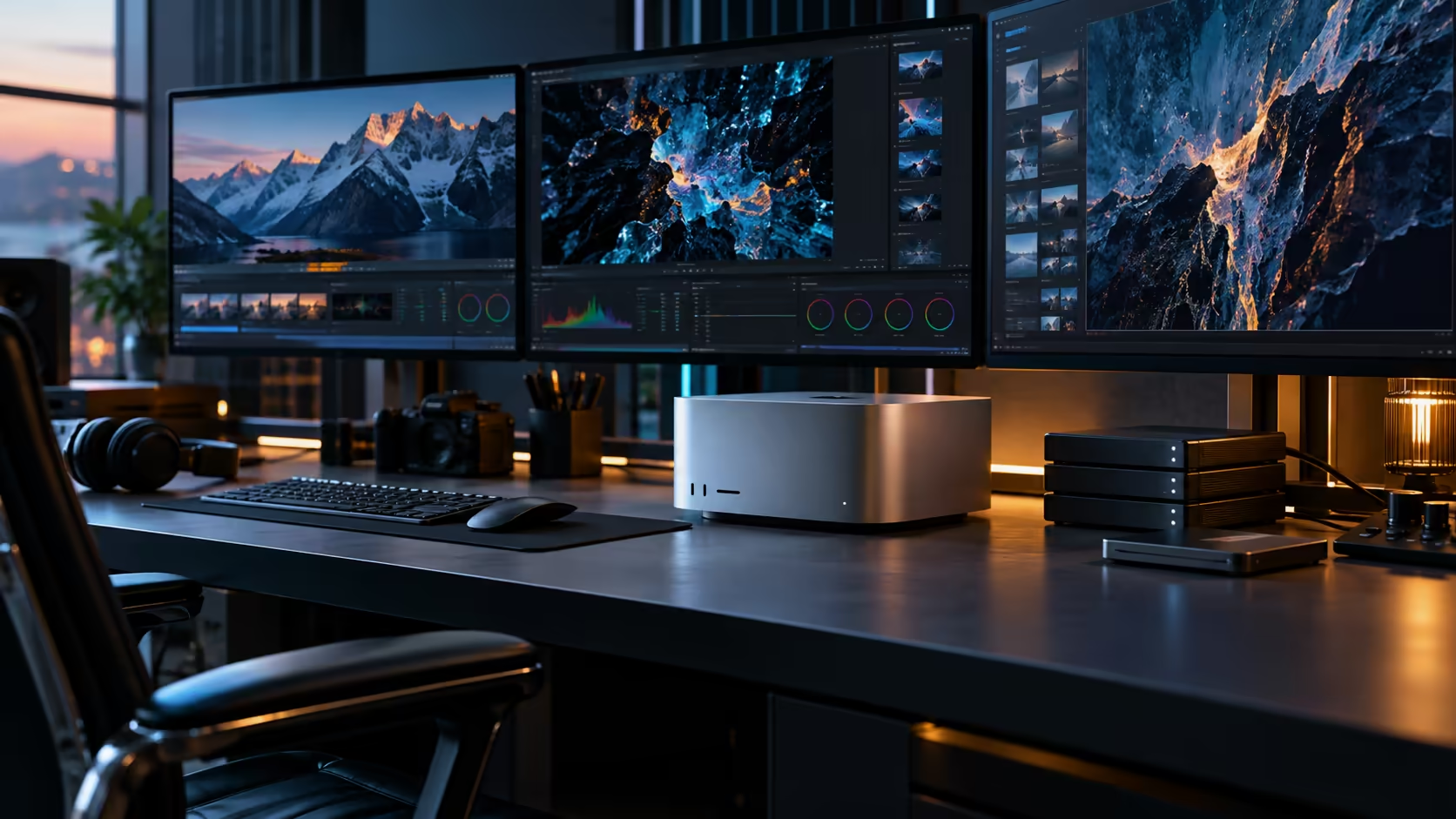
A fluid dynamics mesh doesn't care how fast your processor is if it can't fit in memory to begin with. That single fact reorders how a workstation for computational fluid dynamics and large AI datasets should actually be chosen.
Quick Answer
Work backwards from your largest single run: the full mesh, boundary conditions and solver working data together occupy memory simultaneously for the duration of that run, so measure that combined peak before comparing processor speed. This build offers 96GB shared between 30 CPU cores, 64 GPU cores and a dedicated Neural Engine of 32 more, and it lists for R108,999.
🌊 Why CFD is a memory problem before it's a speed problem
A simulation that doesn't fit in memory either fails outright or falls back to a much slower mode, no matter how capable the chip driving it happens to be.
The full mesh, the boundary conditions, and the solver's working data all need to be resident in the 96GB memory pool simultaneously for most solvers to run efficiently, and that combined figure, not an average or a rule of thumb, is what a memory tier needs to clear. Larger, finer meshes and more complex physics models both push this number up considerably, which is why sizing against your actual heaviest case matters more than any general industry guideline.
🔗 Why unified memory suits this kind of workload
Simulation work often moves data between different processing stages within the same run, and that's exactly where a shared pool has an advantage.
Because the CPU handles solver logic while the GPU accelerates specific calculations, a unified 96GB pool lets both read the same working set directly, sidestepping the copy-and-wait cycle a traditional workstation with a discrete graphics card would otherwise impose. For solvers and visualisation tools that lean on GPU acceleration for at least part of the pipeline, this reduces a real source of overhead that a split-memory architecture carries.
📊 Large AI datasets: a related but distinct sizing exercise
Datasets used for training or inference have their own documented sizes, often 50GB or more, and comparing that figure directly is more reliable than a general rule.
Where a dataset must sit fully resident before a run can even begin, treat its stated size as a floor you cannot dip below, not a rough target. Add any model running alongside it on the same machine and the combined demand climbs fast, so a machine meant to handle both CFD and AI dataset work needs those two figures summed, never budgeted as if only one will ever be active.
💻 Comparing this to memory choices in a PC workstation tower
The underlying principle, measure the real workload before buying, holds regardless of platform.
Choosing between DDR5 memory configurations for a Windows workstation follows the identical logic: undersizing memory for a simulation workload causes the same kind of slowdown or failure, regardless of whether a tower lets you add a stick later or a Mac Studio locks the tier in at checkout. Buyers coming from older systems running DDR3-generation memory will recognise the same bottleneck in a more extreme form, where memory constraints visibly limited what a solver could even attempt.
🌐 Moving large datasets and results between machines
Simulation output and training datasets both tend to be large files, and how quickly they move between your own machines matters for a real working pipeline, not just for buying the right memory tier.
Wire a 10Gb Ethernet port to a proper switch over Cat6A cabling, and a mesh export or dataset that used to crawl across a typical 1Gb office network instead moves between a workstation and shared storage in a small slice of that time, independent of whatever your internet connection provides. For a South African engineering team sharing results across a small office, budget for that network hardware alongside the workstation itself rather than as an afterthought once the slow transfers start costing real working hours.
🖥️ When a dedicated GPU-first workstation makes more sense
Unified memory suits many CFD and AI dataset workflows well, but it isn't automatically the right architecture for every one of them.
Solvers built specifically around a particular discrete GPU's compute framework, with no meaningful CPU-side component, can favour a workstation tower with dedicated VRAM sized specifically for that software, particularly where the software vendor has tuned performance around one specific card family. Check your primary solver's own documented hardware recommendations before assuming the 96GB unified pool is the better fit purely because the total capacity is large, since a mismatch here costs far more in wasted purchase than any memory sizing exercise ever would.
🎯 A practical sizing checklist before buying
Run through these before committing to any specific memory tier.
Identify your largest realistic mesh or dataset size, add the model's own working memory if AI inference runs alongside it, add a reasonable margin for macOS and any visualisation software running concurrently, and compare that total against 96GB. If it clears comfortably, you've sized this configuration correctly for the job.
Frequently Asked Questions
What determines how much memory a CFD simulation actually needs?
The full mesh, boundary conditions and the solver's working data all need to fit in memory at once. Measure your largest realistic case rather than relying on a general industry estimate.
Does unified memory help with CFD work specifically?
Yes, particularly for solvers that lean on GPU acceleration for part of the calculation, since both sides read the same working set directly rather than waiting on a copy between two separate memory pools.
Can I run a large AI dataset and a CFD simulation on the same machine at once?
You can, but their memory demands add together rather than being independent, so size the total combined requirement against the available pool rather than each workload separately.
How does sizing memory for this workload compare to a Windows workstation?
The underlying principle is identical: measure your actual heaviest workload before buying. The difference is that Apple's unified memory is fixed at purchase, while many Windows towers allow memory to be added later.
Is a 10Gb network connection worth it for a CFD or dataset-heavy workflow?
For a team sharing results or datasets across more than one machine, yes. It moves large files at speeds a standard 1Gb office network can't match, and the improvement compounds every time a large file changes hands, which for a busy engineering office can add up to real hours saved across a working week.
Ready to size a workstation against your actual CFD or AI dataset requirements?
Measure your heaviest case, then match it to the Mac Studio M5 Ultra's 96GB configuration.