Quick Answer
Install a GPU support bracket by first seating the GPU fully in the PCIe slot, then positioning the bracket foot on the PSU shroud or case floor rail with the adjustable arm touching the GPU cooler underside without lifting or bending the card. Tighten gently; over-tightening adds upward stress that bends the PCIe slot in the opposite direction.
Why GPU Sag Happens and What It Damages 📐
Modern triple-slot triple-fan GPU coolers weigh 1.2kg to 2.0kg. The PCIe x16 slot holds the card at one end, but the other 300mm to 400mm of the card's length cantilevers unsupported into the case interior. Gravity pulls the front edge of the card down over weeks and months, visibly bending the GPU away from horizontal. Prolonged sag places a shear force on the PCIe slot solder joints of the motherboard and can eventually crack them, causing PCIe connectivity errors or complete slot failure.
Step-by-Step Installation Process 🔧
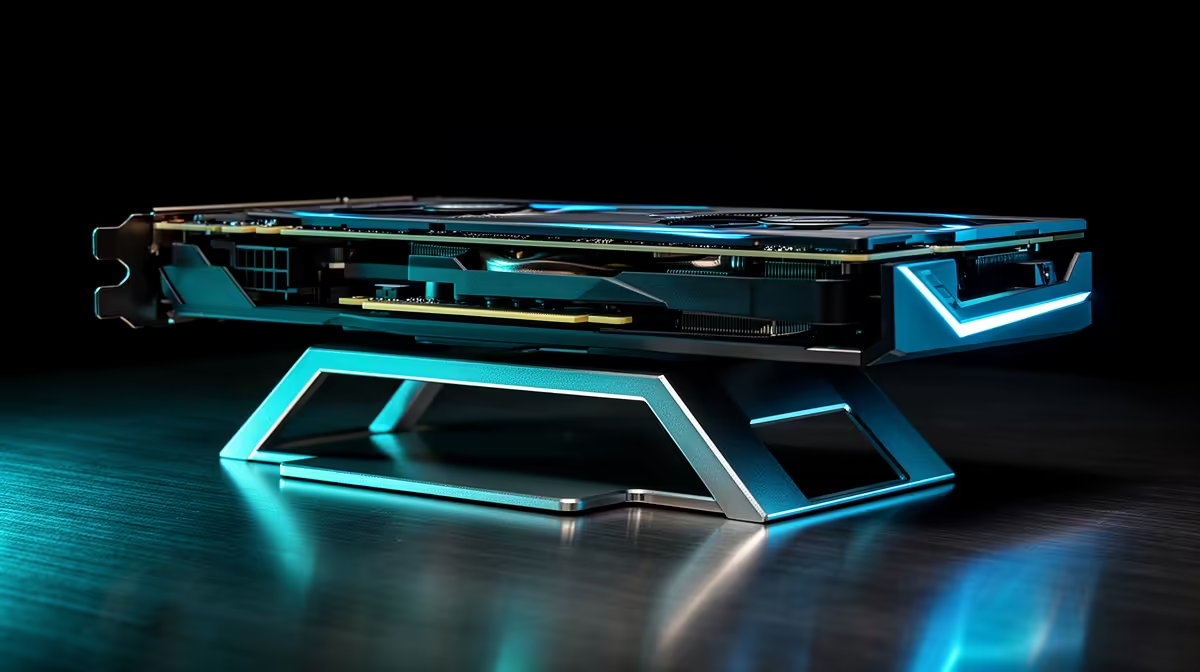
Begin with the PC powered off and unplugged. Seat the GPU fully in the PCIe slot until the retention latch clicks. Connect all GPU power cables before positioning the support bracket, as cable routing affects the card's resting angle. Position the bracket base on the PSU shroud top surface, slide it along the rail until the vertical arm sits directly below the GPU cooler, approximately one-third to halfway along the card's length from the front edge. Extend the adjustable arm upward until it contacts the cooler underside with light finger pressure only. The bracket should hold the card level, not lift it. Lock the adjustment knob and visually confirm the card sits parallel to the PCIe slot with no upward bow. For ARGB brackets, connect the 3-pin ARGB header to an available header on your motherboard or ARGB hub before closing the side panel.
Choosing the Right Bracket Height and Style 🎯
GPU support brackets come in two main adjustment styles: a simple telescoping post with a fixed foot, and a multi-axis adjustable arm with a sliding base. Telescoping posts costing R250 to R400 suit standard dual-slot GPUs in typical mid-tower configurations. Multi-axis brackets at R400 to R600 accommodate triple-slot coolers, vertically mounted GPUs, and unusual case layouts. Both types use the PSU shroud as a base reference. If your case does not have a PSU shroud and the PSU sits below an open floor, look for brackets that mount to a case rail or PCIe slot cover instead. Confirm the maximum arm extension of the bracket before purchasing: most extend 80mm to 160mm, which covers dual-slot to triple-slot cooler heights.
Level the Bracket With a Spirit Level or Phone App ⚡
After installing the GPU support bracket, use a phone spirit level app held against the GPU cooler base plate to confirm horizontal alignment. Even 2 to 3 degrees of upward tilt from an over-tightened bracket concentrates stress at the PCIe slot edge. A truly level GPU puts zero bending stress on the slot and runs cooler because the cooler fins sit correctly oriented to their fan airflow.
FAQ
Do all GPU support brackets fit all cases and GPU sizes?
No. Brackets designed for standard ATX PSU shrouds may not fit mATX cases with shallow shrouds or cases with no shroud at all.
Can I install a GPU support bracket without a PSU shroud in my case?
Yes, using a PCIe-slot-mounted bracket that clips between expansion slot covers at the rear of the case. These provide a rigid mounting point independent of the case floor layout and are compatible with virtually all case designs.
Does a GPU support bracket affect GPU temperatures?
Not significantly. The bracket contacts the bottom of the GPU cooler shroud, not the heatsink fins or fans, so it does not disrupt airflow.
Protecting your graphics card from sag damage?
Evetech stocks GPU support brackets including ARGB variants for glass-panel builds, sized to fit both compact and full-tower cases.