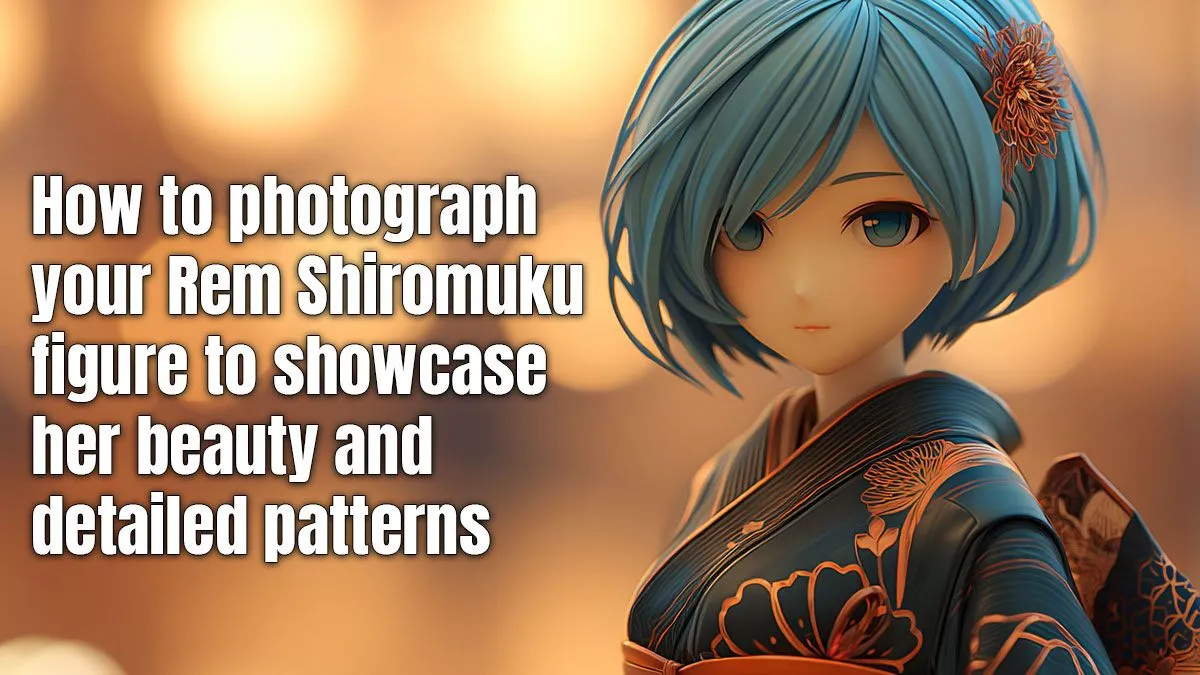
You finally have her. The Taito Rem Shiromuku figure, in all her glory. You unbox her, place her on your desk, and… snap a quick pic for the group chat. But the photo looks flat. It doesn’t capture her grace or the incredible detail of her traditional gown.
Don't worry, we've all been there. The good news is that you don't need a fancy studio to do her justice. Mastering Rem Shiromuku photography is about understanding light and angles. ✨
The Foundation of Great Figure Photography
Before you even touch your camera, take a moment to appreciate the figure itself. This isn't just a piece of plastic; it's a small sculpture. The Rem Shiromuku is one of those stunning Premium Figures where the artists have poured immense effort into every fold of the fabric, every strand of hair, and her serene expression. Your first job in photographing Rem Shiromuku is to identify what makes her special to you. Is it the subtle gloss on her hairpins? The delicate colour gradient on her kimono? Decide on your focus.
Mastering Your Lighting Setup 💡
Great photography is all about controlling light. Harsh, direct light (like your room's main overhead light) will create ugly shadows and wash out details. The goal is soft, diffused light that wraps around the figure gently.
The easiest way to start is with natural light. Place Rem near a window, but not in direct sunlight. Use a plain white or black background—a piece of A4 paper or cardboard works perfectly. This simple setup is a massive step up and is perfect for all sorts of figures, from affordable Prize Figures to more elaborate pieces. You want to create mood and highlight the form, which is key for elegant Rem Shiromuku photography.
The Two-Lamp Trick
No good window light? No problem. Use two desk lamps. Place one as your main light (key light) to one side. Place the second one on the opposite side, further away or covered with a thin white t-shirt, to soften the shadows (fill light). This mimics a professional setup for basically R0.
Choosing the Right Angles & Composition
Never shoot a figure straight-on from your own eye level. It's the most boring angle possible! Get your camera down to the figure's "eye level" or even slightly below. This creates a more dynamic and heroic shot, making her feel present and alive.
Experiment with different angles to tell a story:
- Low Angle: Makes her seem graceful and statuesque.
- High Angle: Emphasises the details on her hair and the top of her kimono.
- 45-Degree Angle: A classic, balanced shot that shows off both her face and the side details of her outfit.
Remember the "rule of thirds"—imagine a 3x3 grid over your shot and place Rem off-centre for a more professional look. This technique is especially vital for detailed Scale Figures like this one, as it gives the details room to breathe. The same principles apply even when you're shooting fun, stylised Kawaii Figures, where a playful angle can enhance their charm.
Simple Edits for a Professional Finish
A little touch-up can make a good photo great. You don't need expensive software; even your phone's built-in editor can do the job.
Focus on these three simple tweaks:
- Crop & Straighten: Make sure your composition is tight and the horizon is level.
- Brightness & Contrast: Increase brightness slightly to make her pop, and add a touch of contrast to deepen the shadows and highlight details.
- Vibrance: A small boost in vibrance can make the subtle colours on her kimono stand out without looking fake.
The key is subtlety. You want to enhance the photo, not transform it into something unrecognisable. These tips work for any collectable, even soft and cuddly Plushies & Accessories that need their texture highlighted. Now go on, give your Rem the photoshoot she deserves! 🚀
Ready to Capture Your Next Masterpiece?
The perfect shot starts with the perfect subject. Explore our huge range of anime figures and shop all Collectables at Evetech to find your next muse.