Quick Answer
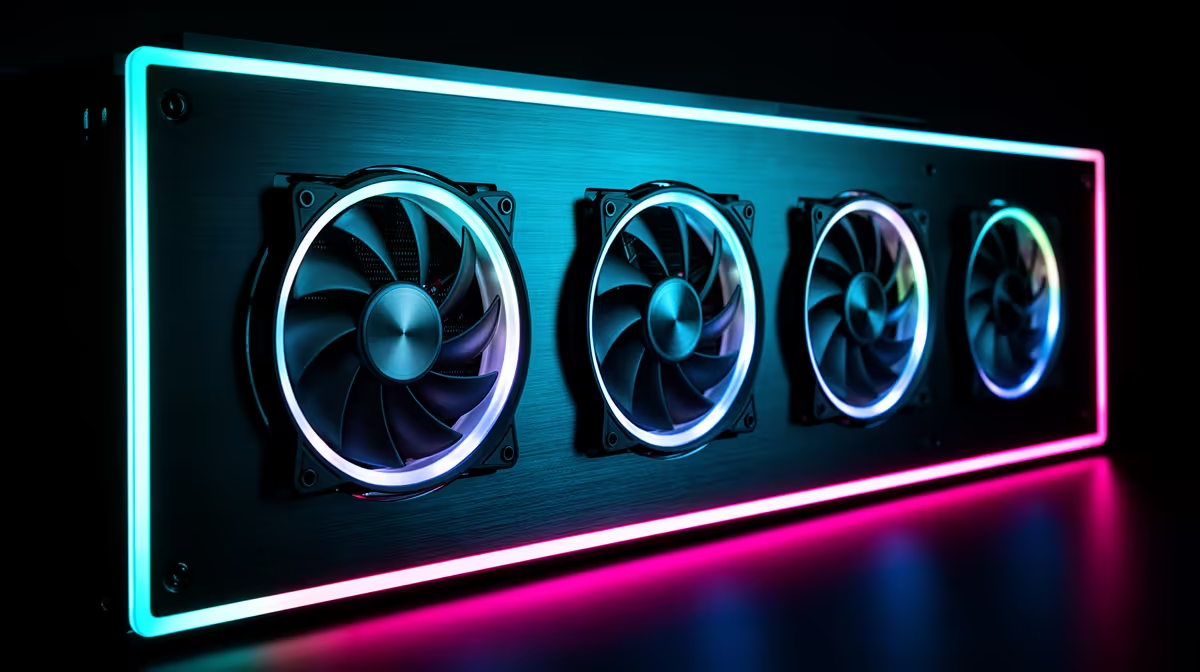
With four pre-installed ARGB fans in an ATX case, the optimal layout is three fans as front intakes and one as a rear exhaust. This creates a positive pressure environment that pushes cool air across the CPU and GPU while exhausting hot air out the back, keeping temperatures five to ten degrees Celsius lower than a balanced or negative-pressure configuration.
Understanding Positive, Negative, and Balanced Pressure 🌬️
Airflow configuration in a PC case is defined by the ratio of intake to exhaust fans. Positive pressure (more intakes than exhausts) reduces dust accumulation by forcing air out of every gap rather than drawing dusty air through unfiltered openings. Negative pressure (more exhausts) is louder and dustier but can achieve lower temperatures in very dense component environments. Balanced pressure (equal intakes and exhausts) is a compromise. For a standard ATX build with a discrete GPU and AIO or air cooler, positive pressure via three front intakes and one rear exhaust is the practical winner for South African homes where dry-season dust is a recurring issue in cities like Johannesburg and Pretoria.
Making Your Four Fans Work Optimally 🔧
If the case ships with all four fans at the front (three front, one bottom or side), reassign one to the rear exhaust slot. Most modern ARGB fans are reversible in software and their cable length accommodates rear positioning. Set all four fans to a single PWM curve through your motherboard's fan control utility: target 800 to 1,000 RPM at idle and ramp to 1,400 to 1,600 RPM when CPU temperature exceeds 65 degrees Celsius. This keeps the ARGB fans below the noise threshold where they become distracting during late-night gaming. If your case has a 360mm top radiator slot empty, adding a further three 120mm exhaust fans here dramatically increases hot air removal without disrupting the front intake flow.
ARGB Synchronisation Across Four Fans 🌈
Four pre-installed fans from the same manufacturer typically daisy-chain on a single 5V ARGB header. Connect the chain to your motherboard's ARGB header and manage effects through ASUS Aura Sync, MSI Mystic Light, or Gigabyte RGB Fusion depending on your board brand. If your motherboard has only one ARGB header and you also have an ARGB pump head and RAM kit, use a splitter hub to distribute the signal. Ensure the hub is powered independently (typically a 4-pin Molex to SATA adapter is included) so it does not overload the header's 3A maximum current draw when all LEDs run at full white brightness.
Check Fan Direction Before Closing the Case ⚡
Pre-installed fans are not always oriented correctly for intake or exhaust out of the box. Check the airflow direction indicator stamped on the fan frame (an arrow indicating airflow direction) before closing the case. Reversing one fan from intake to exhaust takes under two minutes but can drop CPU temperatures by five to eight degrees Celsius.
FAQ
Can I add more fans to a case that came with four pre-installed?
Yes, provided the case has additional fan mount positions. Check your case spec sheet for total fan slots. Most mid-towers support six to nine fans; adding top exhaust fans after the fact is typically the highest-impact upgrade.
Should I replace the pre-installed ARGB fans with premium alternatives?
Only if the included fans underperform. Test temperatures with the stock fans first. Budget ARGB fans from reputable brands like DeepCool or be quiet! that are pre-installed in R2,000 to R3,500 cases are generally adequate for standard gaming builds.
Do ARGB fans run hotter than non-RGB fans?
No. The LED circuitry generates negligible heat that has no measurable effect on fan motor temperature or bearing longevity. The visual and thermal performance of an ARGB fan is essentially identical to a non-RGB equivalent from the same manufacturer at the same RPM.
Want to optimise your case airflow from day one?
Evetech stocks ARGB fans and ATX cases pre-configured for positive-pressure builds, available for delivery or collection throughout South Africa.